
Upscale Product Images to 4K
Enhance resolution and sharpen details with AI — turn low-res photos into crisp, zoom-ready images.
5 free credits on sign-up • No credit card required
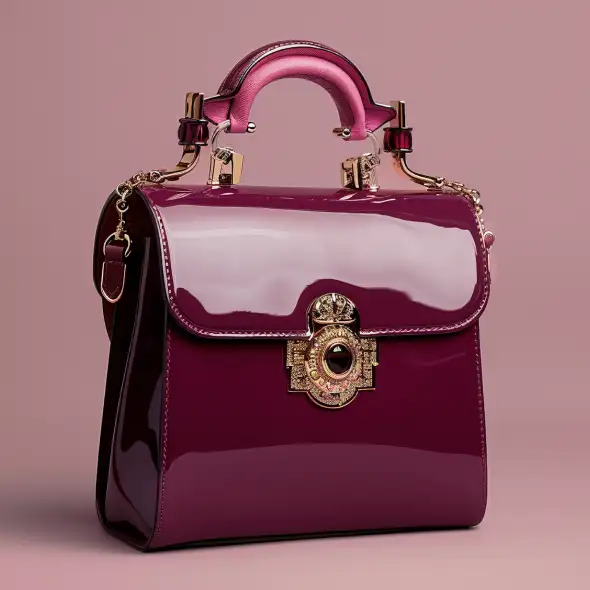
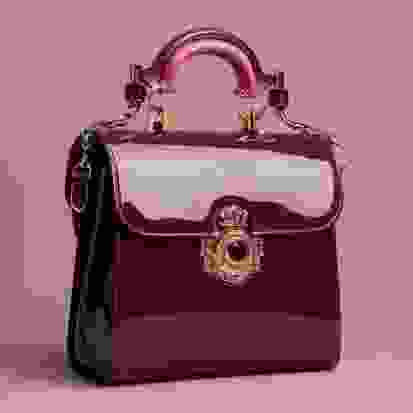
Low-resolution product images hurt conversions. Customers want to zoom in and see details before buying. Our AI image upscaler transforms low-res photos into crisp, high-resolution images ready for e-commerce zoom views, print materials, and retina displays. Unlike simple resizing, AI upscaling intelligently adds detail and sharpness.
How It Works
Upscale Product Images in three simple steps.
Upload Your Image
Upload any product photo that needs higher resolution. Works with JPG, PNG, and WebP.
Choose Upscale Level
Select 2x or 4x upscaling. AI enhances details while increasing resolution.
Download HD Image
Get your upscaled image with enhanced sharpness and clarity. Ready for zoom views and print.
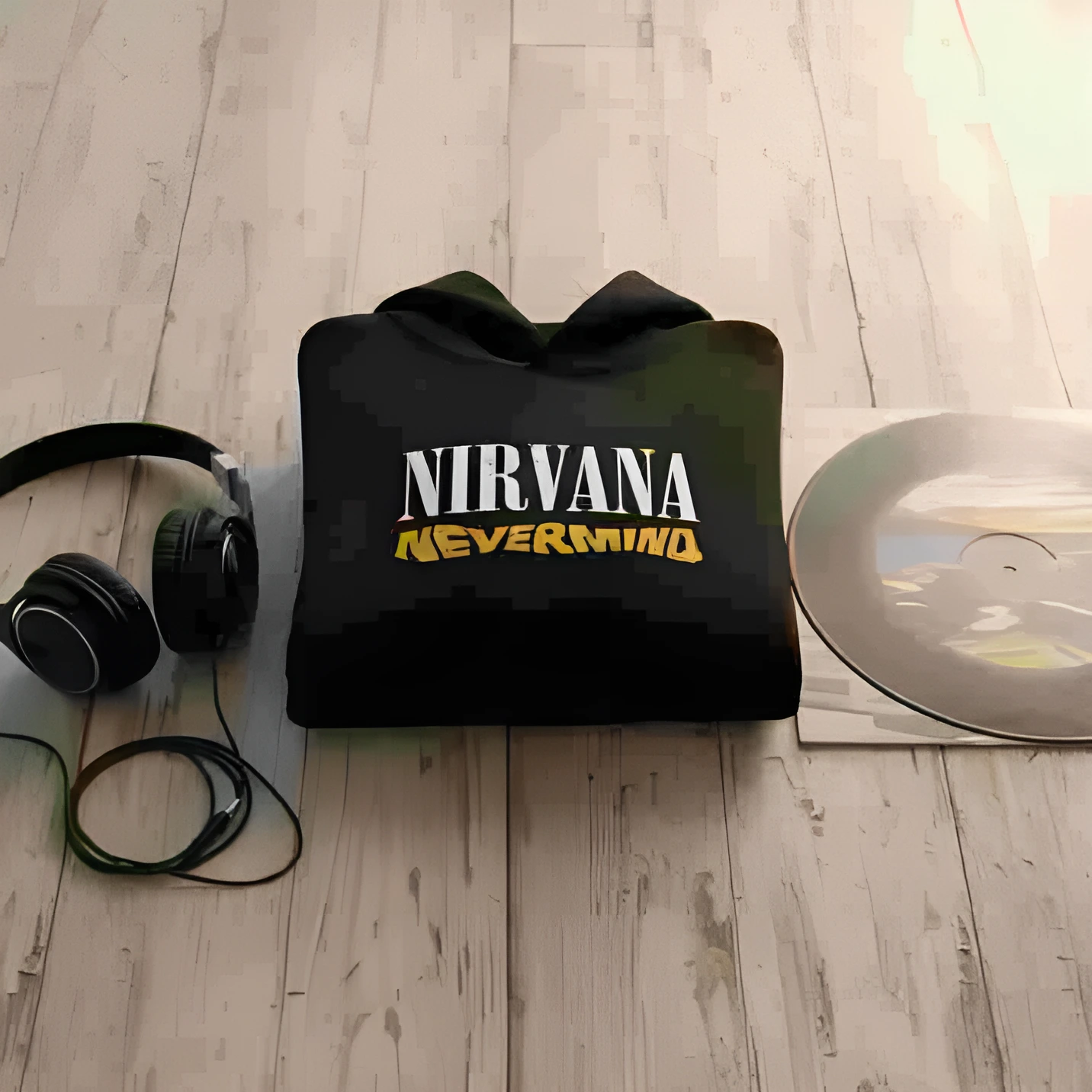
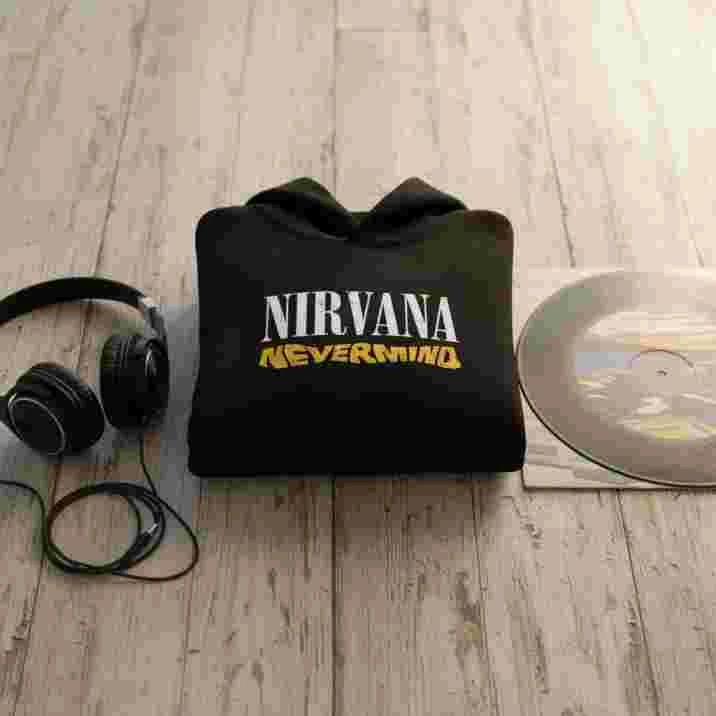
See It In Action
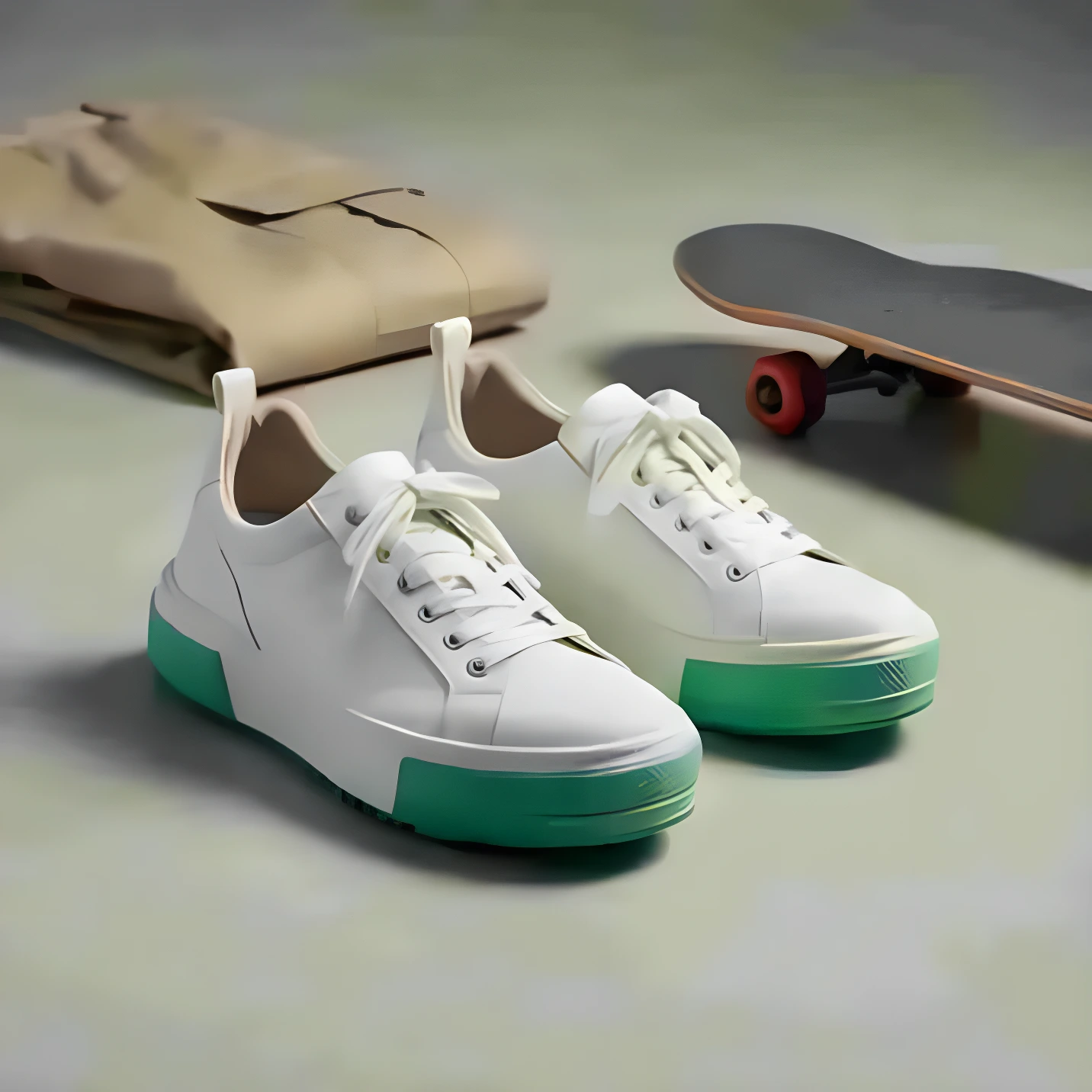
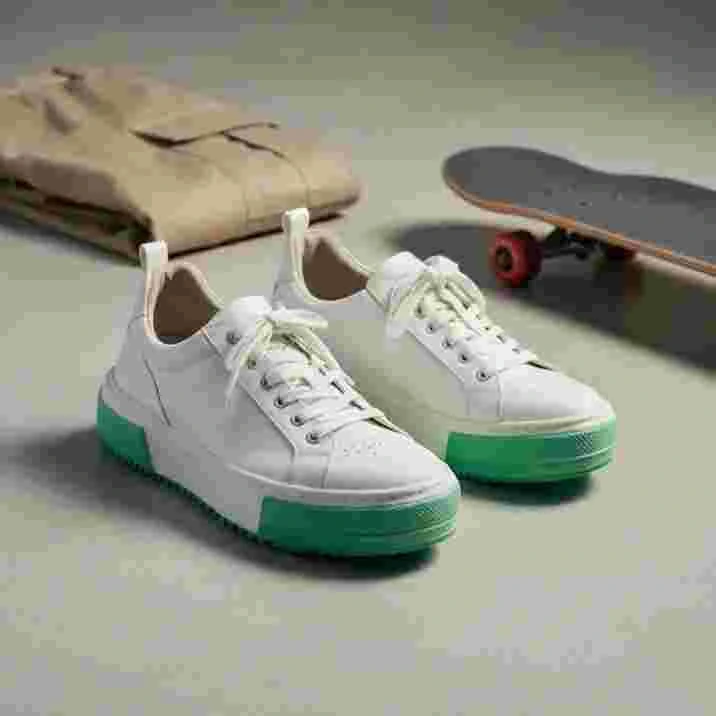
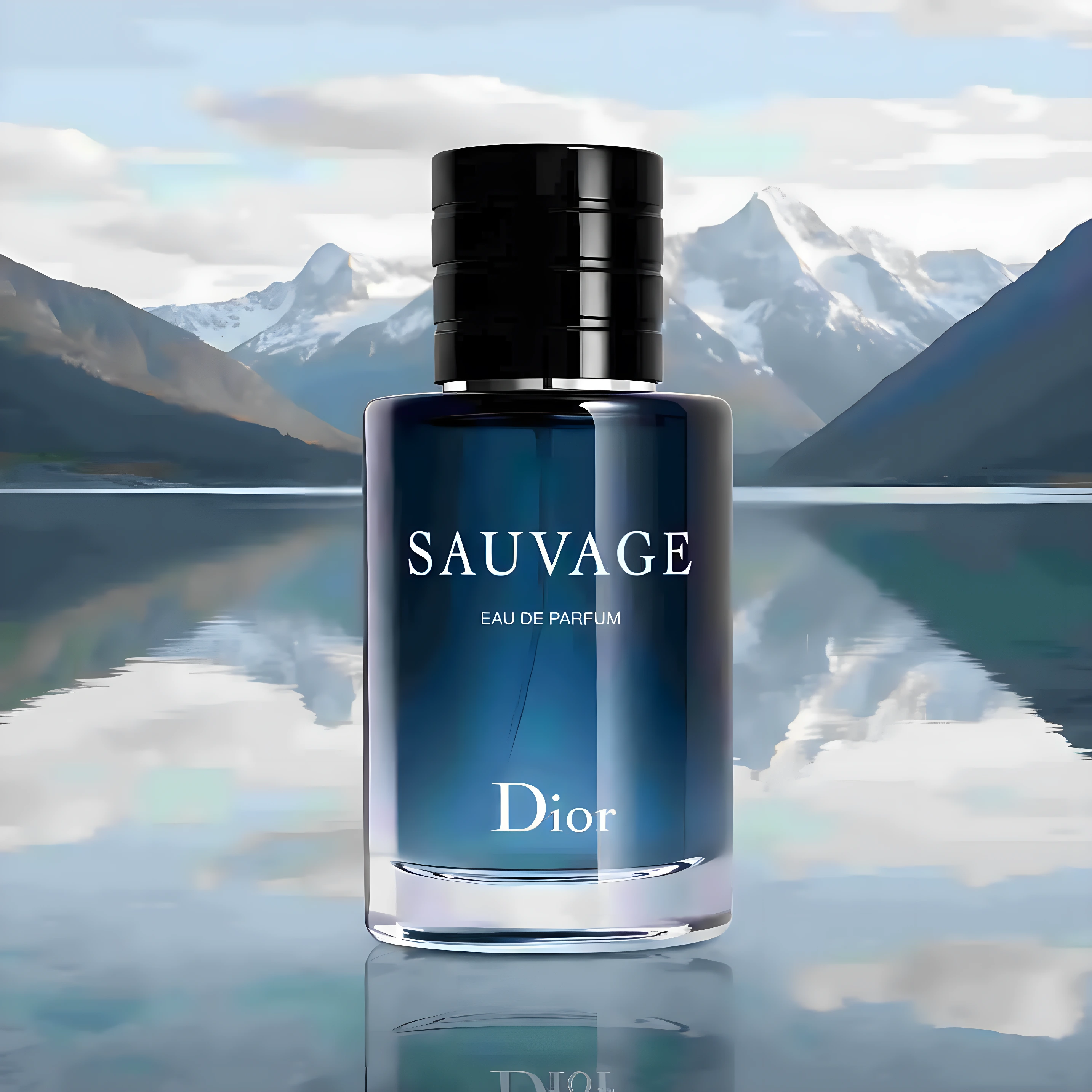
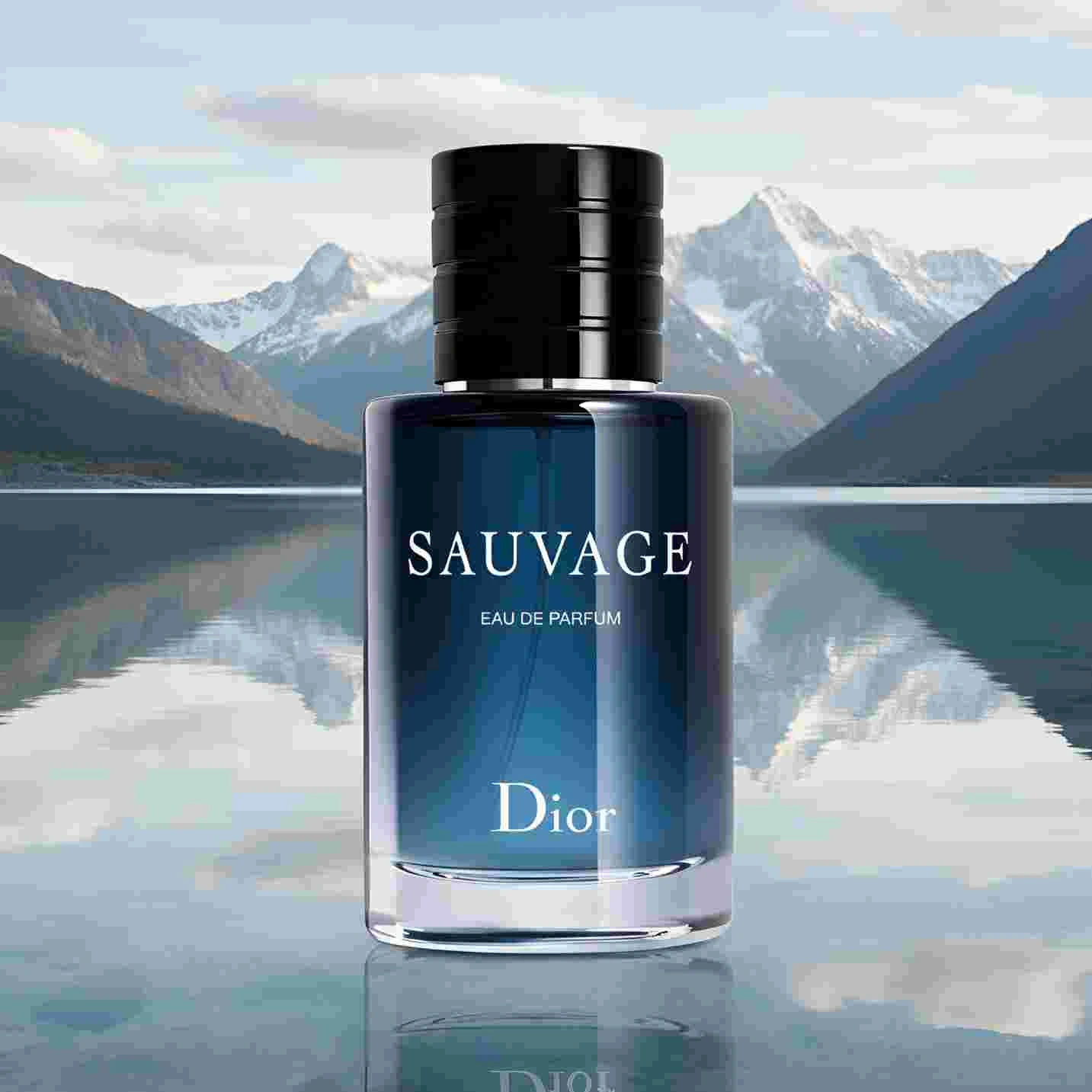
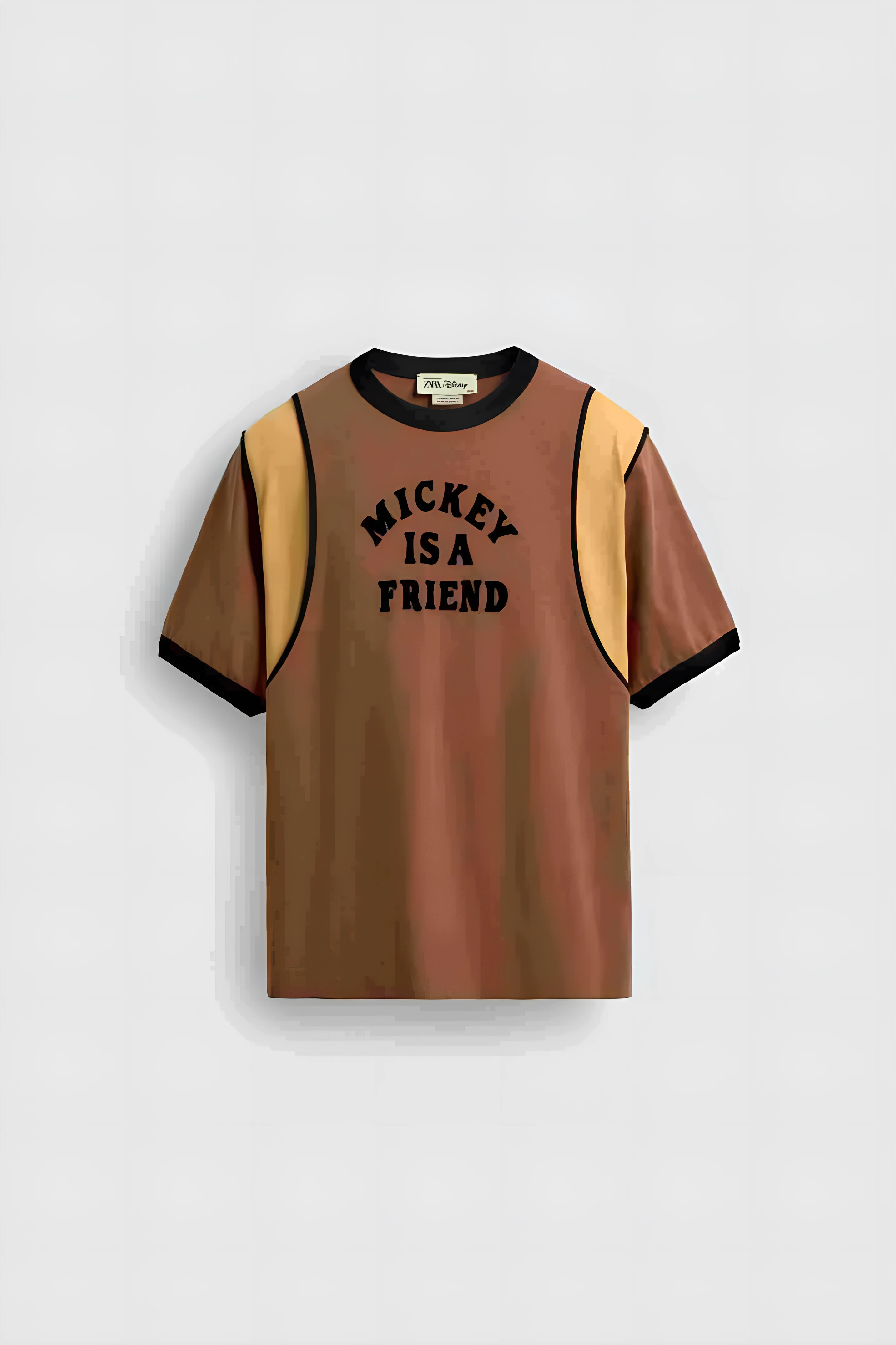
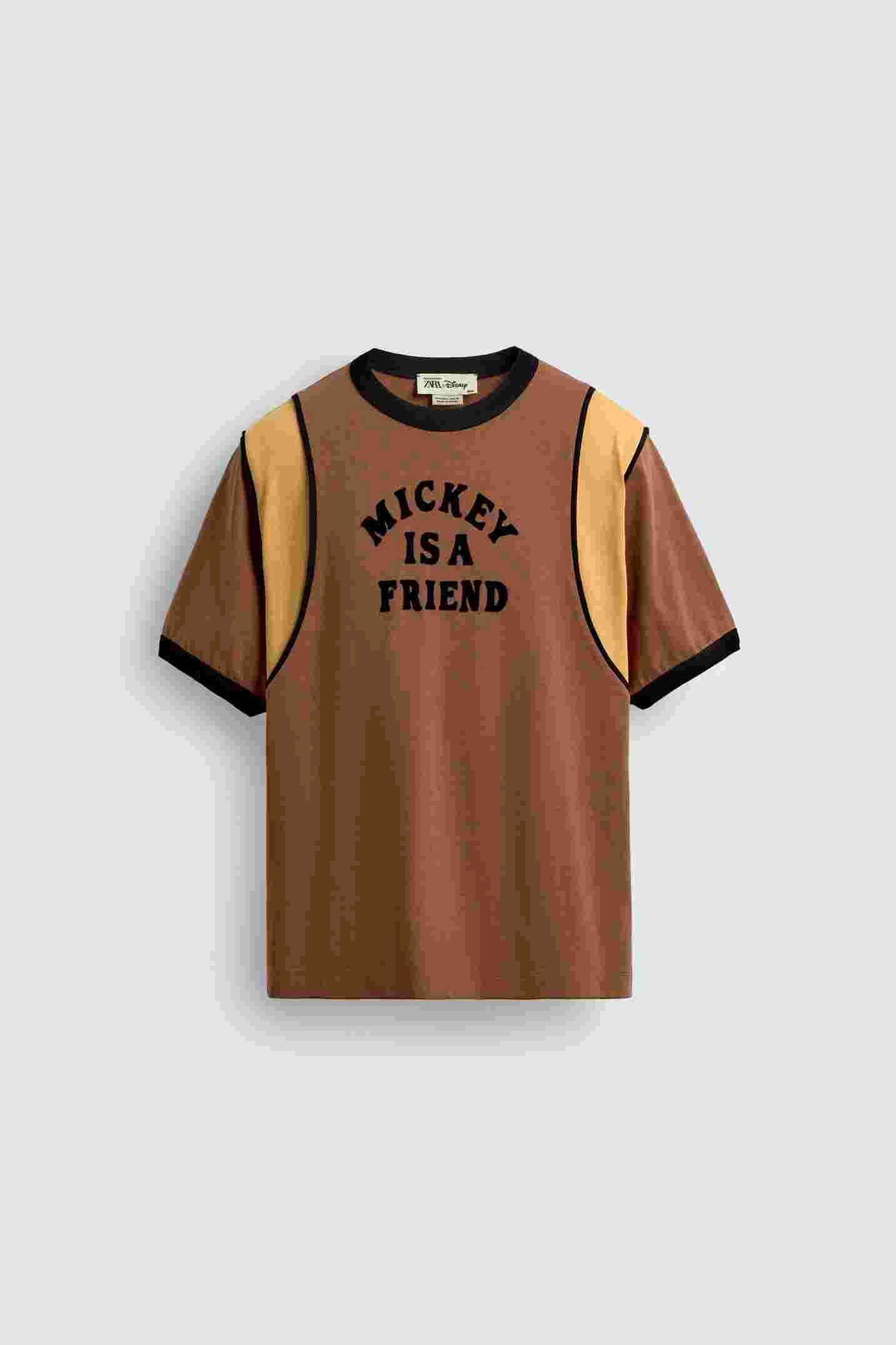
Real examples of what you can achieve with Image Upscaler.
Who Uses Image Upscaler?
From solo sellers to enterprise teams — here's how people use this tool.
E-commerce Zoom Views
Give customers the ability to zoom in and see product details clearly.
Learn morePrint Materials
Upscale product images for catalogs, packaging, and marketing materials.
Learn moreRetina Displays
Ensure your images look sharp on high-density screens and mobile devices.
Learn moreLegacy Photo Recovery
Enhance old product photos that were shot at lower resolutions.
Learn moreKey Features
Everything you need in a professional image upscaler.
AI Detail Enhancement
Our AI doesn't just stretch pixels — it intelligently adds detail and sharpness.
Up to 4x Upscaling
Transform 1000px images into 4000px without losing quality.
Noise Reduction
AI removes compression artifacts and noise while upscaling.
Batch Processing
Upscale your entire product catalog at once with consistent quality.
Pro Tips for Best Results
- Start with the best quality source image you have — AI enhances, but can't create missing detail
- 2x upscaling produces the sharpest results; use 4x only when necessary
- For product photos, ensure good lighting in the original for best upscale results
- Upscale before adding text or graphics to maintain crisp edges
Frequently Asked Questions
Everything you need to know about Image Upscaler.
How much can I upscale an image?
You can upscale images up to 4x their original resolution. A 1000x1000 image becomes 4000x4000. We recommend 2x for best quality-to-size ratio.
Will upscaling make my image blurry?
No. Unlike simple resizing, our AI adds intelligent detail and sharpness. The result is a crisp, clear image that looks like it was shot at higher resolution.
What's the maximum output resolution?
We support outputs up to 4K (4096x4096 pixels). This is sufficient for most e-commerce zoom views and print applications.
Can I upscale images with text or graphics?
Yes, but for best results, upscale your product photo first, then add text and graphics at the final resolution.
How does AI upscaling differ from Photoshop?
Traditional upscaling (like in Photoshop) interpolates pixels, often creating blur. AI upscaling uses trained models to intelligently add detail and sharpness based on patterns learned from millions of images.
Is there a file size limit?
Input images can be up to 25MB. For very large outputs, we recommend downloading in WebP format for optimal file size without quality loss.
More Tools You'll Love
Complete your workflow with these related tools.
Ready to Try Image Upscaler?
Join thousands of sellers using EcomShot to create professional product photos. Start free — no credit card required.
5 free credits • No credit card required • Cancel anytime