
AI Book Product Photography
Create professional book photos that make readers want to pick up your title — without expensive photography setups.
5 free credits on sign-up • No credit card required
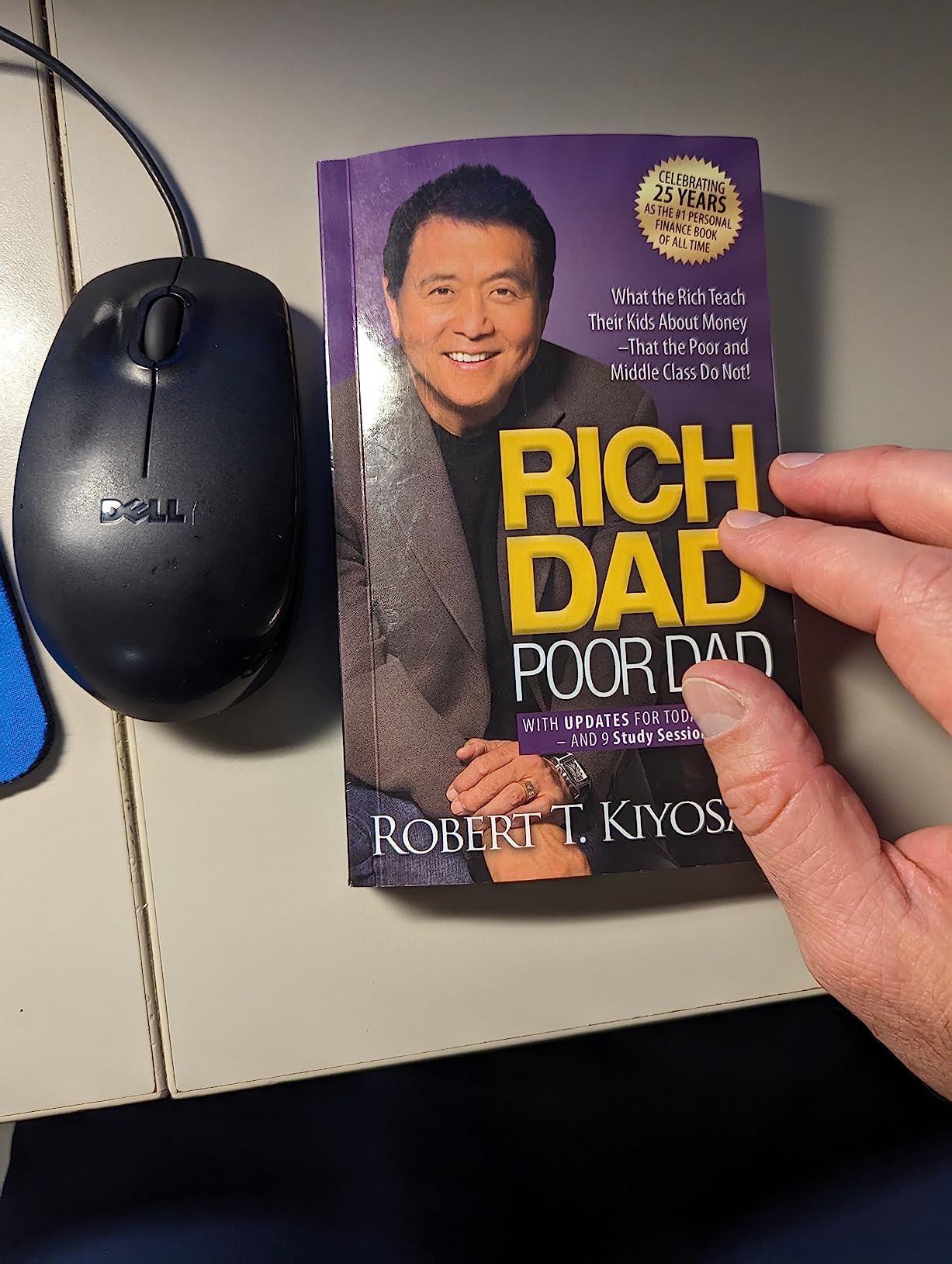




See the Transformation
Upload your books product and watch AI create professional photos in seconds.
Example 1
Example 2





Book standing on clean background showing cover
Cozy reading scene with coffee and blanket
Professional flat-lay with desk accessories
Book stack with lifestyle styling
Why Use AI for Books Photography?
Traditional product photography is expensive and time-consuming. Here's how EcomShot solves that.
Book photography needs to show covers clearly
AI generates clear, readable cover photos
Creating lifestyle reading scenes is complex
Generate cozy reading scenes instantly
Each new release needs promotional photos
Create launch-ready photos in seconds
Showing book quality and finish is challenging
AI highlights paper quality and binding
How to Create Books Photos with AI
Professional books product photos in three simple steps.
Upload Your Product
Take a photo of your books product with any background. Our AI will isolate it automatically.
Choose Your Style
Select from preset backgrounds or describe your ideal scene. Perfect for books products.
Download & Sell
Get high-resolution photos ready for your store, Amazon, Etsy, or any marketplace.
💡 Pro Tips for Books Photography
- Photograph with cover facing camera straight-on
- Use warm, cozy keywords for lifestyle shots
- Show both standing and flat-lay positions
- Include series books together for collection shots
Where to Use Your Books Photos
Professional photos that work everywhere you sell.
Self-Published Authors
Create professional launch photos for your book.
Publishers
Generate catalog and marketing photos efficiently.
Amazon Book Listings
Stand out with professional product photos.
Bookstores & Libraries
Create display and promotional materials.
Books Photography Prompt Ideas
Use these prompts to get started or customize them for your brand.
Book standing upright, clean background, soft lighting, cover visible
Cozy reading scene, coffee cup, soft blanket, warm light
Desk flat-lay, reading glasses, notebook, natural daylight
Book stack arrangement, minimal styling, editorial look
Frequently Asked Questions
Everything you need to know about AI books product photography.
How does AI show book covers clearly?
Our AI generates photos with appropriate lighting that keeps cover text and artwork readable. For best results, use a straight-on source photo with the cover clearly visible.
Can I create lifestyle reading scenes?
Yes! Describe the setting you want — cozy armchair, coffee shop, beach, library — and the AI will generate contextual scenes that suggest the reading experience.
What about hardcover vs. paperback?
EcomShot works with both formats. The AI adapts to show the appropriate binding style and paper quality of your book.
Can I photograph book sets or series?
Absolutely! Photograph your set together, and the AI will create attractive arrangements that highlight the collection.
How do I show the book's spine?
Include the spine in your source photo. The AI will maintain visibility of spine text and design in the generated images.
Are these photos suitable for Amazon book listings?
Yes! The photos meet Amazon's requirements for book product images, showing covers clearly with professional quality.
Explore More Categories
AI product photography for every product type.
Ready to Create Books Photos?
Join thousands of sellers using EcomShot to create professional books product photos. Start free — no credit card required.
5 free credits • No credit card required • Cancel anytime