
On-Model Photos Without the Shoot
Show your apparel and accessories on realistic AI models — pick a model or use your own, and generate on-model shots in seconds.
5 free credits on sign-up • No credit card required
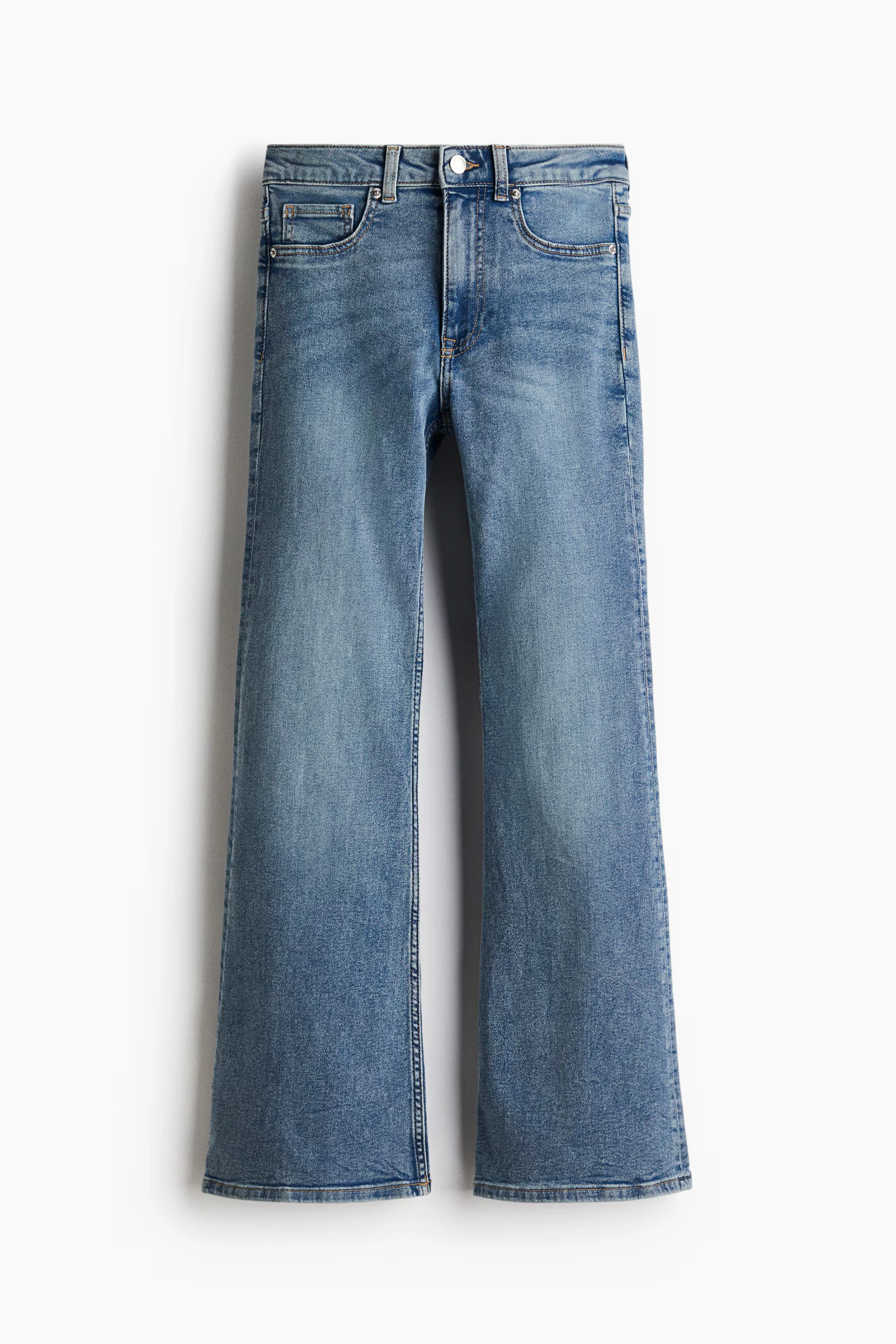
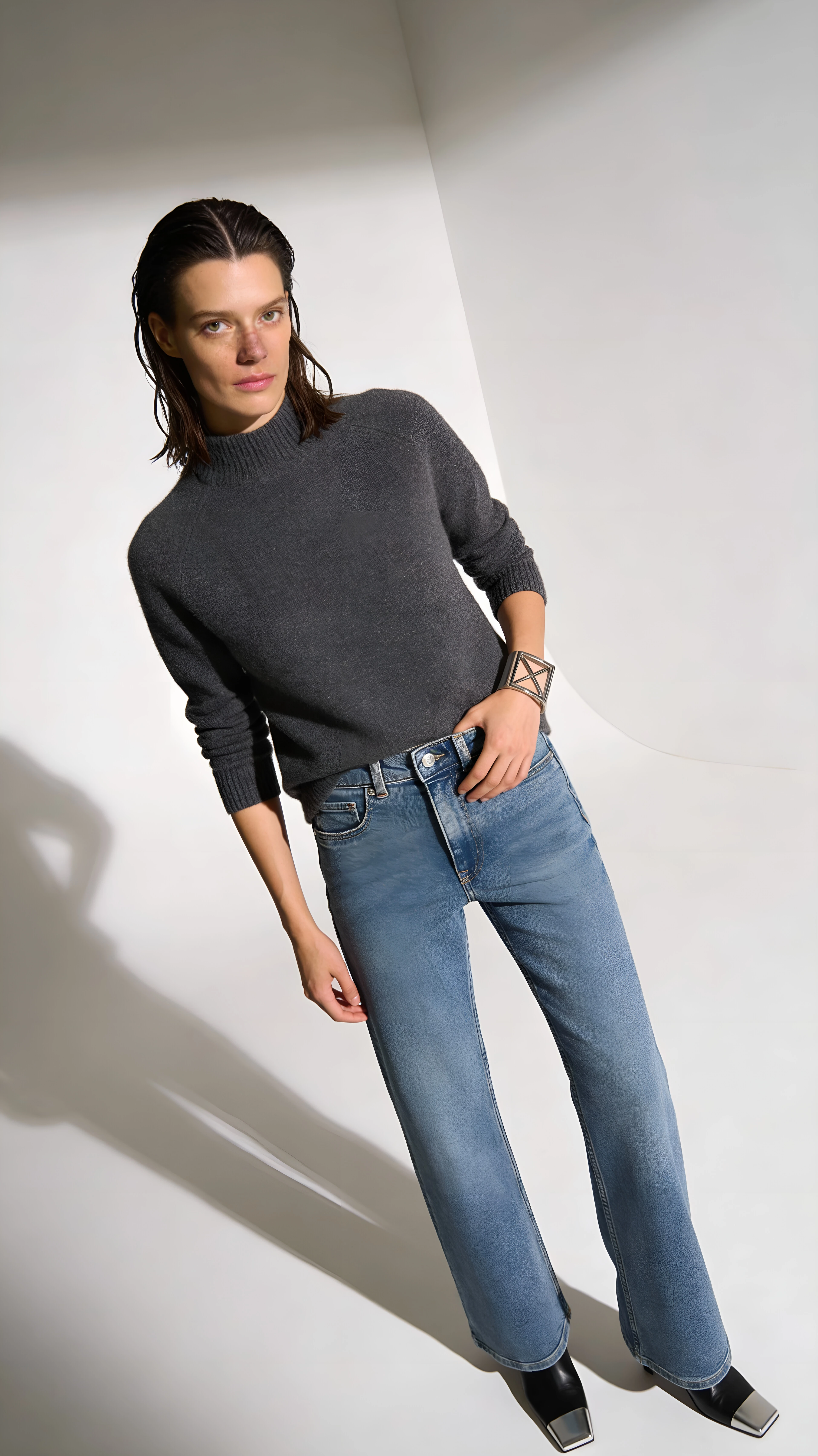
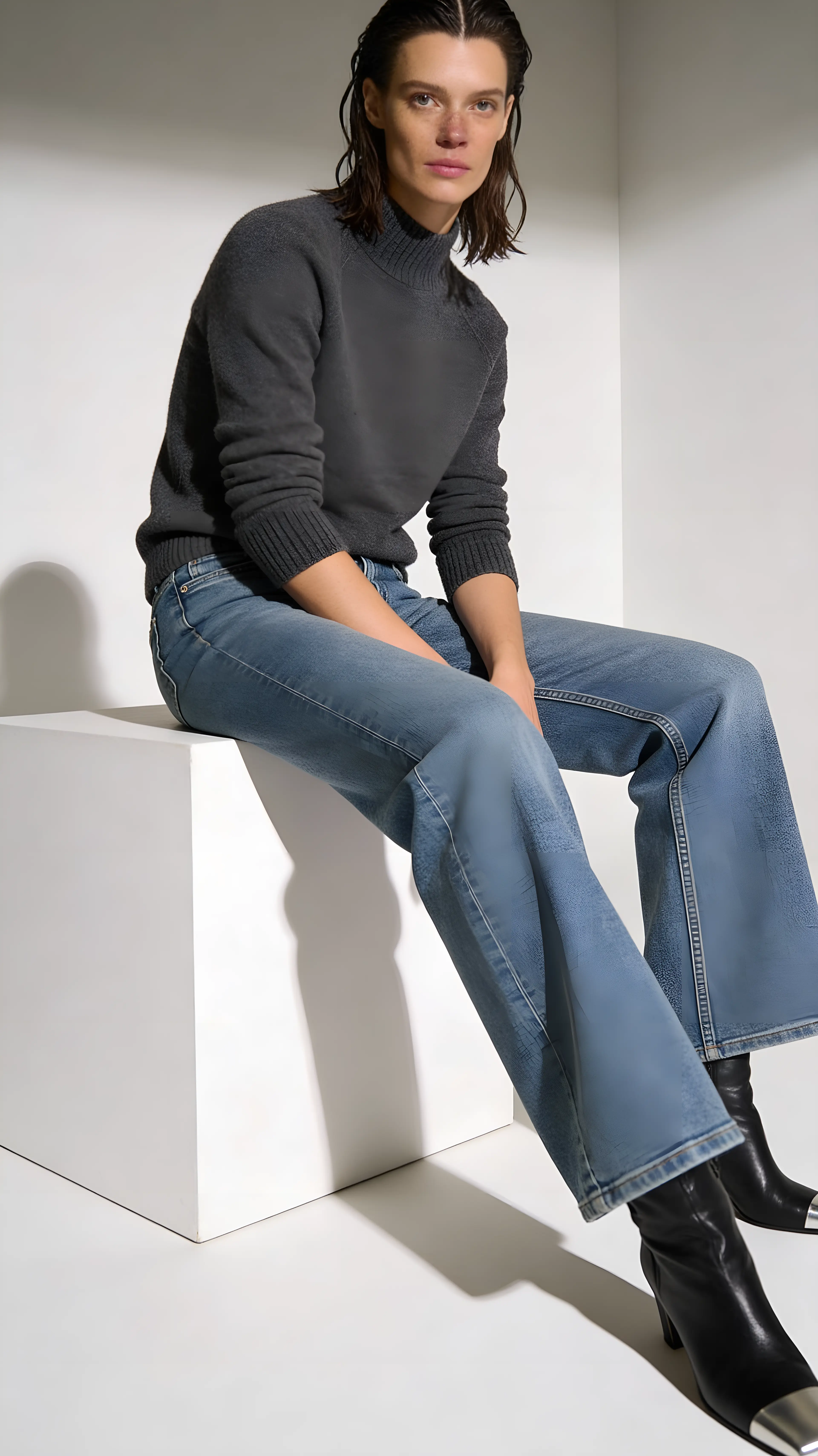
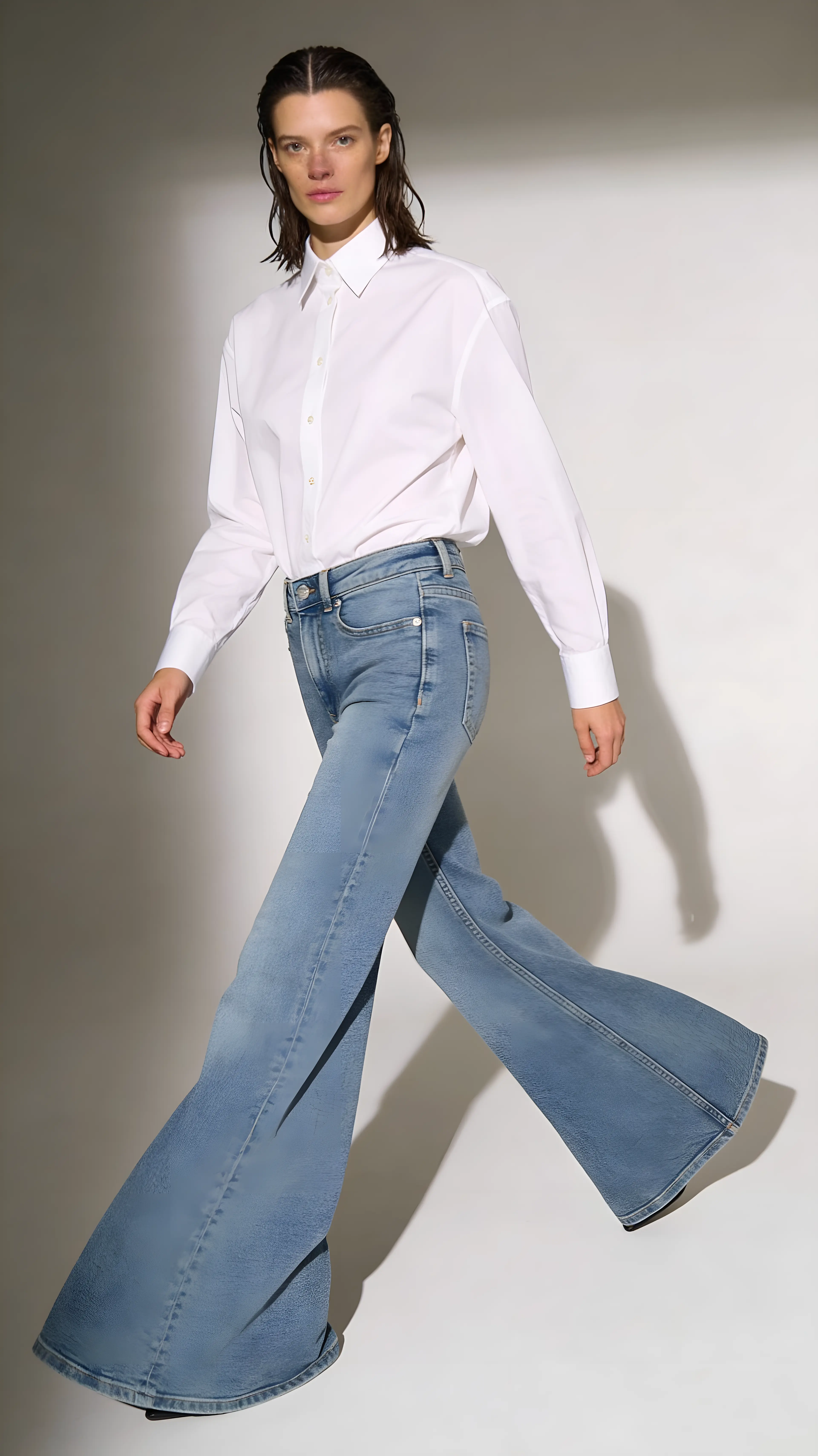
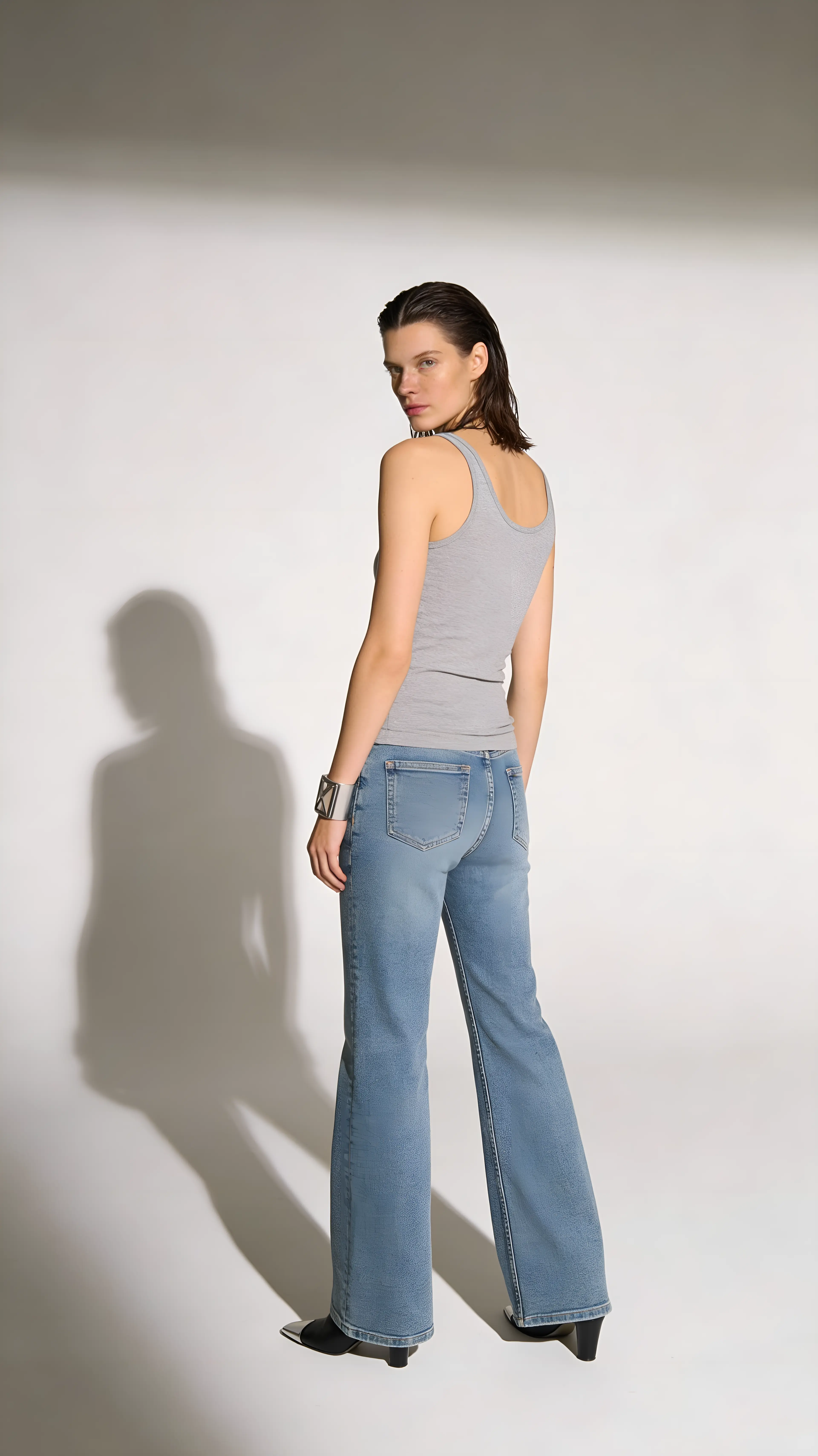
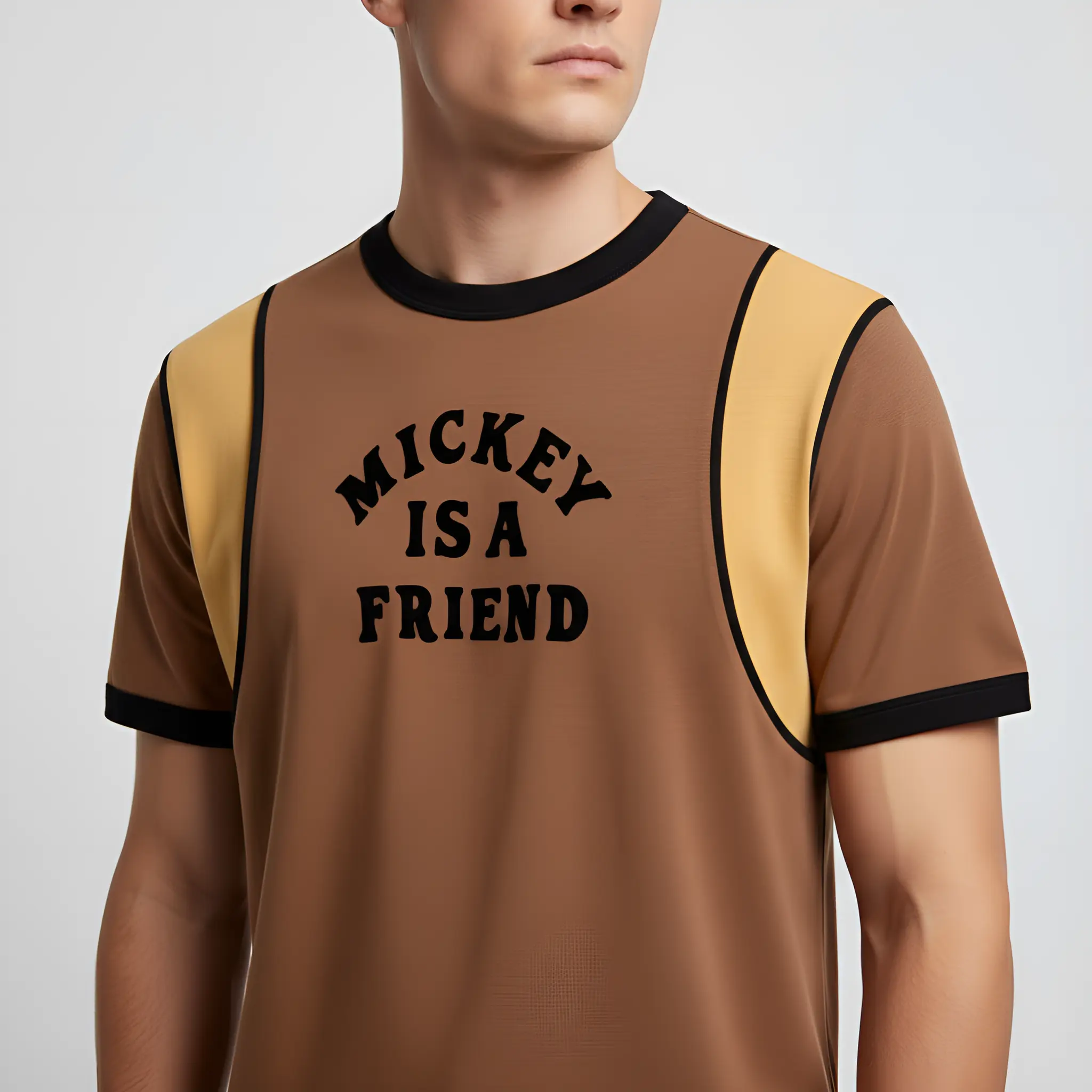
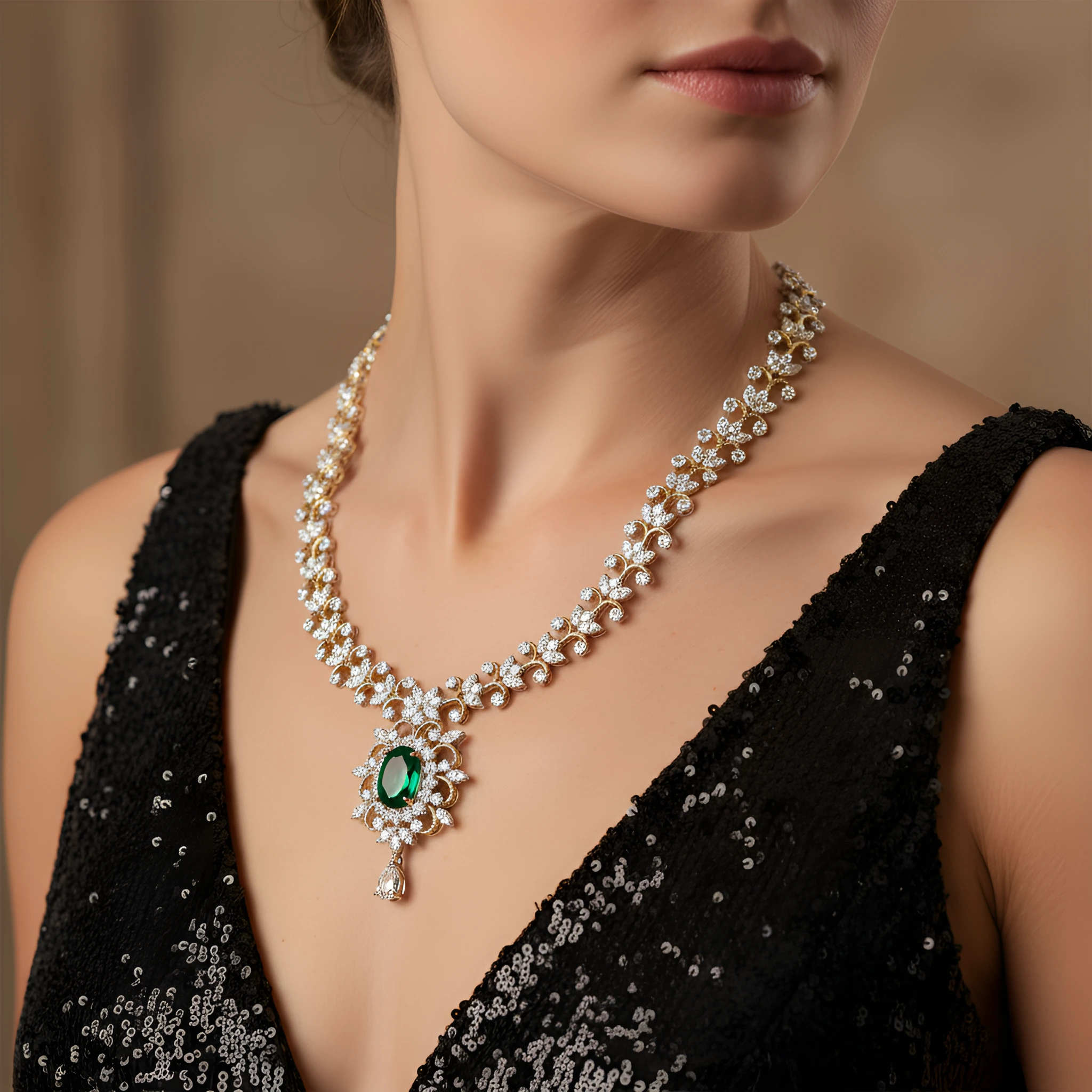
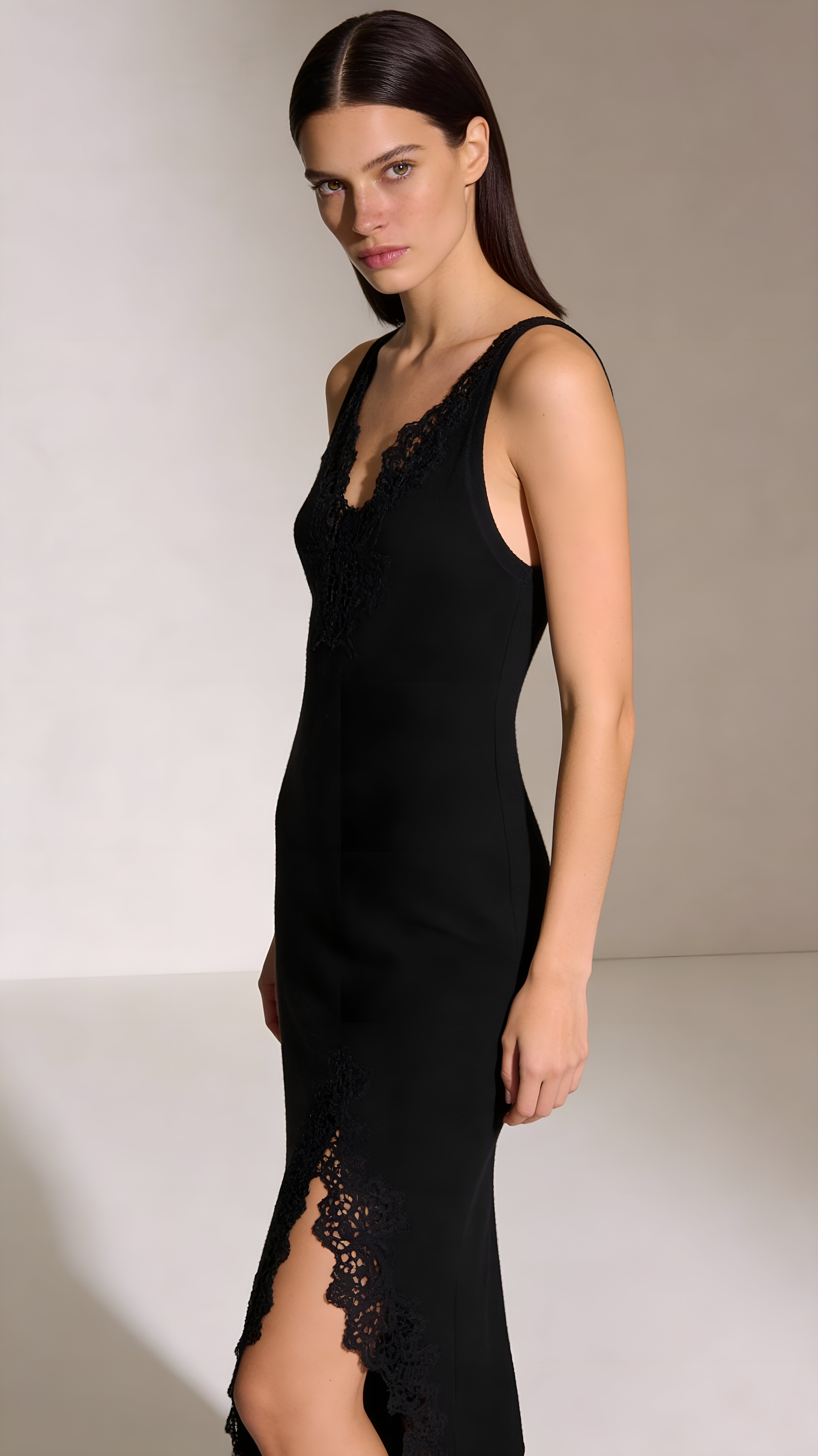
AI model photography lets you show apparel and accessories on realistic human models without hiring talent, booking a studio, or organizing a shoot. Upload your product, choose a model — by gender, age, and ethnicity — or bring your own, and AI generates professional on-model images in seconds. It's the fastest way to give shoppers the real-world context that drives apparel sales, while keeping a consistent, editorial look across your entire catalog at a fraction of traditional shoot costs.
How It Works
Generate AI Model Photos in three simple steps.
Upload Your Product
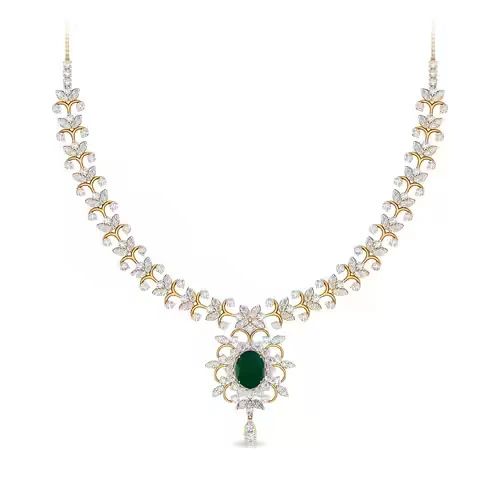
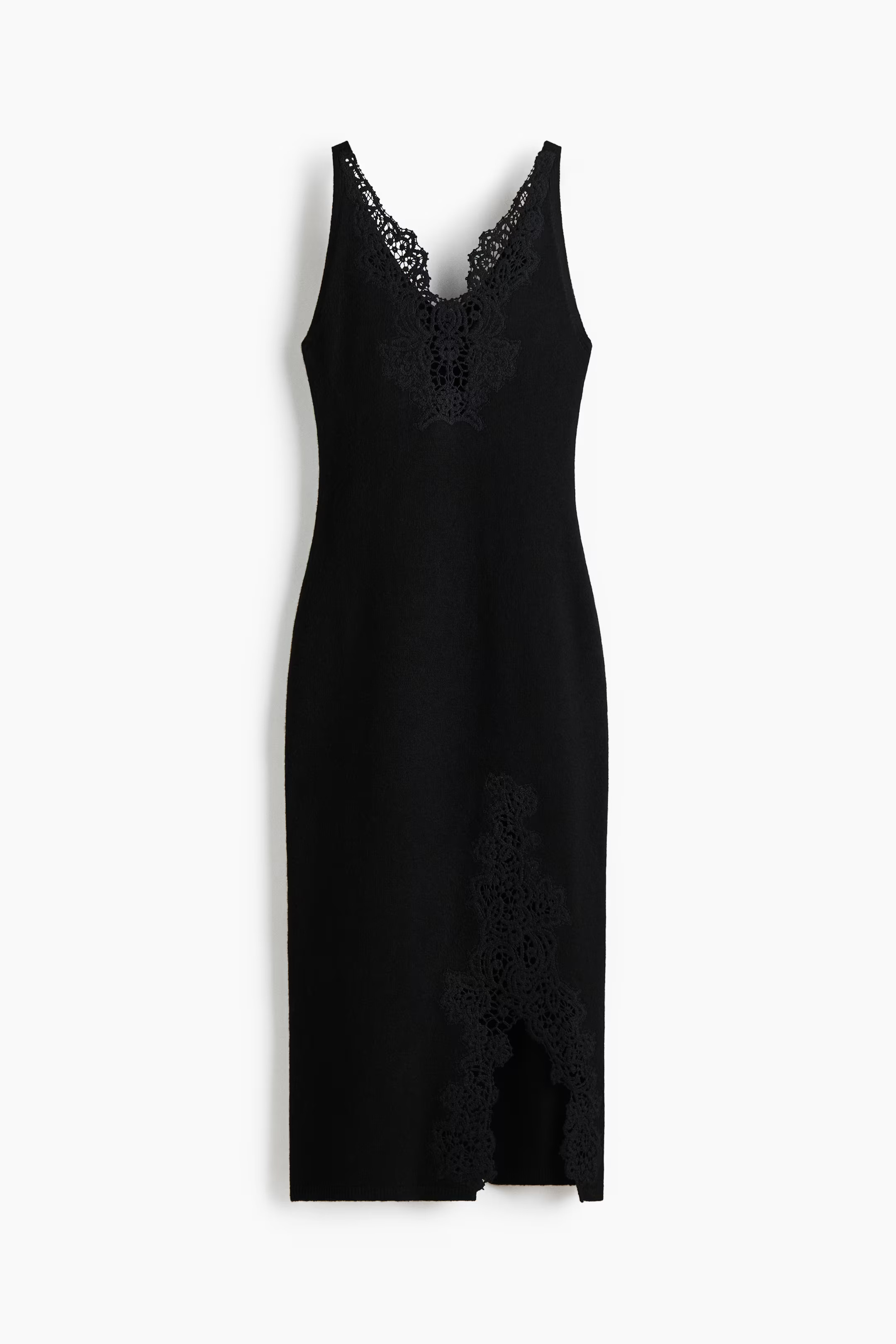
Upload a photo of your apparel or accessory — flat-lay or on a hanger both work.
Choose or Upload a Model
Select a model by gender, age, and ethnicity, or upload your own model photo.
Generate On-Model Shots
AI dresses the model in your product and produces professional, editorial-style photos.
See It In Action
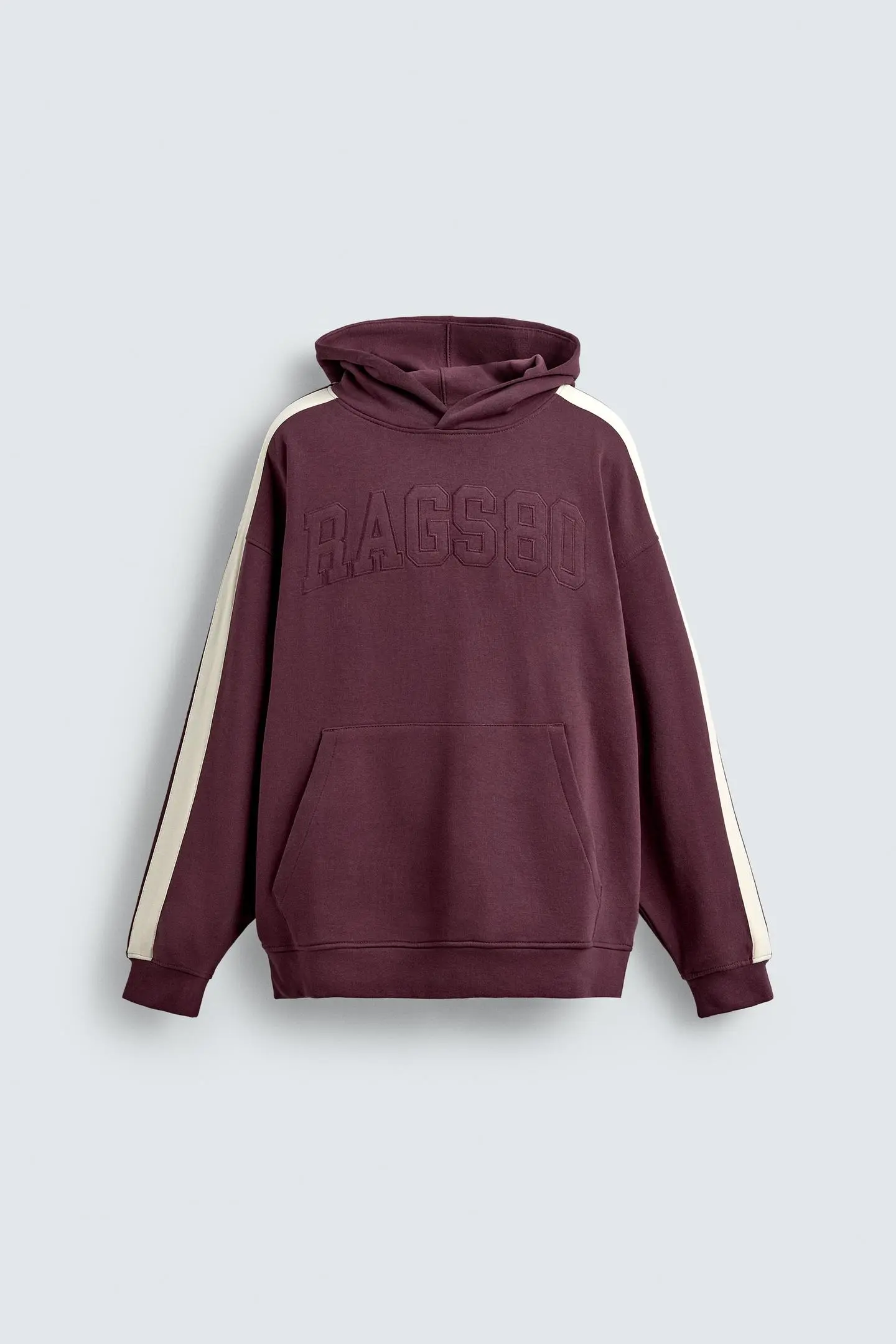
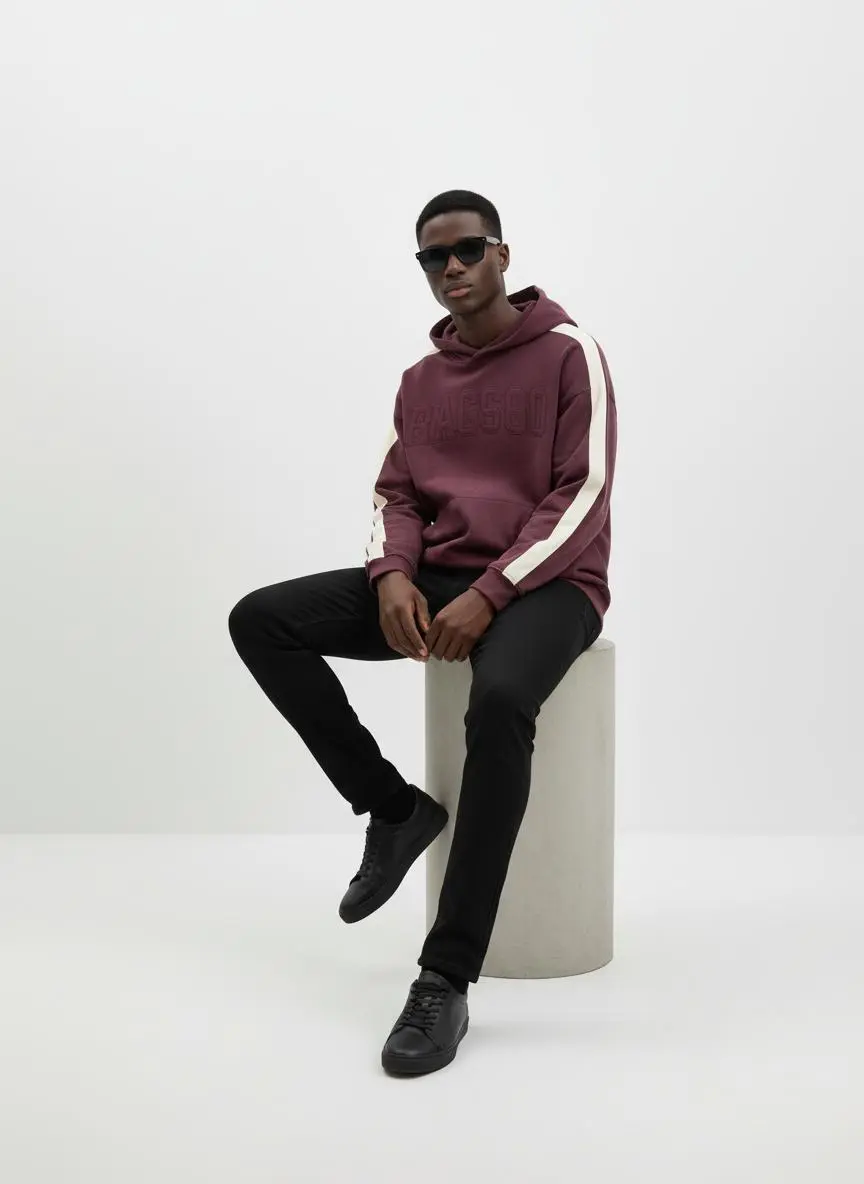
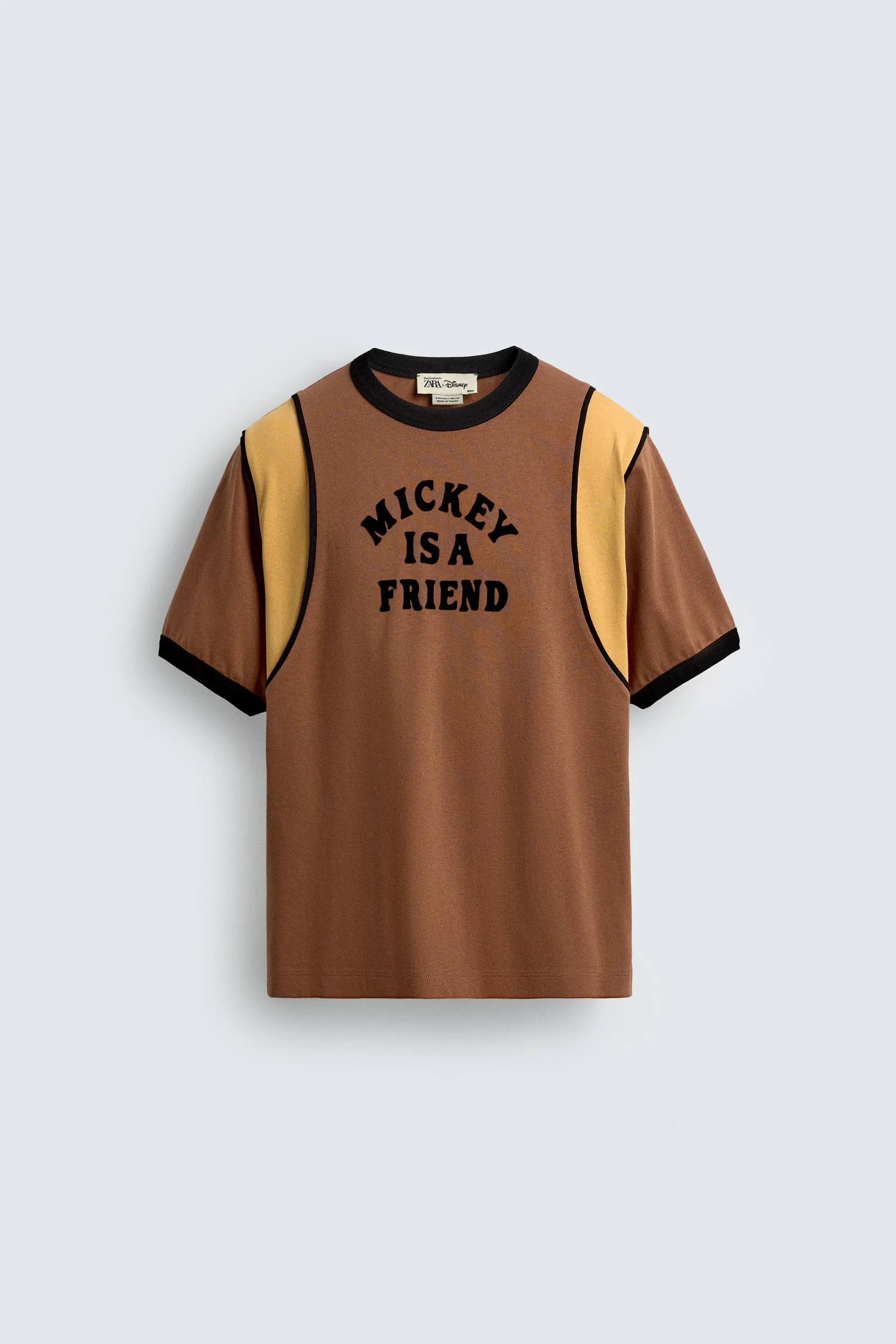
Real examples of what you can achieve with AI Model Photography.
Who Uses AI Model Photography?
From solo sellers to enterprise teams — here's how people use this tool.
Apparel Brands
Show clothing on diverse models without booking repeat photo shoots.
Learn moreFashion Lookbooks
Build cohesive editorial lookbooks for every collection.
Learn moreAccessories & Bags
Present bags, sunglasses, and accessories in real-world styled context.
Learn moreMarketplace Listings
Give shoppers the on-model context that drives apparel conversions.
Learn moreKey Features
Everything you need in a professional ai model photography.
Diverse AI Models
Choose model gender, age range, and ethnicity to match your audience.
Bring Your Own Model
Upload a model photo to keep a consistent face across your catalog.
Realistic Fit & Draping
AI renders your garment on the model with natural fit and fabric drape.
Consistent Look
Produce a uniform set of on-model images for your whole line.
Pro Tips for Best Results
- Upload a clear, front-facing product photo for the most accurate fit.
- Pick a model whose styling suits your brand and target customer.
- Use consistent model selections across a collection for a cohesive catalog.
- Generate multiple poses to give shoppers more angles.
Frequently Asked Questions
Everything you need to know about AI Model Photography.
Can I use my own model?
Yes. Upload a model photo and AI will keep that same person across your product shots for a consistent look.
Do the models look realistic?
Yes. Models are photorealistic and rendered wearing your actual product with natural fit and lighting.
What products work best?
Apparel, accessories, bags, eyewear, and anything worn or held. Both flat-lay and hanger source photos work.
Is AI Model Photography free?
New accounts get free credits to try it. AI Model Photography is a paid feature on continued use.
More Tools You'll Love
Complete your workflow with these related tools.
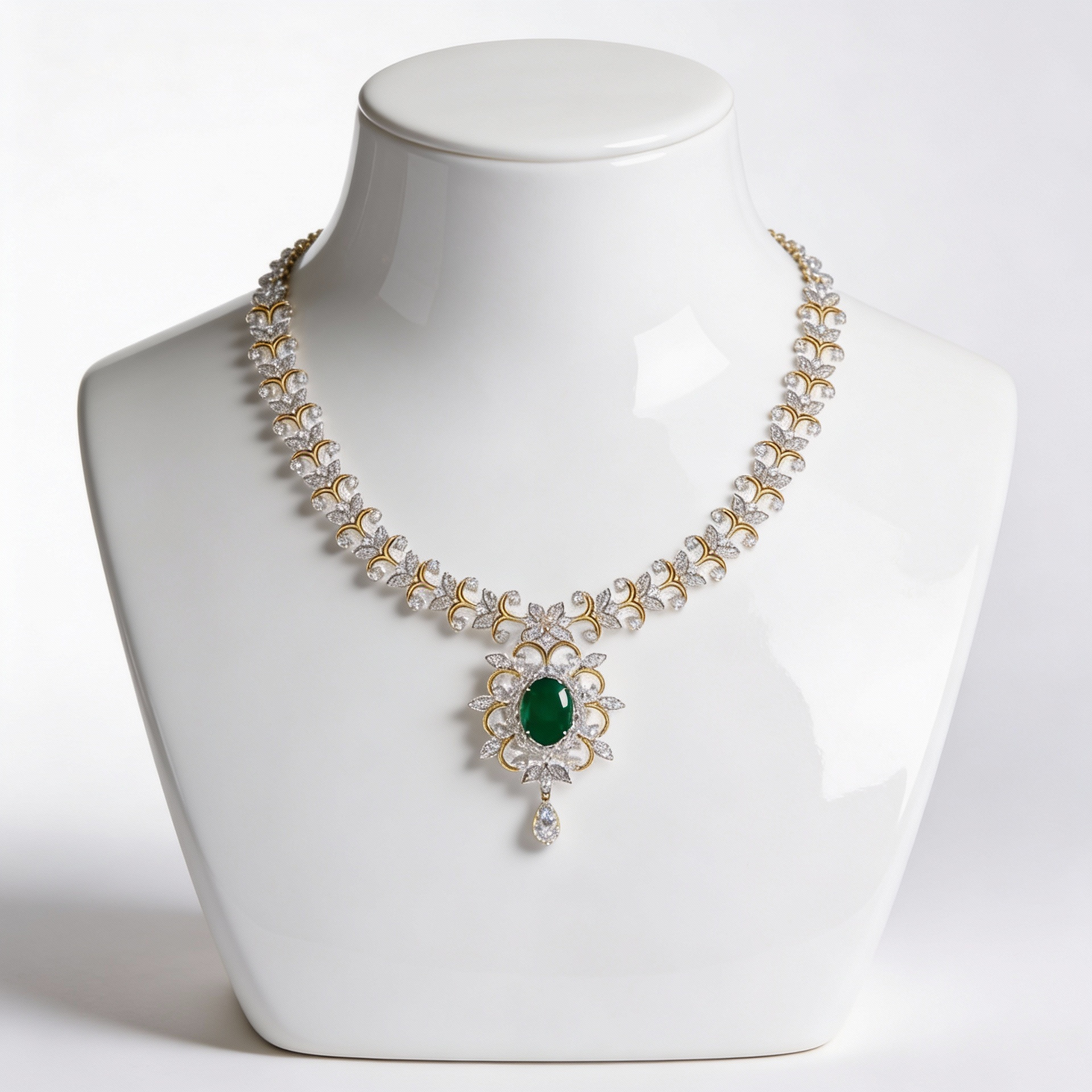
AI Product Photography
Turn a single photo of your product into clean, studio-quality images — no photo...
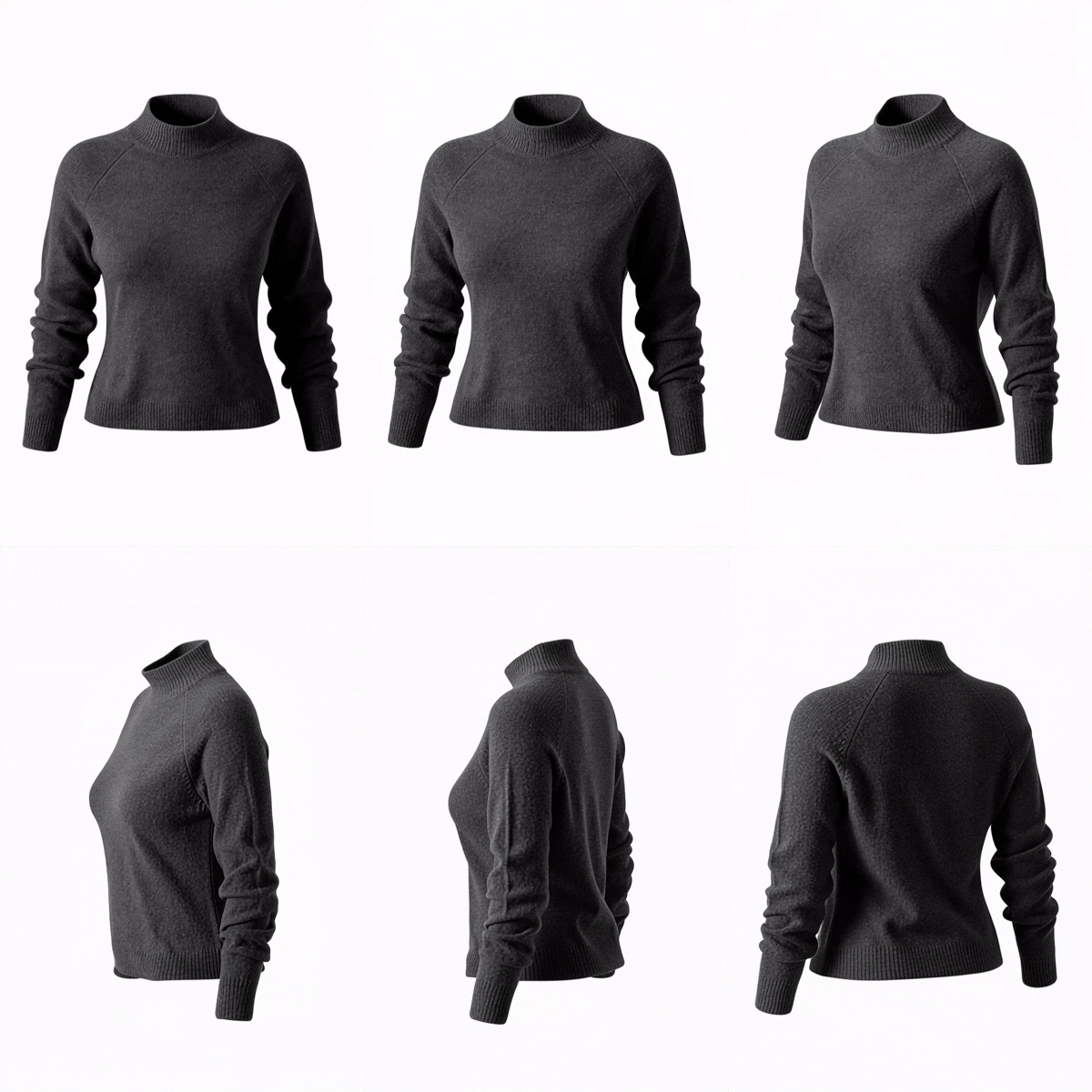
AI Product Video
Transform a single product photo into a smooth, cinematic video — perfect for so...
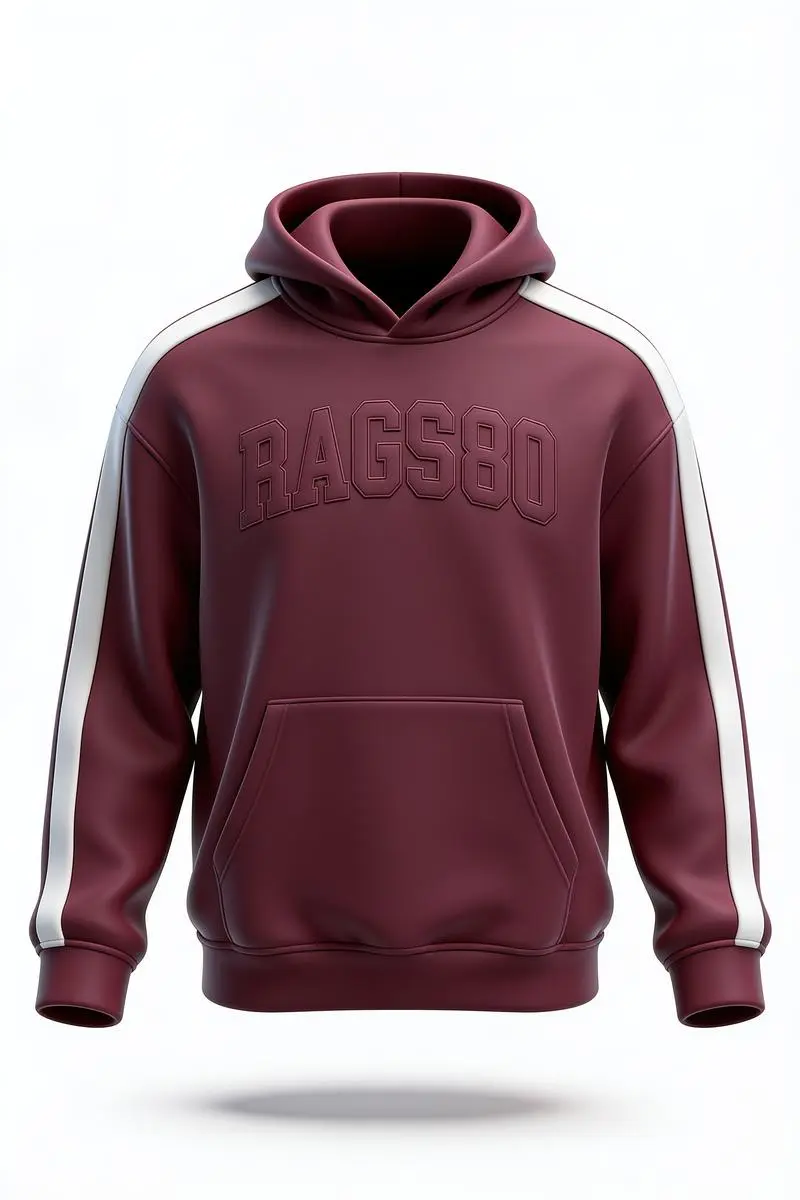
Ghost Mannequin Photography
Turn mannequin, hanger, or on-model photos into invisible-mannequin product shot...
Ready to Try AI Model Photography?
Join thousands of sellers using EcomShot to create professional product photos. Start free — no credit card required.
5 free credits • No credit card required • Cancel anytime