
AI Ghost Mannequin Photography
Turn mannequin, hanger, or on-model photos into invisible-mannequin product shots that look catalog-ready.
5 free credits on sign-up • No credit card required
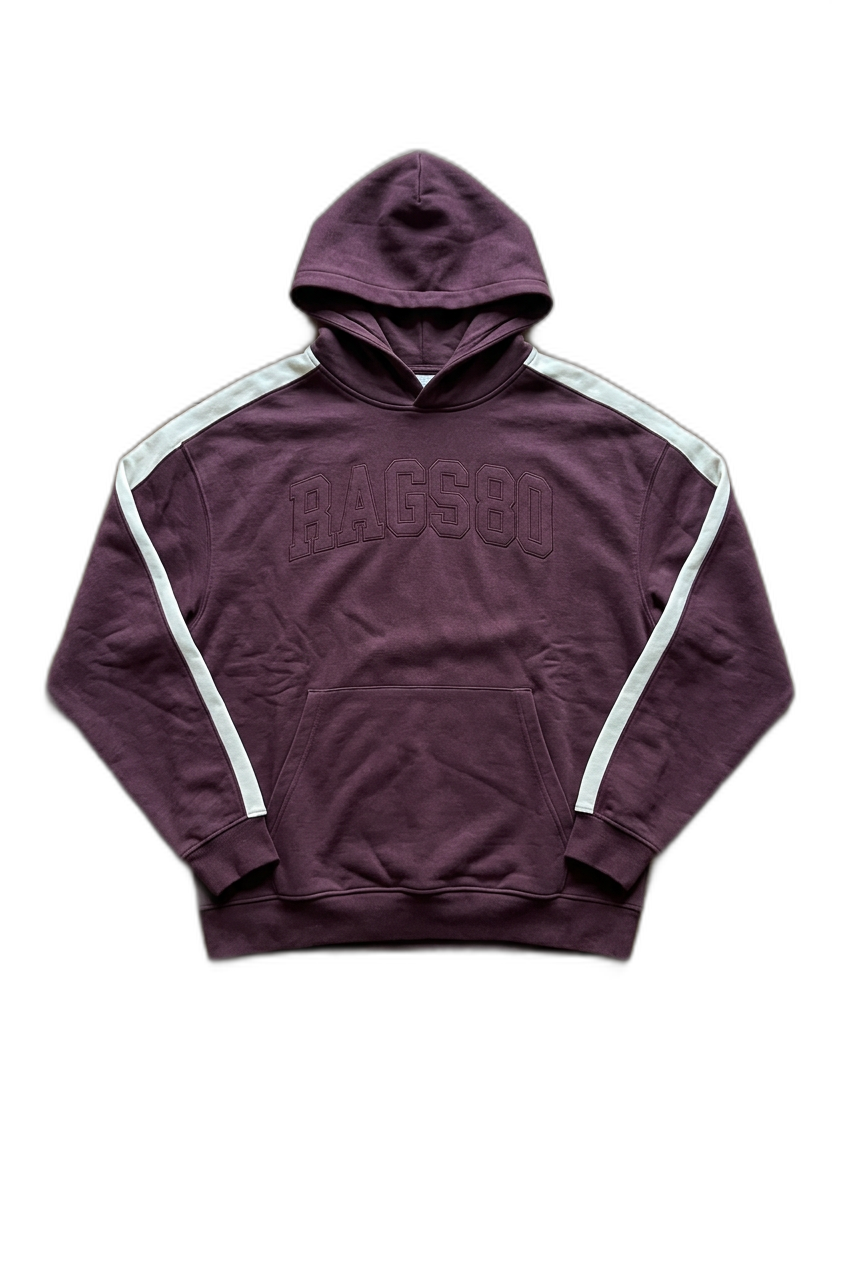
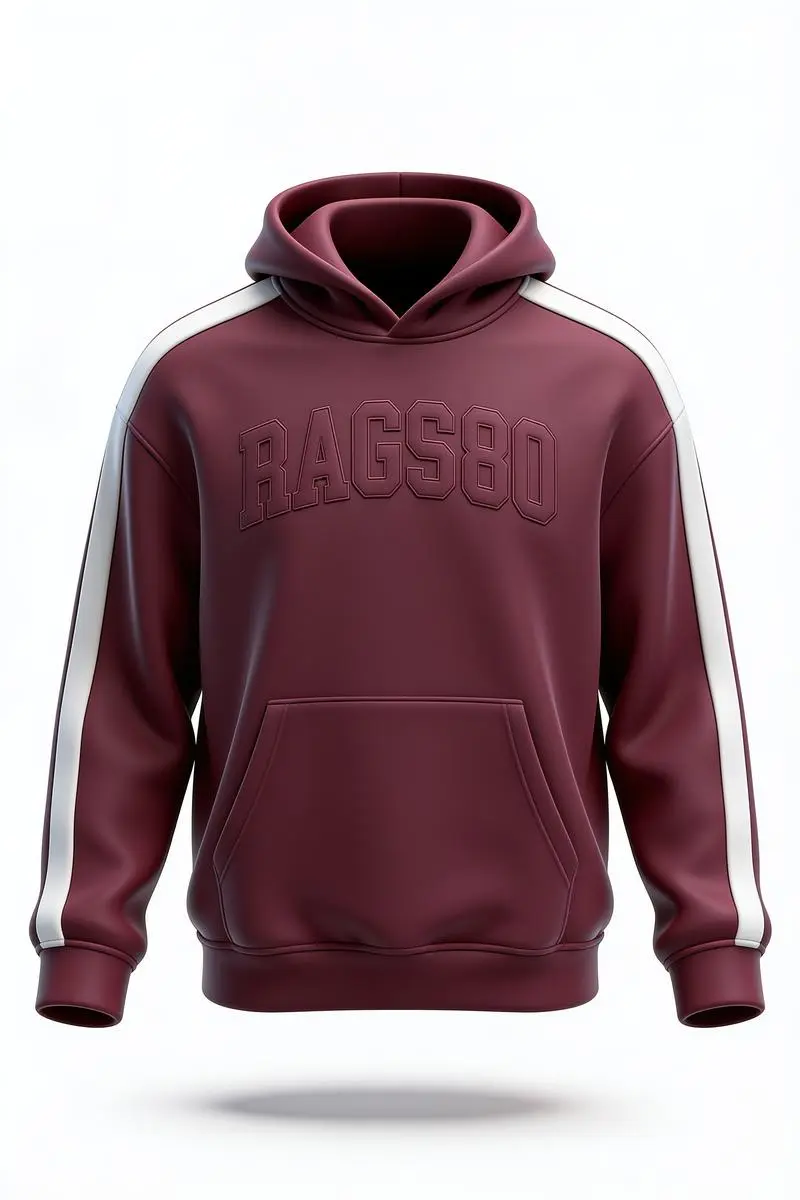
Ghost mannequin (or invisible mannequin) photography is the catalog standard for apparel: the garment is shown in full 3D shape on a clean background, with no model or mannequin in sight. Traditionally this requires a studio, two shots, and manual compositing. EcomShot's AI Ghost Mannequin generates the same look in seconds from a single photo — removing the mannequin, hanger, or model, reconstructing the interior of the garment, and placing it on a clean studio background ready for your listings.
How It Works
Generate Ghost Mannequin Photos in three simple steps.
Upload Garment Photo
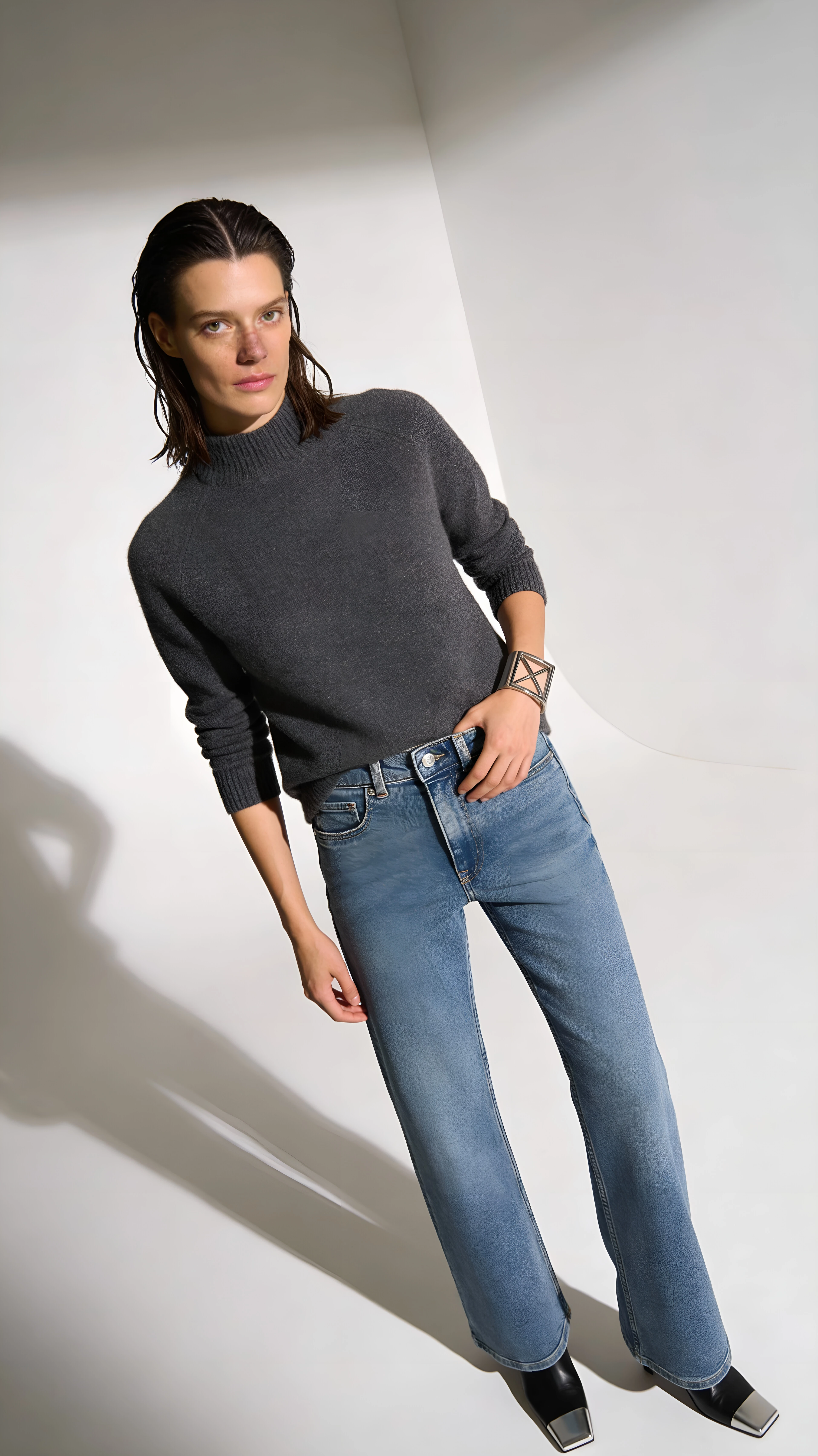
Upload a photo of the clothing on a mannequin, hanger, or model.
AI Removes the Wearer
AI cleanly removes the mannequin, model, or hanger while keeping the garment's natural 3D shape.
Download Catalog-Ready Image
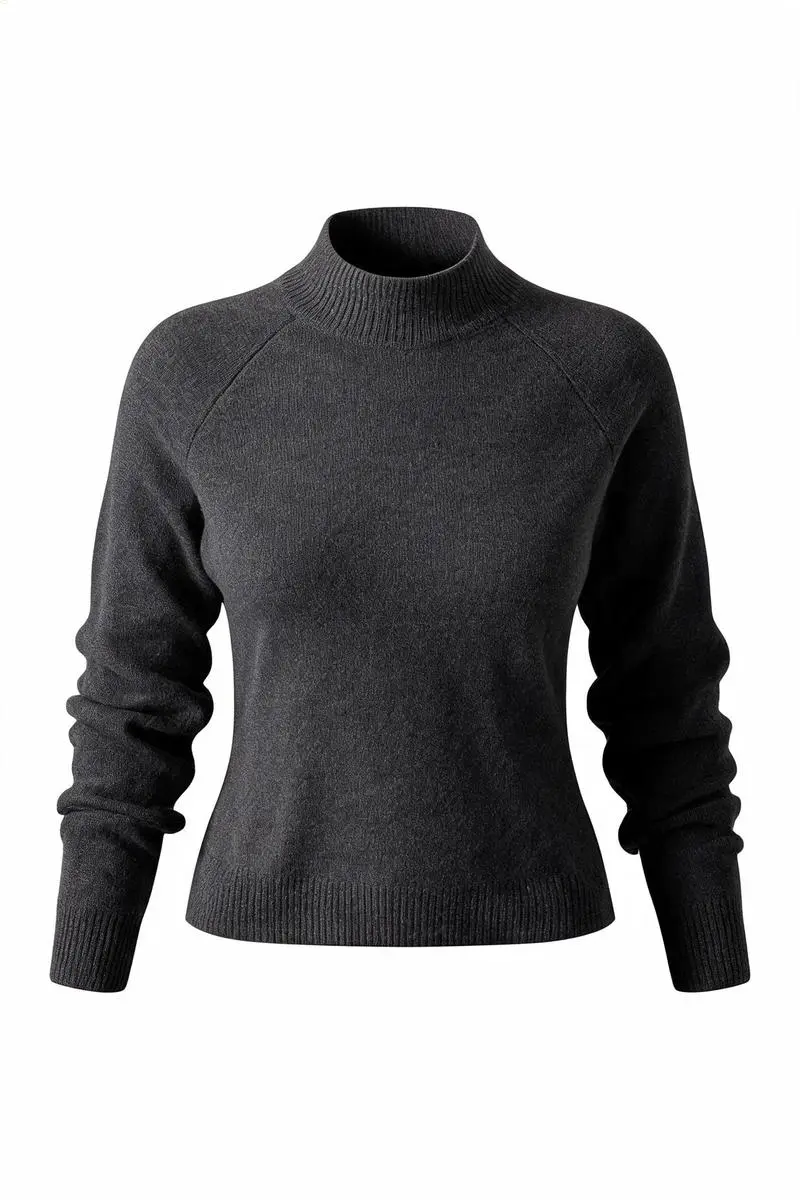
Get a clean ghost mannequin photo on a white background — ready for your store or marketplace.
See It In Action
Real examples of what you can achieve with Ghost Mannequin Photography.
Who Uses Ghost Mannequin Photography?
From solo sellers to enterprise teams — here's how people use this tool.
Apparel Listings
Create consistent invisible-mannequin shots for your Shopify, Amazon, or Etsy apparel listings.
Learn moreFashion Brands
Show garments cleanly without the cost of repeat ghost mannequin shoots or rented mannequins.
Learn moreCatalog Photography
Produce a uniform product gallery from any source — hanger, dress form, or worn shots.
Learn morePrint-on-Demand
Standardize hoodie, tee, and apparel mockups across SKUs with a clean invisible-mannequin look.
Learn moreKey Features
Everything you need in a professional ghost mannequin photography.
Garment-Aware AI
Preserves fabric, color, stitching, and labels exactly — only the wearer is removed.
3D Form Reconstruction
Reconstructs hidden inner necklines, cuffs, and hems so the garment looks worn by an invisible body.
Studio Background
Outputs on a clean, seamless white background with soft studio lighting and natural shadows.
Catalog Consistency
Repeatable look across your whole apparel catalog — no shoot scheduling required.
Pro Tips for Best Results
- Use a front-facing shot of the full garment for the cleanest result
- Minimize wrinkles and keep the garment well-lit before uploading
- Plain or simple backgrounds work best
- Avoid heavy occlusions — keep collars, cuffs, and hems visible when possible
Frequently Asked Questions
Everything you need to know about Ghost Mannequin Photography.
What is ghost mannequin photography?
Ghost mannequin (also called invisible mannequin) photography shows clothing in 3D shape as if worn by an invisible body. It's the standard look for premium apparel catalogs and marketplaces because it shows fit and silhouette without distracting models.
What kind of source photo should I upload?
A clear photo of the garment on a dress form, mannequin, hanger, or live model works best. Front-facing, well-lit images with minimal wrinkles produce the cleanest results.
Does it work for hoodies, dresses, and bottoms?
Yes. The AI works on tops, hoodies, dresses, jackets, and most apparel categories. Very draped or transparent garments may need a cleaner source photo.
Will the garment colors and details stay accurate?
The AI is built to preserve fabric, color, pattern, stitching, and labels. Only the mannequin, model, or hanger is removed and the inner garment is reconstructed.
How is this different from Background Remover?
Background Remover only cuts out the background. Ghost Mannequin removes the wearer and reconstructs the garment's 3D shape so it looks like it's being worn by an invisible person.
Is Ghost Mannequin free to try?
Yes. New accounts get free credits on sign-up so you can try it on your own product photos before upgrading.
More Tools You'll Love
Complete your workflow with these related tools.
AI Product Photography
Turn a single photo of your product into clean, studio-quality images — no photo...
AI Model Photography
Show your apparel and accessories on realistic AI models — pick a model or use y...
AI Product Video
Transform a single product photo into a smooth, cinematic video — perfect for so...
Ready to Try Ghost Mannequin Photography?
Join thousands of sellers using EcomShot to create professional product photos. Start free — no credit card required.
5 free credits • No credit card required • Cancel anytime