
Change Product Backgrounds Instantly
Transform plain product photos into lifestyle scenes and studio shots — without expensive photoshoots.
5 free credits on sign-up • No credit card required
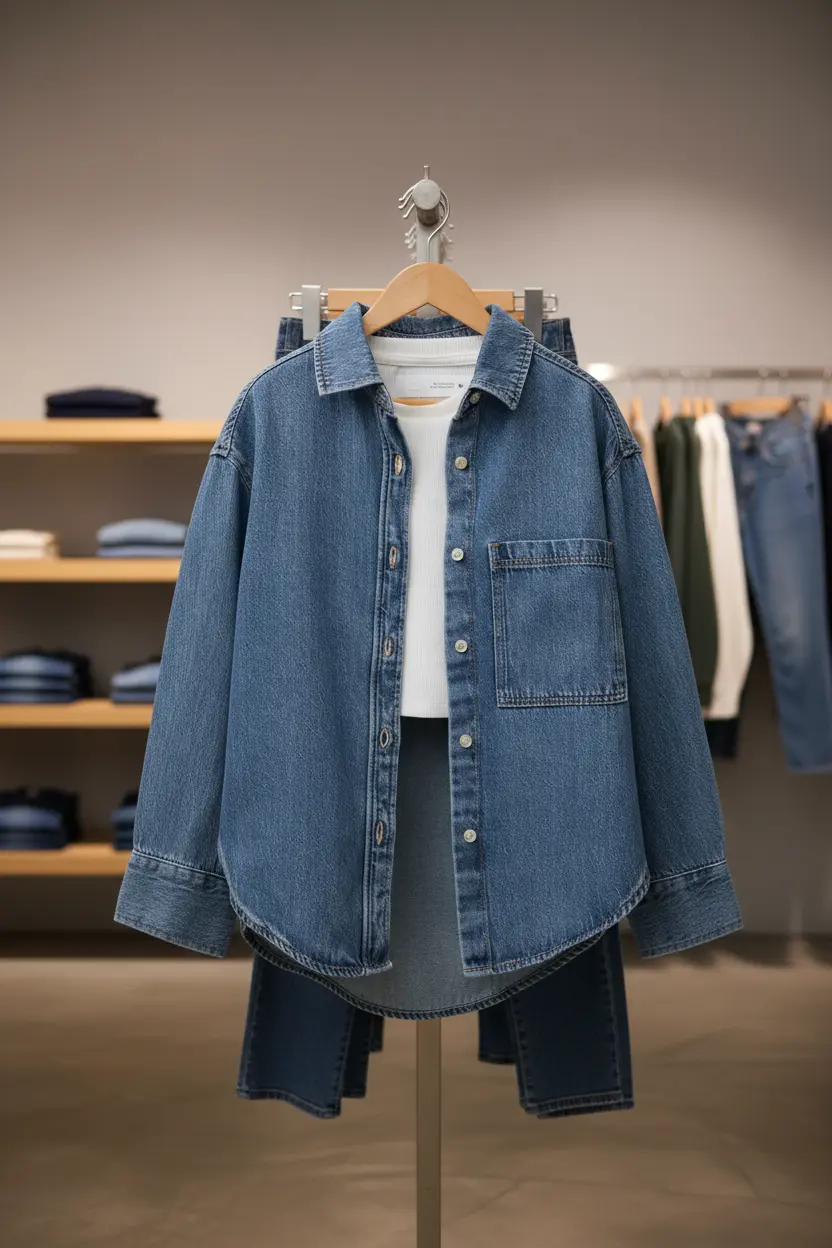
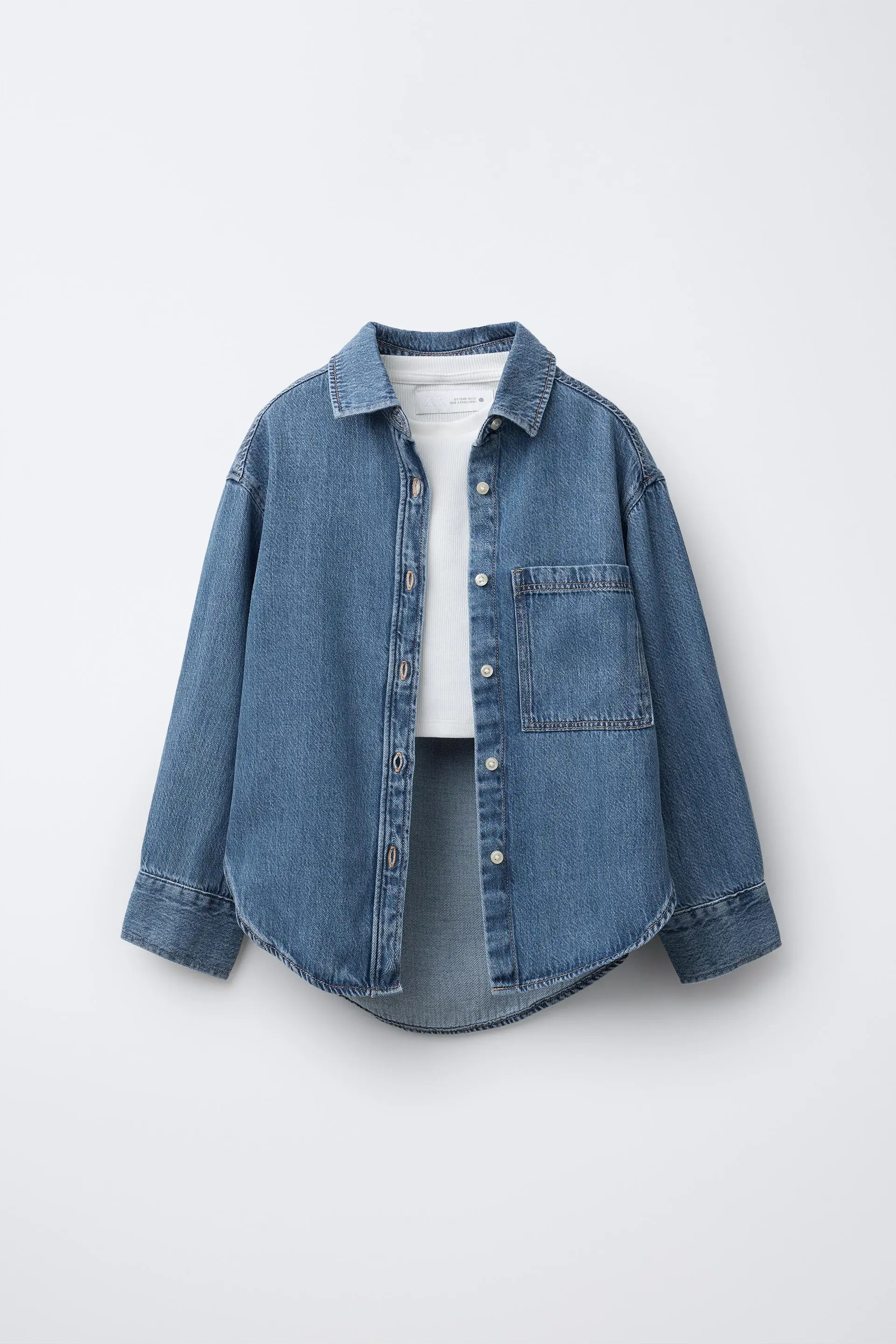
Traditional product photography requires expensive studio rentals, photographers, and props for every scene variation. With AI background changing, you can transform a single product photo into unlimited lifestyle scenes, studio setups, and seasonal themes in seconds. Perfect for e-commerce sellers who need variety without the cost of reshooting.
How It Works
Change Product Background in three simple steps.
Upload Your Product
Upload any product photo. Our AI automatically removes the existing background.
Choose Your Scene
Pick from preset backgrounds or describe your ideal scene. Studio, lifestyle, seasonal — anything.
Generate & Download
AI creates a photorealistic scene with your product. Download in high resolution.
See It In Action
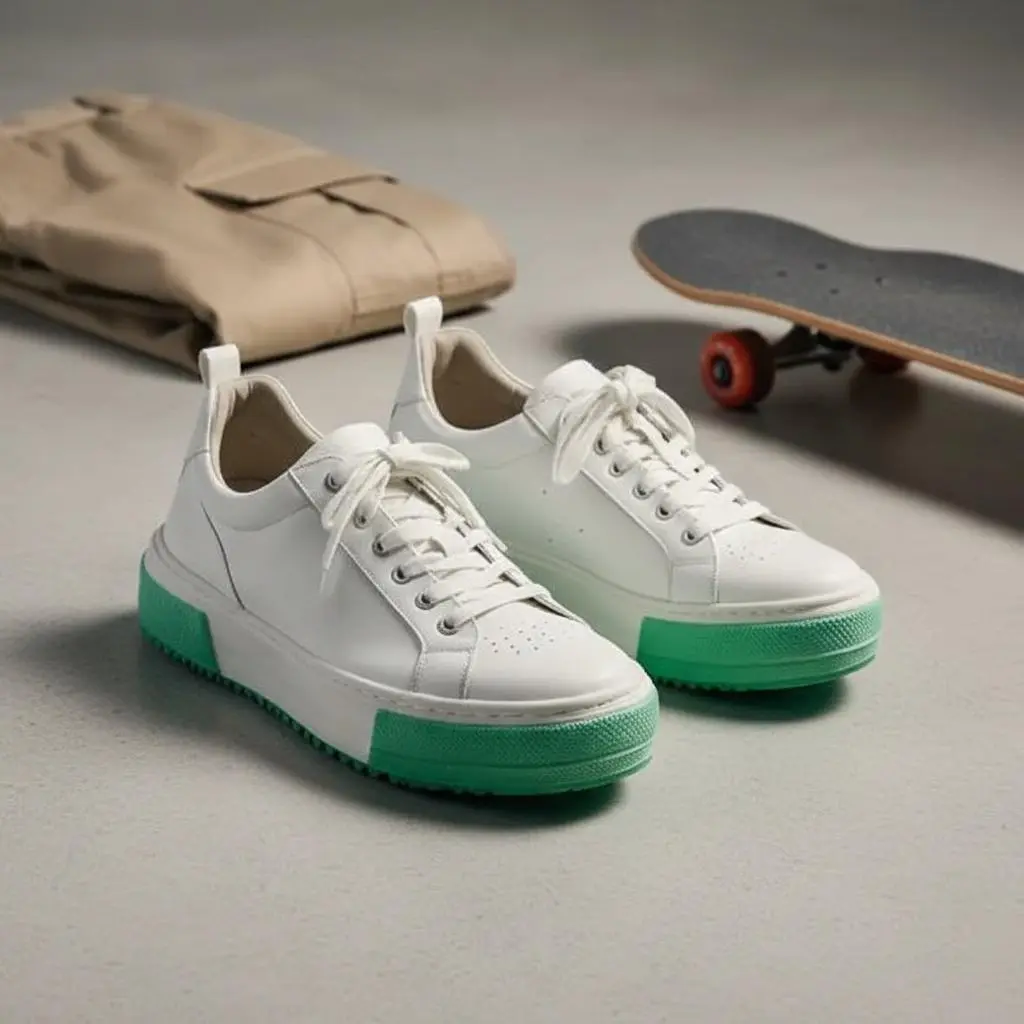
Real examples of what you can achieve with Background Changer.







Who Uses Background Changer?
From solo sellers to enterprise teams — here's how people use this tool.
Lifestyle Product Shots
Place products in real-world contexts — kitchens, living rooms, outdoor settings.
Learn moreSeasonal Campaigns
Create holiday, summer, or seasonal themes without reshooting your entire catalog.
Learn moreA/B Testing
Generate multiple background variations to test which converts better.
Learn moreSocial Media Content
Create eye-catching product images for Instagram, Pinterest, and ads.
Learn moreKey Features
Everything you need in a professional background changer.
AI Scene Generation
Describe any scene in plain English and AI creates it. 'Marble countertop with morning light' — done.
Preset Backgrounds
Choose from 500+ curated backgrounds: studio setups, lifestyle scenes, textures, and gradients.
Realistic Lighting
AI matches lighting and shadows to make your product look naturally placed in the scene.
Brand Consistency
Save your favorite backgrounds and prompts to maintain consistent styling across your catalog.
Pro Tips for Best Results
- Start with a clean product image — remove the original background first for best results
- Be specific in your prompts: 'white marble countertop with soft window light from the left'
- Match the scene to your product type — lifestyle for home goods, studio for electronics
- Use consistent backgrounds across your catalog for a professional, cohesive look
Frequently Asked Questions
Everything you need to know about Background Changer.
How does the AI background changer work?
Our AI first removes your product's existing background, then generates a new scene based on your selection or description. It analyzes your product's lighting, colors, and style to create a realistic composite.
Can I use custom backgrounds or just presets?
Both! Choose from 500+ preset backgrounds or describe any scene you want. You can also upload your own background images.
Will the product look realistic in the new background?
Yes. Our AI adjusts lighting, shadows, and reflections to make your product look naturally placed in the scene. The result is photorealistic.
How many backgrounds can I generate?
Each generation uses 1 credit. Free accounts get 5 credits. Paid plans include more credits and the ability to generate multiple variations at once.
Can I change backgrounds for my entire catalog?
Yes! Batch processing is available on paid plans. Upload multiple products and apply the same background style to all of them.
Can I upload my own custom backgrounds?
Yes! You can upload your own background images (JPG, PNG, WebP) and our AI will composite your product onto them with realistic lighting and shadows.
More Tools You'll Love
Complete your workflow with these related tools.
Ready to Try Background Changer?
Join thousands of sellers using EcomShot to create professional product photos. Start free — no credit card required.
5 free credits • No credit card required • Cancel anytime