
AI Candle Product Photography
Create cozy, inviting candle photos that capture the essence of your fragrances — without expensive lifestyle shoots.
5 free credits on sign-up • No credit card required
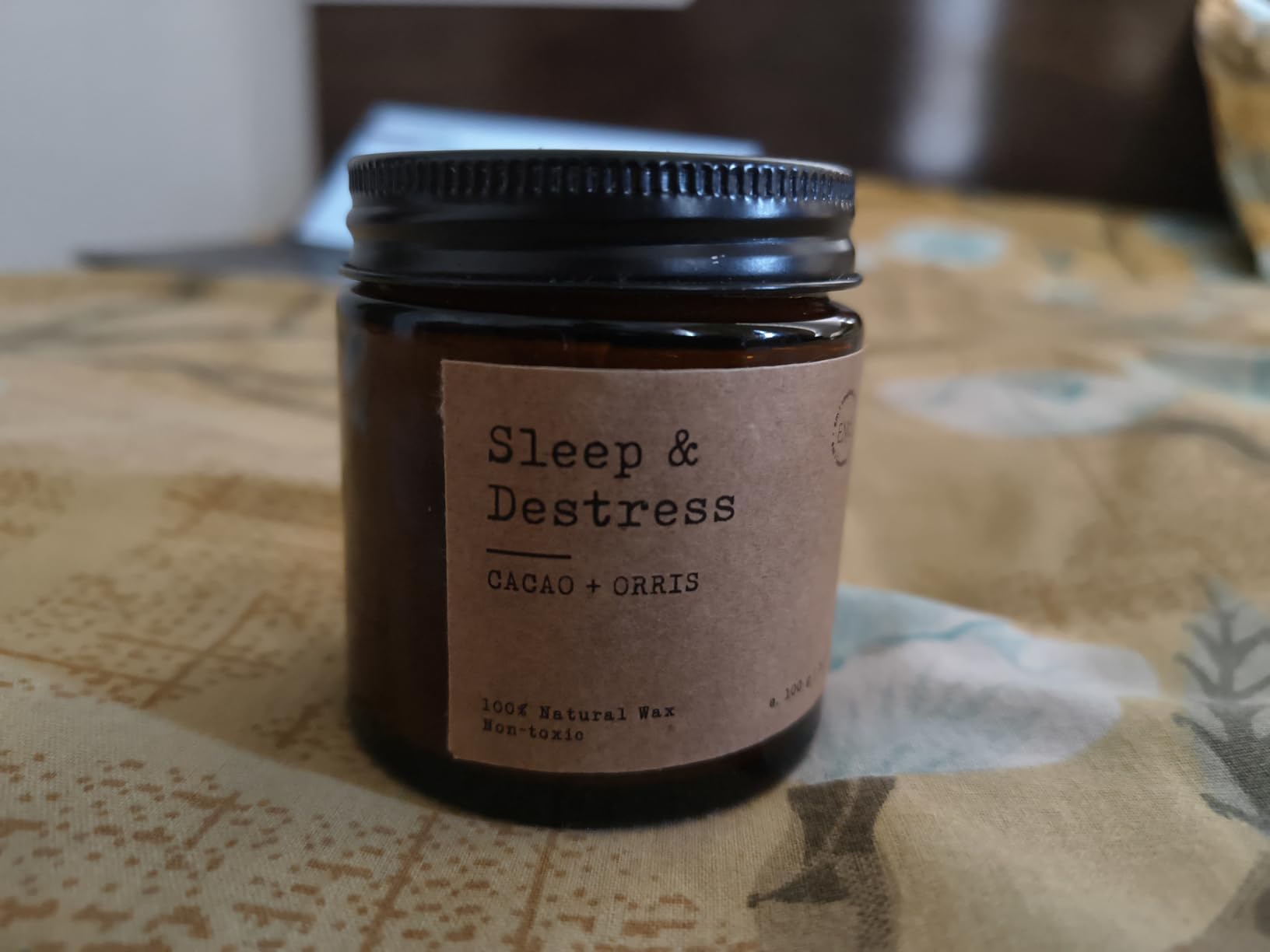
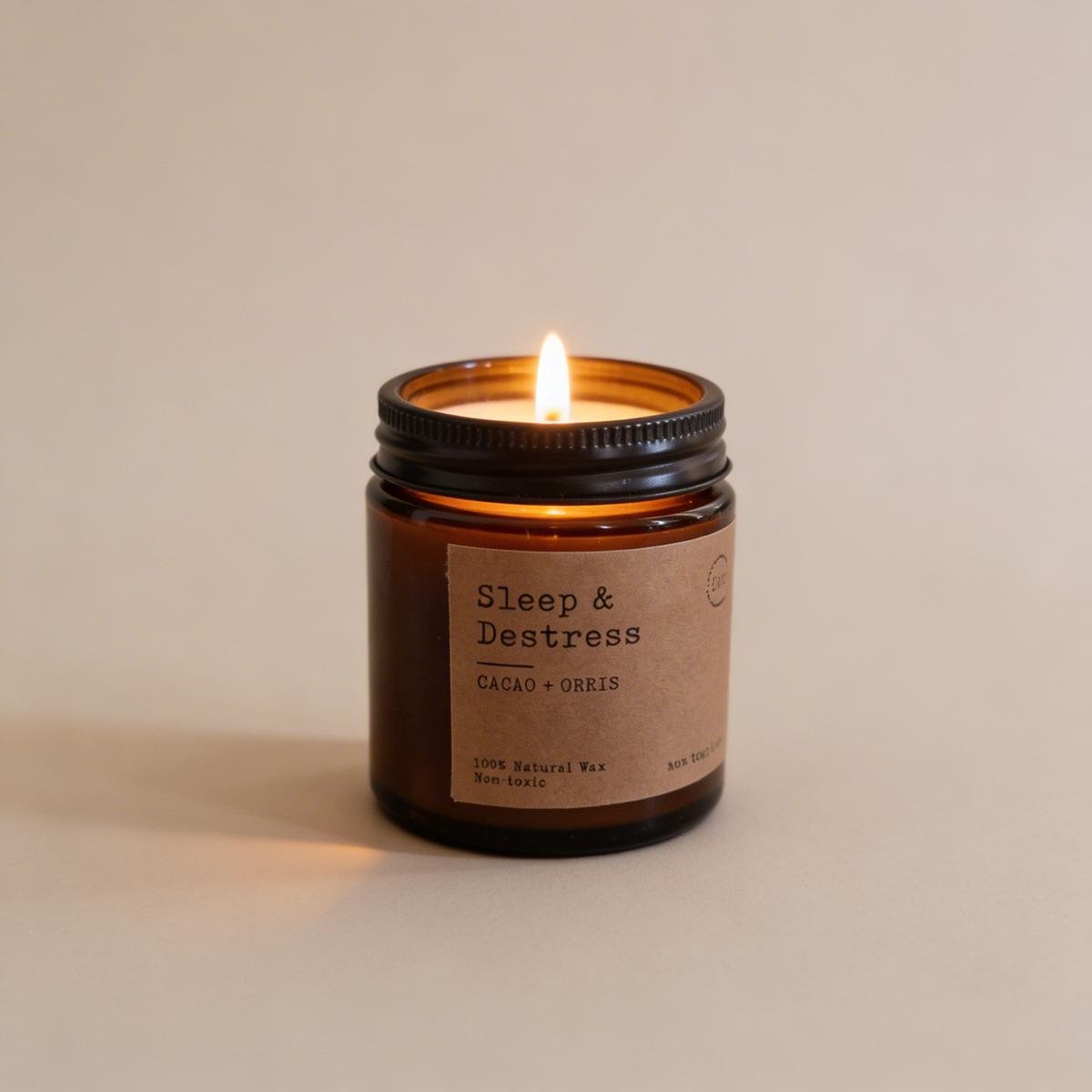
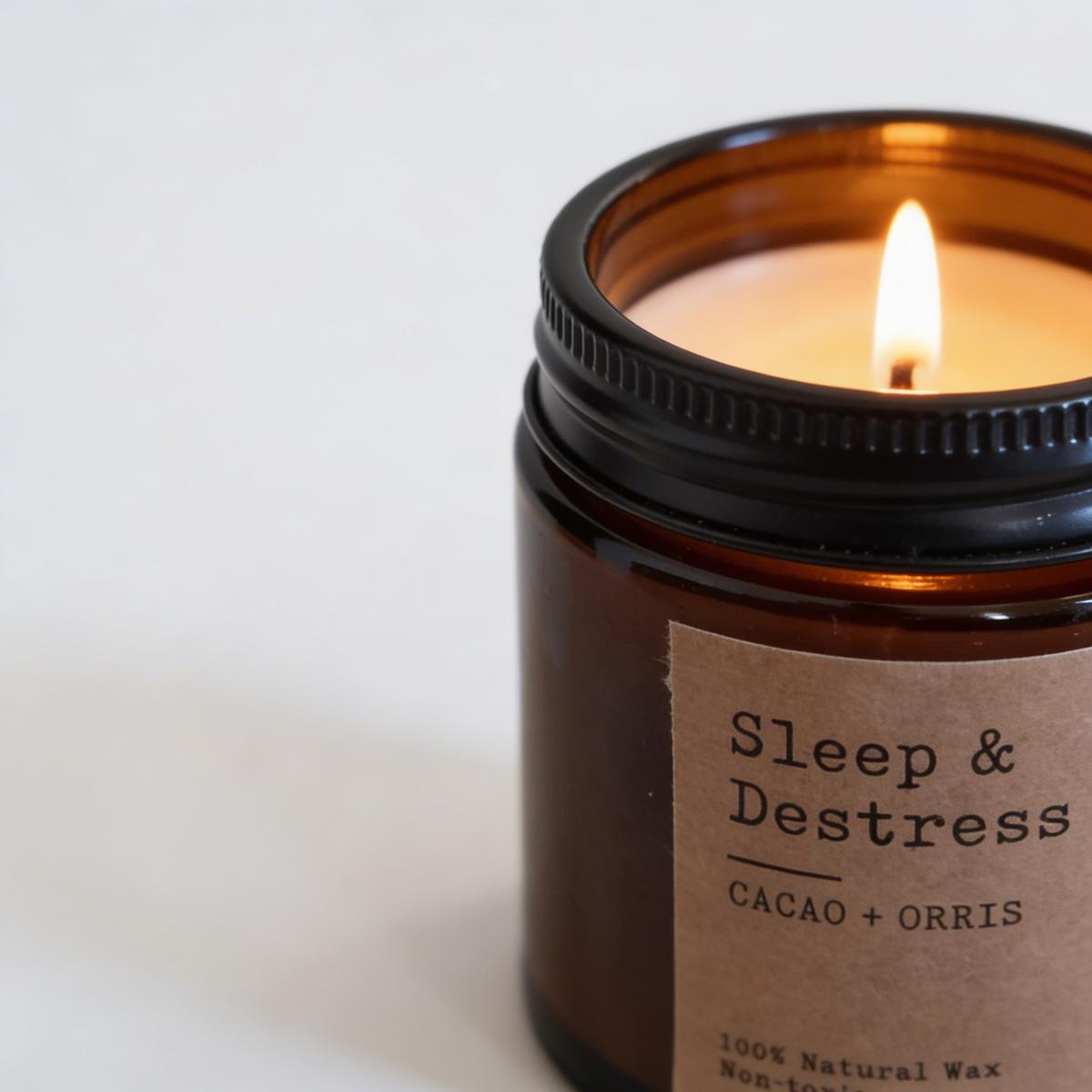

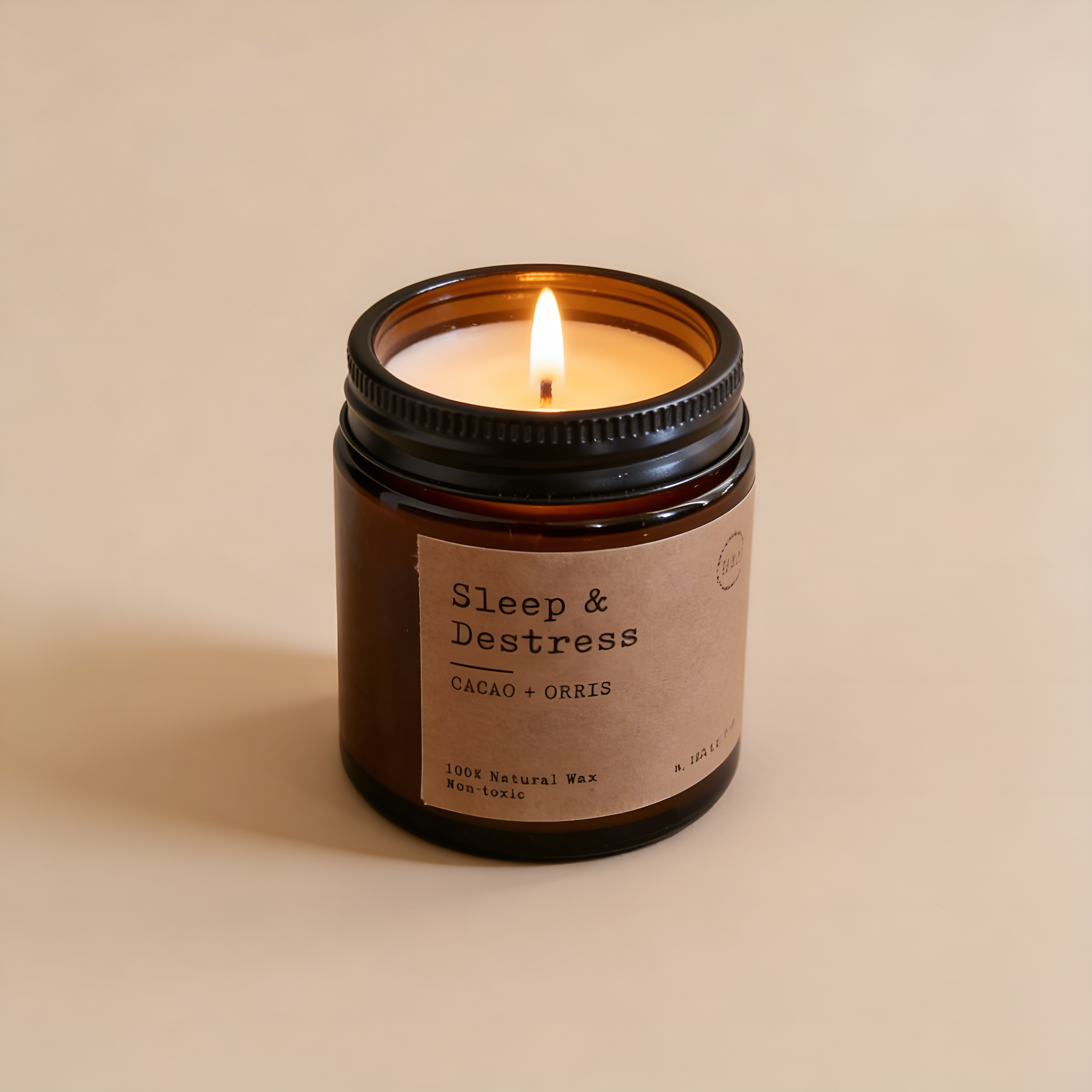
See the Transformation
Upload your candles product and watch AI create professional photos in seconds.
Example 1
Example 2
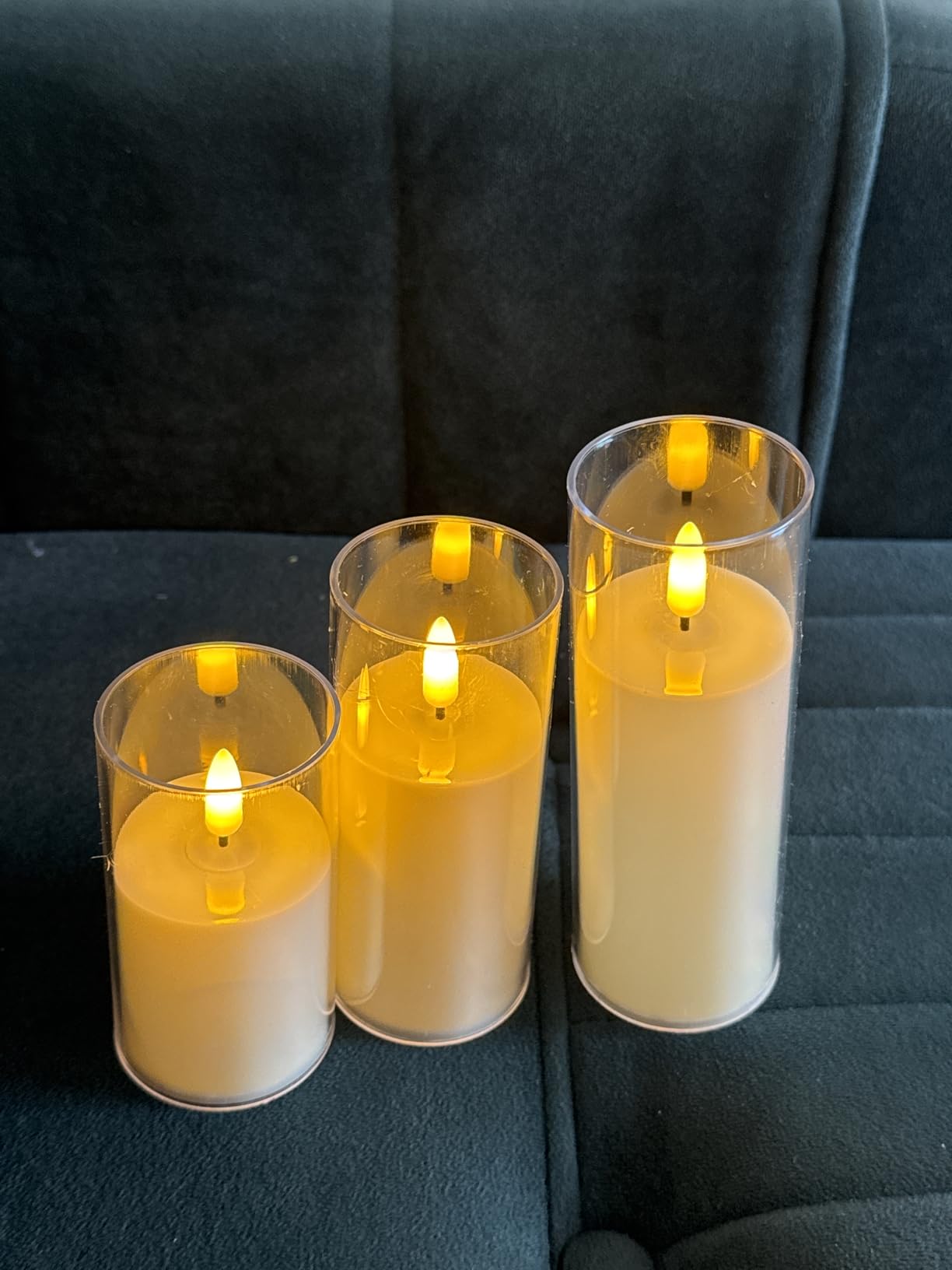

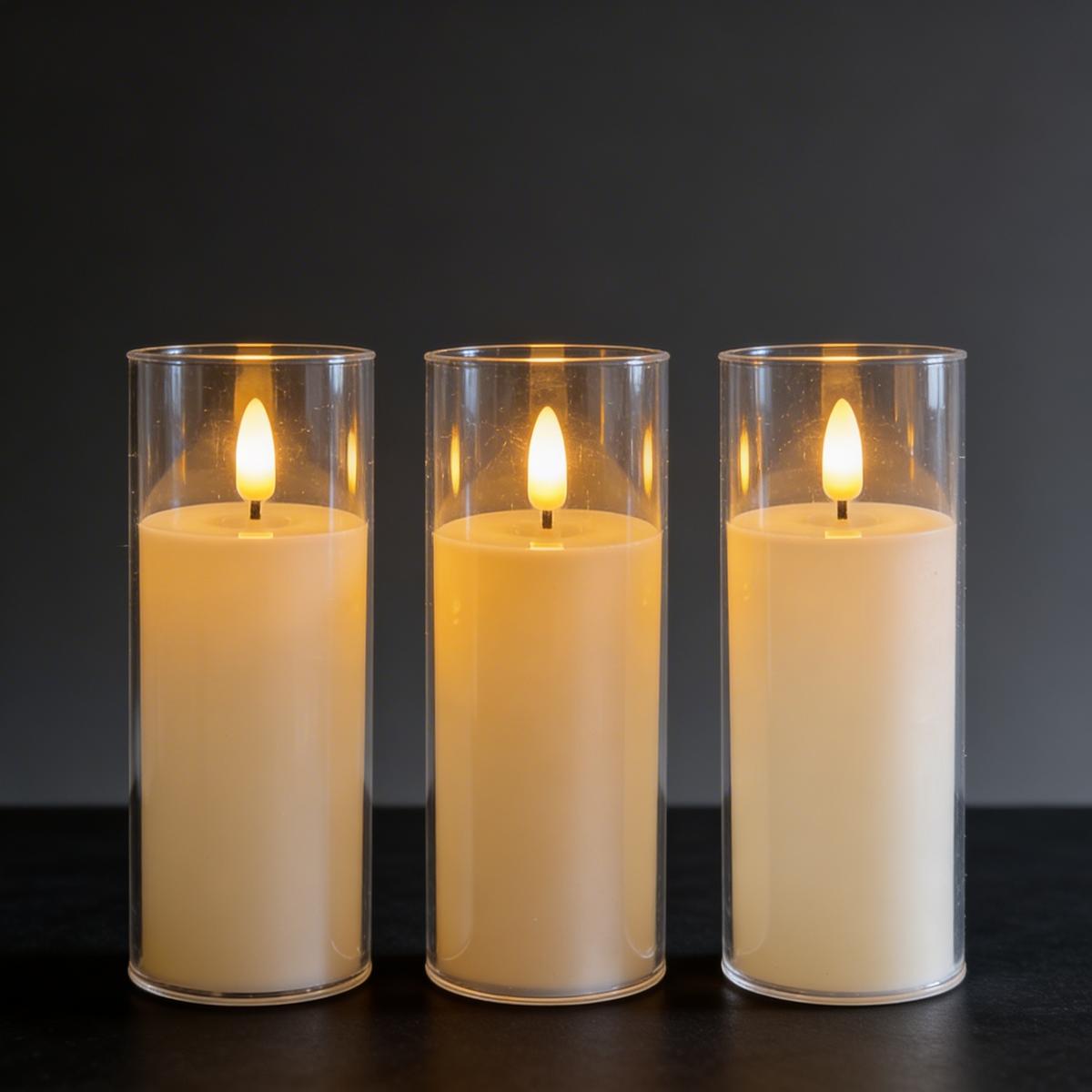
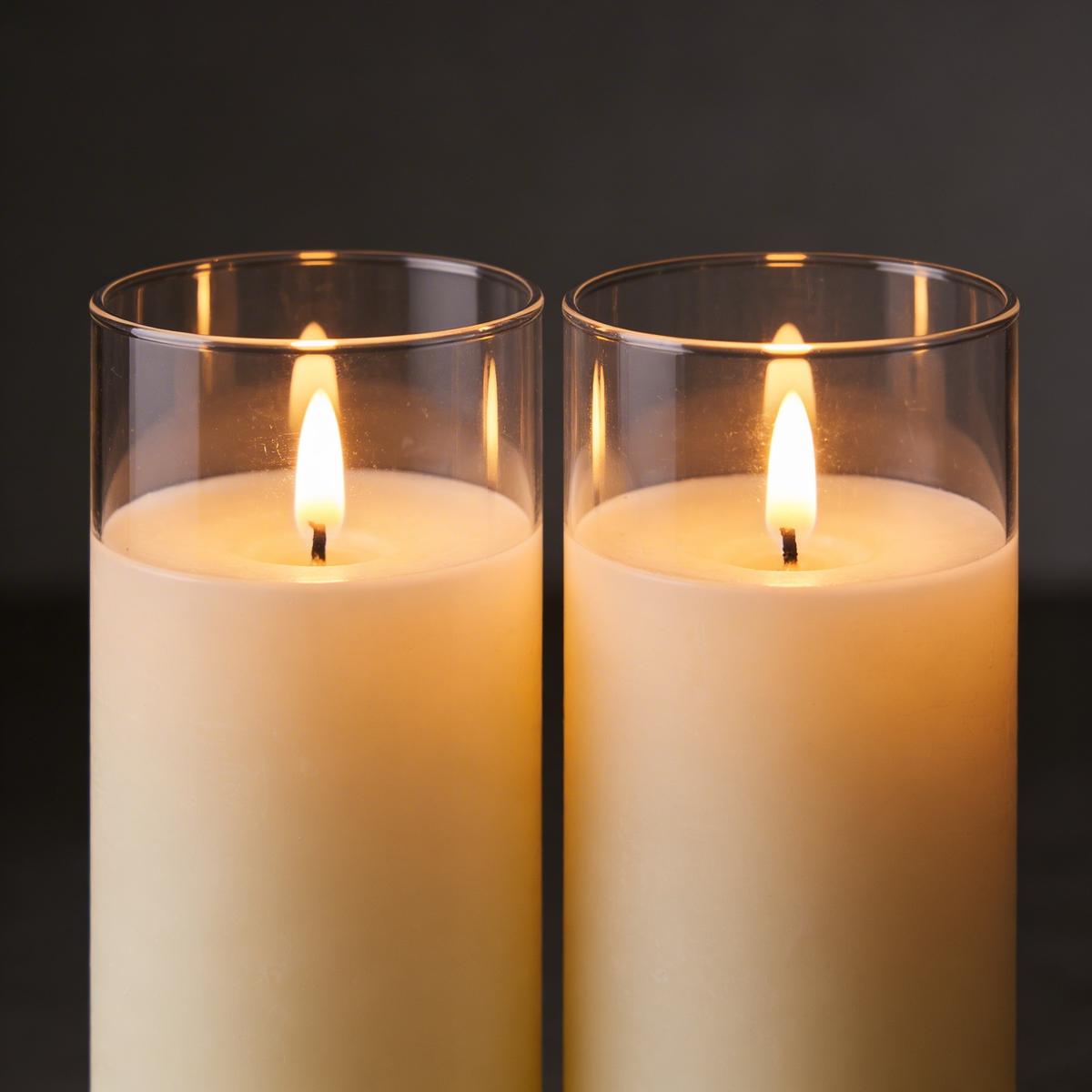
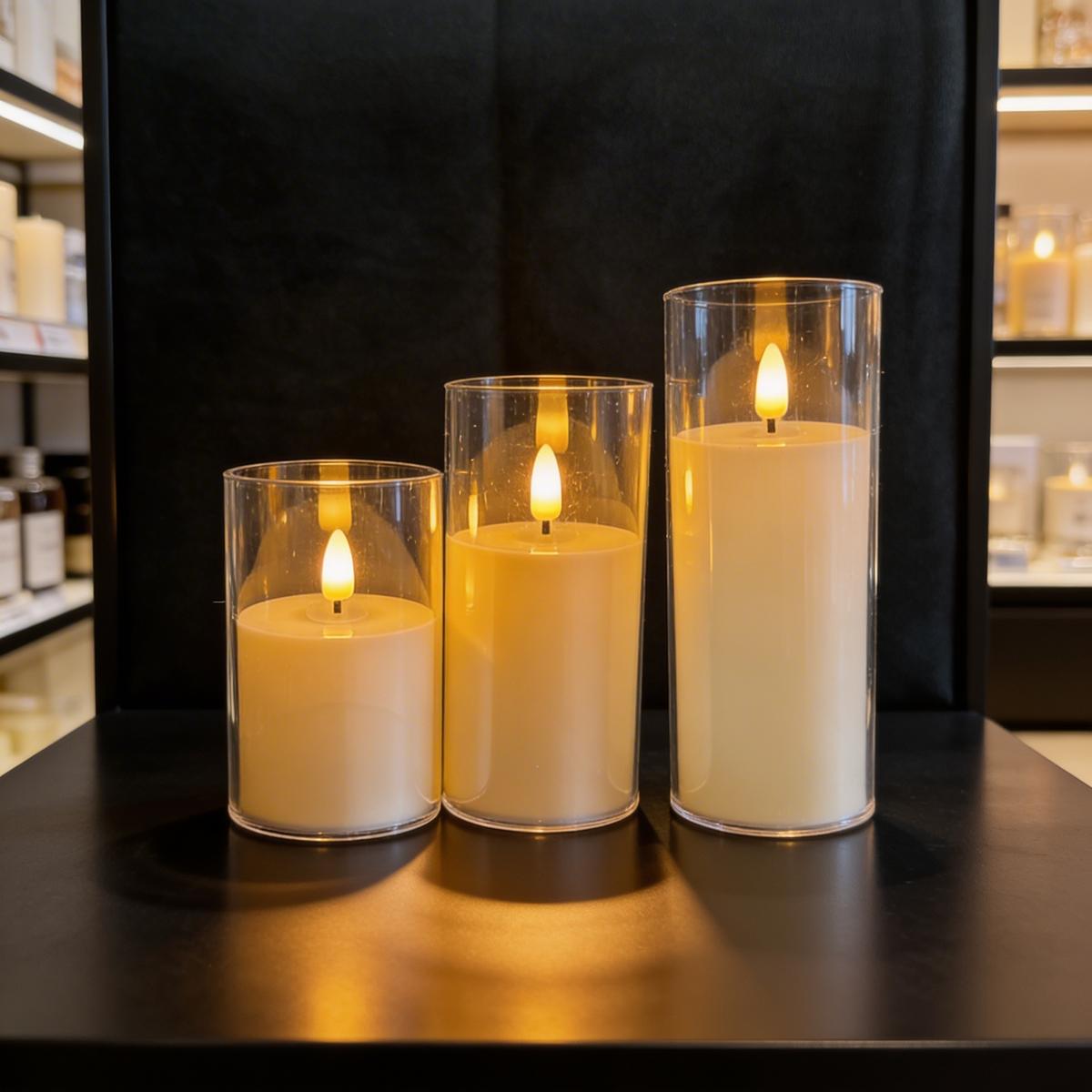
Candle on clean background with soft studio lighting
Cozy home scene with warm ambient lighting
Spa setting with towels and botanical elements
Seasonal lifestyle shot with themed props
Why Use AI for Candles Photography?
Traditional product photography is expensive and time-consuming. Here's how EcomShot solves that.
Candle photography needs to evoke mood and fragrance
AI creates atmospheric shots that suggest scent and ambiance
Styling cozy lifestyle scenes is time-consuming
Generate beautiful lifestyle photos instantly
Seasonal collections require constant reshoots
Create seasonal scenes on demand
Maintaining consistency across fragrance lines
Apply the same visual style to your entire collection
How to Create Candles Photos with AI
Professional candles product photos in three simple steps.
Upload Your Product
Take a photo of your candles product with any background. Our AI will isolate it automatically.
Choose Your Style
Select from preset backgrounds or describe your ideal scene. Perfect for candles products.
Download & Sell
Get high-resolution photos ready for your store, Amazon, Etsy, or any marketplace.
💡 Pro Tips for Candles Photography
- Describe scent-related moods in your prompts
- Try both clean product shots and lifestyle scenes
- Use seasonal keywords for holiday marketing
- Generate multiple variations for A/B testing
Where to Use Your Candles Photos
Professional photos that work everywhere you sell.
Etsy Candle Shops
Stand out with professional photos that convert.
Shopify Home Fragrance
Create a premium brand experience online.
Amazon Handmade
Meet marketplace requirements with professional images.
Wholesale Catalogs
Generate consistent photos for retail partners.
Candles Photography Prompt Ideas
Use these prompts to get started or customize them for your brand.
Candle on neutral surface, soft diffused lighting, subtle shadow, clean look
Cozy home scene, warm ambient light, soft textiles, inviting atmosphere
Spa setting, towels, greenery, fresh and relaxing mood
Seasonal scene, holiday props, festive ambiance
Frequently Asked Questions
Everything you need to know about AI candles product photography.
Can AI capture the mood of different candle scents?
Yes! Describe the mood or scent profile in your prompt — 'cozy vanilla,' 'fresh lavender,' 'holiday spice' — and the AI will generate scenes that evoke those feelings.
Do I need to light the candle for photos?
No! The AI can generate both lit and unlit candle photos. For lit candles, describe 'glowing' or 'burning' in your prompt. Unlit photos work great for e-commerce listings.
Can I create seasonal candle photography?
Absolutely! Use seasonal keywords like 'fall leaves,' 'holiday,' 'spring flowers,' or 'summer beach' to generate seasonally-appropriate scenes for your marketing.
What about candles in glass jars vs. pillars?
EcomShot works beautifully with all candle types — jars, pillars, votives, tapers, and wax melts. The AI adapts to whatever candle style you upload.
Can I show the wax color and texture?
Yes! The AI preserves the color from your original photo. For best results showing wax texture, photograph from an angle where the top of the candle is visible.
How do I create consistent photos for a collection?
Use the same style settings and prompts for all candles in a collection. This creates a cohesive brand look across all your product listings.
Explore More Categories
AI product photography for every product type.
Ready to Create Candles Photos?
Join thousands of sellers using EcomShot to create professional candles product photos. Start free — no credit card required.
5 free credits • No credit card required • Cancel anytime