
Remove Background from Product Images
Get clean cutouts and transparent PNGs in seconds — no manual editing, no Photoshop skills needed.
5 free credits on sign-up • No credit card required
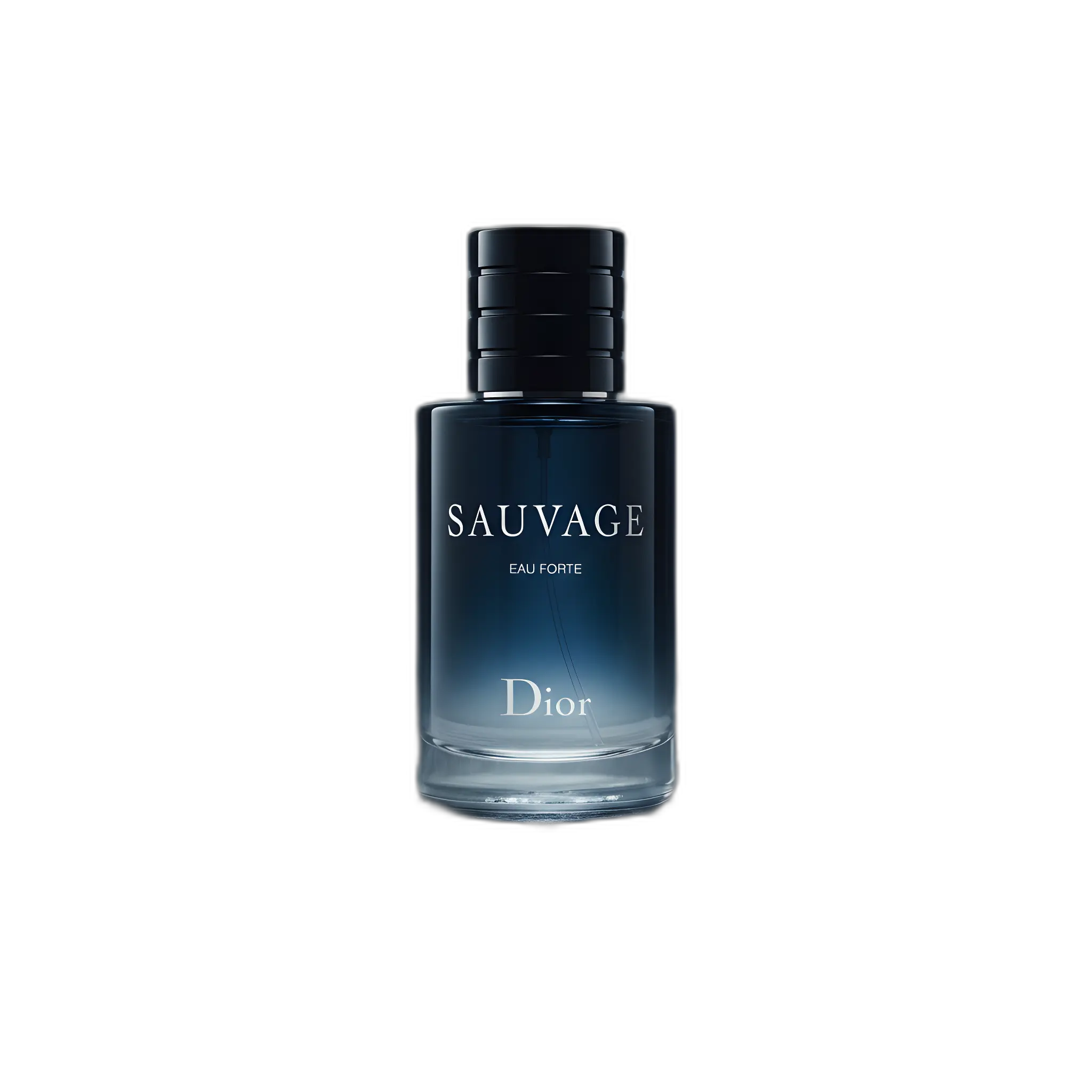
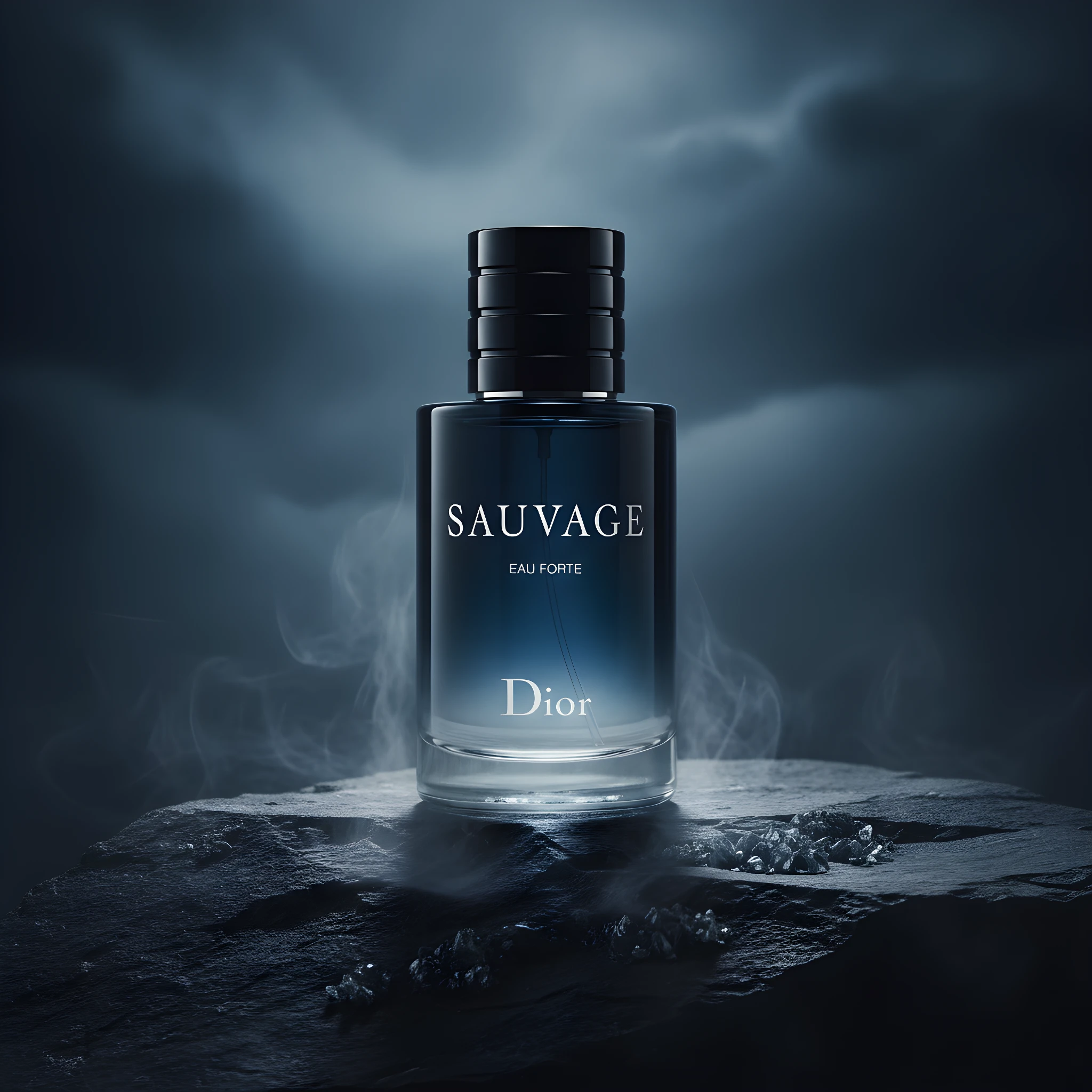
Removing backgrounds from product images is essential for e-commerce success. Clean, professional product photos with transparent or white backgrounds help your listings stand out and meet marketplace requirements. Our AI-powered background remover analyzes your image, detects the product edges with precision, and removes the background in seconds — no manual selection or Photoshop skills required.
How It Works
Remove Background from Image in three simple steps.
Upload Your Image
Drag and drop or upload any product photo. Works with JPG, PNG, and WebP formats up to 25MB.
AI Removes Background
Our AI detects your product and removes the background automatically — edges are clean and precise.
Download & Use
Get your transparent PNG or place it on any background. Ready for your store, marketplace, or ads.
See It In Action
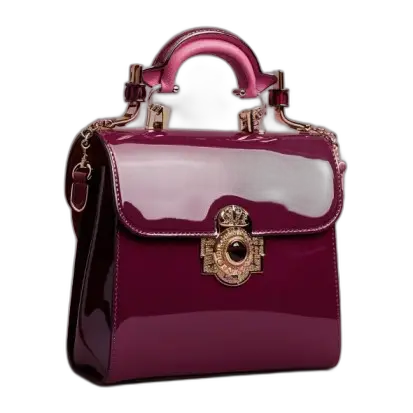
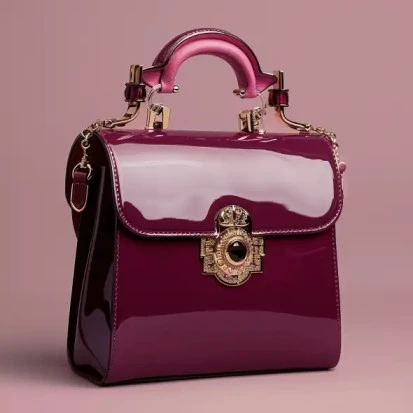
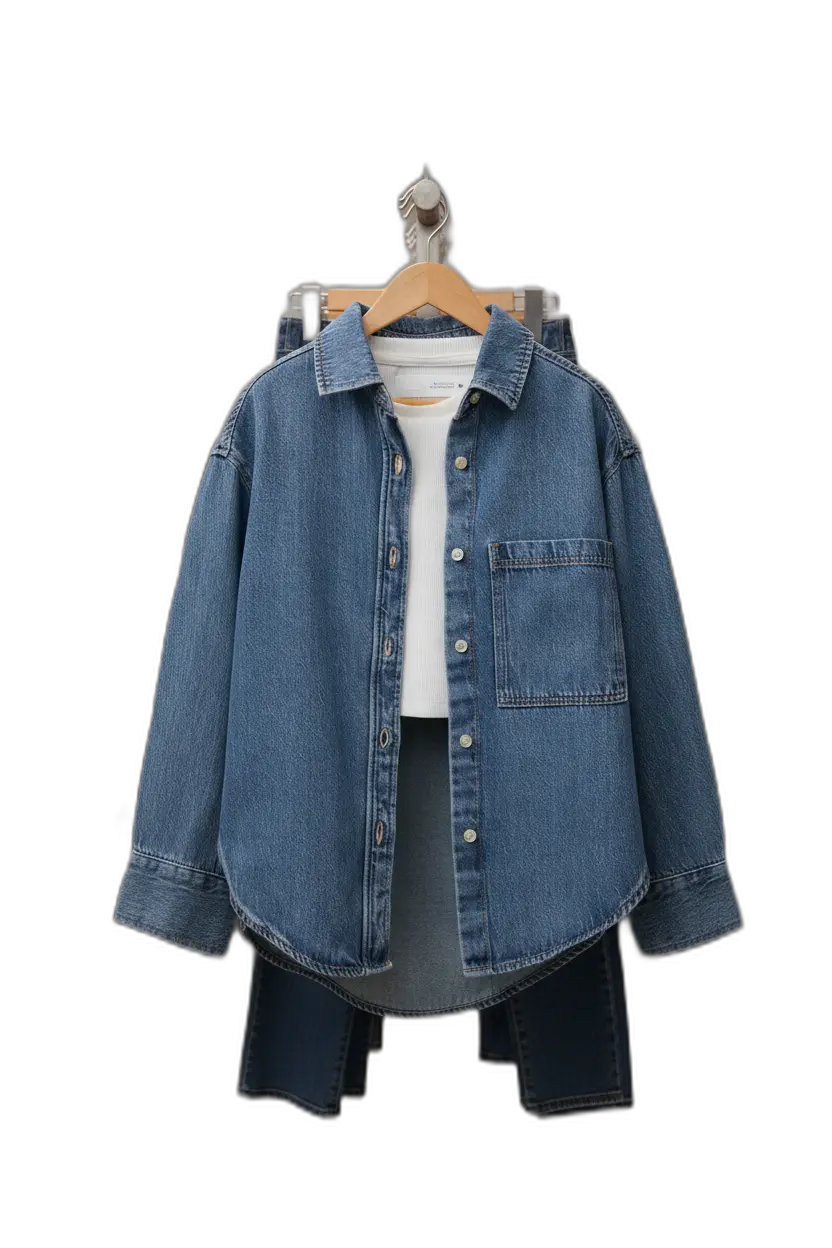
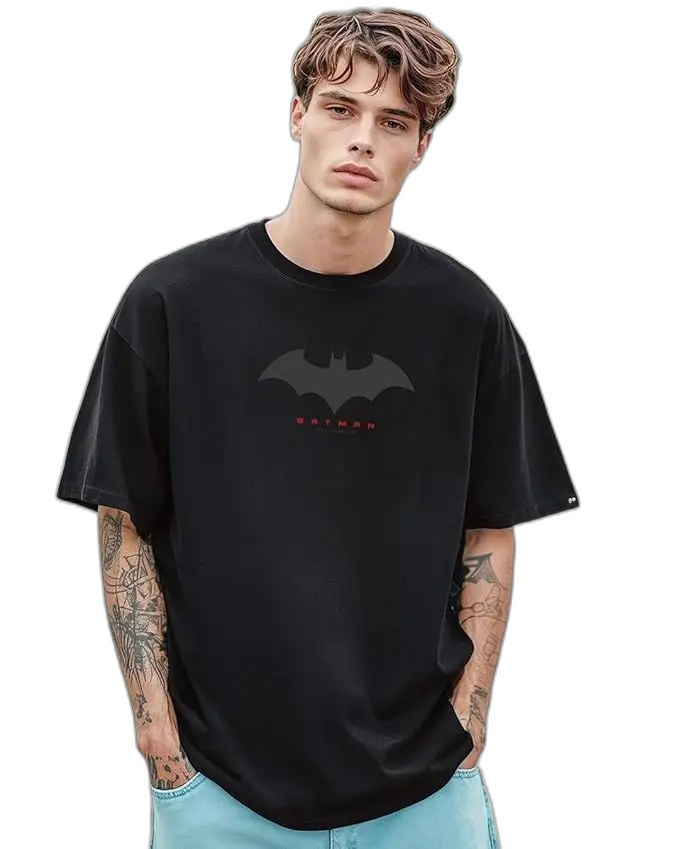
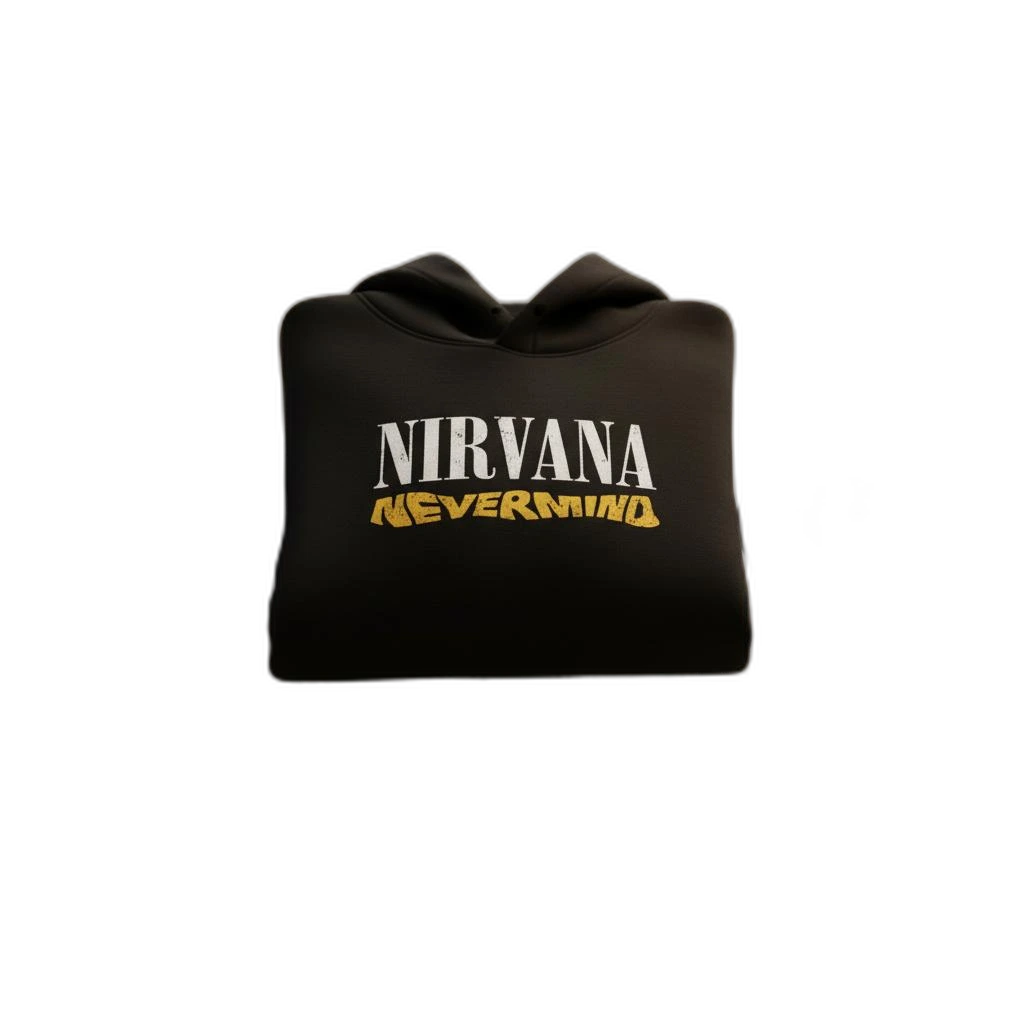
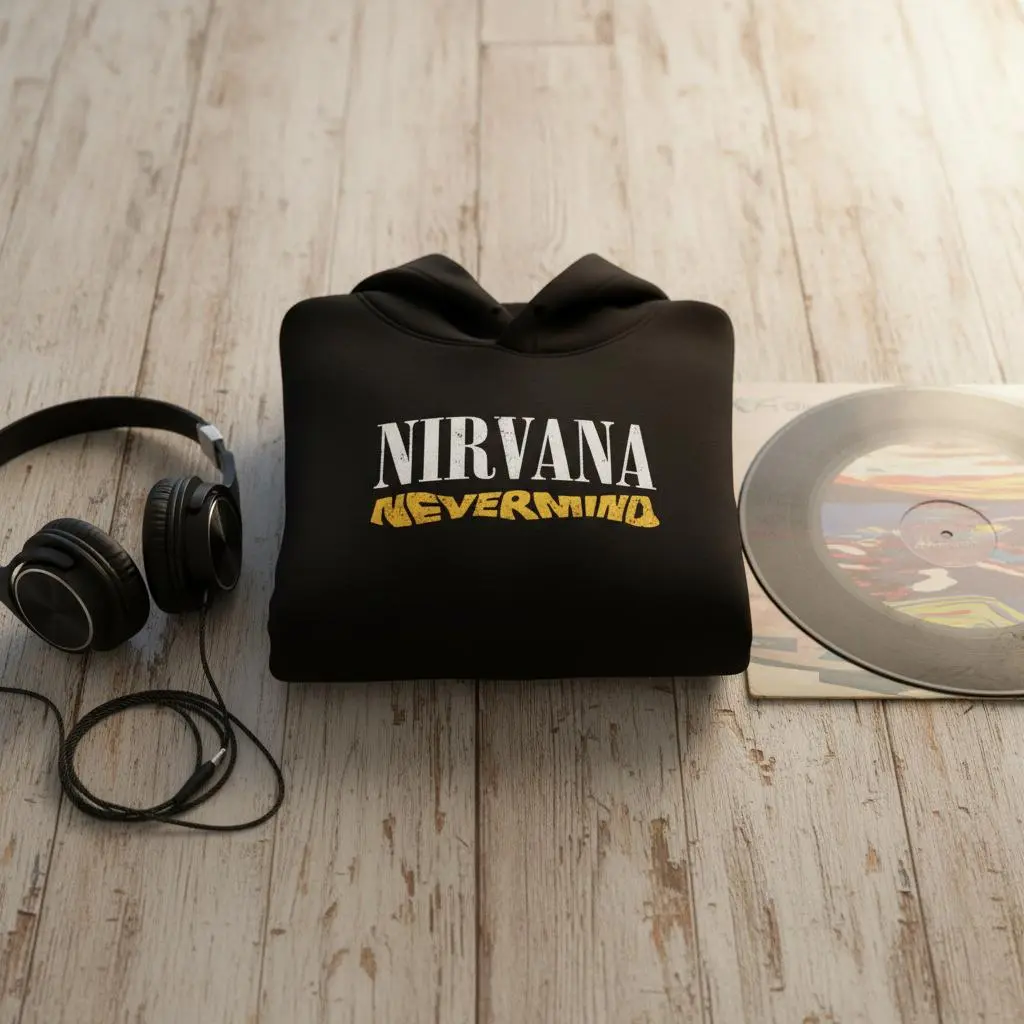
Real examples of what you can achieve with Background Remover.


Who Uses Background Remover?
From solo sellers to enterprise teams — here's how people use this tool.
E-commerce Product Listings
Create clean, white-background images that meet Amazon, eBay, and Shopify requirements.
Learn moreMarketplace Sellers
Stand out on Etsy, Poshmark, and Mercari with professional-looking product photos.
Learn moreSocial Media Marketing
Create scroll-stopping product images for Instagram, Pinterest, and Facebook ads.
Learn morePrint-on-Demand
Extract designs and products for mockups and catalog images.
Learn moreKey Features
Everything you need in a professional background remover.
AI-Powered Precision
Advanced AI detects product edges accurately, even with complex shapes, hair, and transparent objects.
Batch Processing
Remove backgrounds from multiple images at once. Perfect for large catalogs.
Transparent PNG Export
Download with transparent background or add solid colors, shadows, and reflections.
High Resolution Output
Export up to 4K resolution. Your images stay sharp for zoom views and print.
Pro Tips for Best Results
- Use well-lit photos with clear contrast between product and background for best results
- Avoid busy backgrounds that blend with your product colors
- Higher resolution input = higher quality output
- For products with fine details (jewelry, hair), use images with good edge definition
Frequently Asked Questions
Everything you need to know about Background Remover.
Is the background remover free to use?
Yes! New accounts get 5 free credits to try the tool. Each background removal uses 1 credit. You can upgrade to a paid plan for more credits and batch processing.
What image formats are supported?
We support JPG, PNG, and WebP formats. Maximum file size is 25MB. For best results, use high-resolution images with good lighting.
How accurate is the AI background removal?
Our AI achieves 95%+ accuracy on most product photos. It handles complex edges, fine details like jewelry and hair, and even semi-transparent objects like glass.
Can I remove backgrounds in bulk?
Yes! Paid plans include batch processing. Upload multiple images and remove backgrounds from all of them simultaneously.
What output formats can I download?
You can download as transparent PNG (recommended for e-commerce), JPG with white or custom background, or WebP for optimized web use.
How does this compare to Photoshop or remove.bg?
EcomShot is specifically optimized for product photography. Unlike general-purpose tools, our AI is trained on e-commerce images for better accuracy on products, jewelry, apparel, and more.
More Tools You'll Love
Complete your workflow with these related tools.
Ready to Try Background Remover?
Join thousands of sellers using EcomShot to create professional product photos. Start free — no credit card required.
5 free credits • No credit card required • Cancel anytime