
Shopify Product Photos With AI
Create clean, consistent Shopify product photos and lifestyle images with AI—without booking a photoshoot.
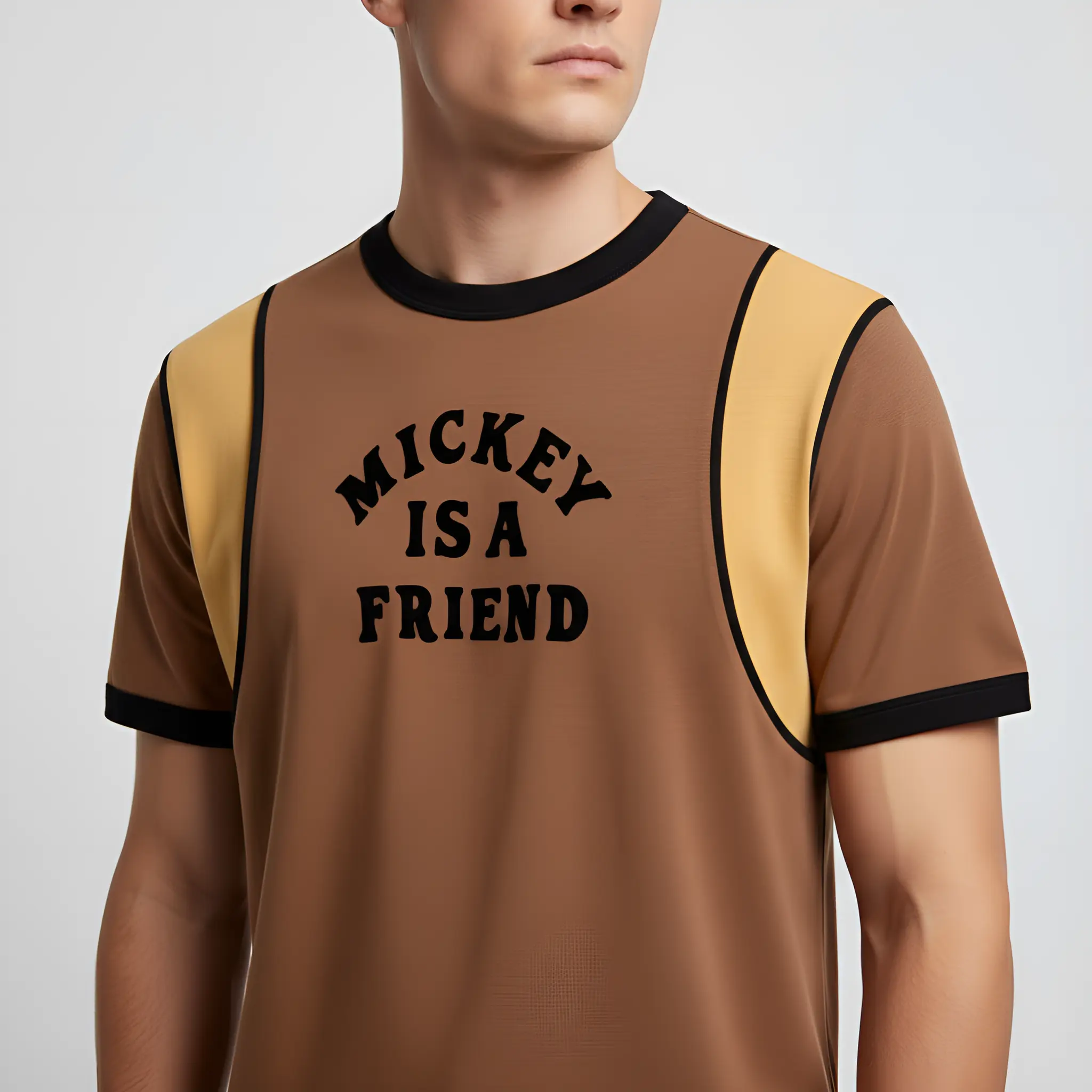
Shopify stores convert better when product images are consistent: clean hero shots, clear details, and a few lifestyle images for context. With AI, you can generate more variations from a single product photo—fast.
The Shopify image stack that converts
- Hero image: clean, centered, consistent background
- Details: materials, texture, closeups
- Lifestyle: 1–2 context scenes to show usage
- Variants: colors, bundles, or key differences
- A clean cutout (transparent PNG) for banners and ads
A repeatable workflow
- Start with a sharp product photo (good light, minimal blur).
- Remove the background if you need a clean cutout.
- Generate a consistent studio look for your whole catalog.
- Add 1–2 lifestyle scenes for your top products.
- Upscale final exports for crisp detail, then upload to Shopify.
Optimization tips
- Keep framing consistent across products so collection pages look premium.
- Use realistic shadows to avoid a floating look.
- Export sharp images, then optimize file sizes for fast loading.
- Use descriptive alt text for accessibility and clarity.
Recommended pages
Background remover guide
Create clean cutouts and consistent hero images.
Learn more →
Background changer guide
Generate lifestyle scenes for PDP galleries and ads.
Learn more →
Product photography by category
Examples and prompt ideas for key categories.
Learn more →
Prompt gallery
Reusable prompt patterns for consistent Shopify images.
Learn more →
Shopify guide (blog)
A deeper walkthrough and prompt ideas.
Learn more →
Pricing
Start free and upgrade as you scale your catalog.
Learn more →
FAQ
How many photos should a Shopify product page have?
A good starting point is 5–8 images: one clean hero image, a few detail/angle shots, and 1–2 lifestyle scenes.
What’s the best format for Shopify images?
Use high-quality formats that load fast. For transparency, use PNG. For most product photos, optimized WebP/JPG works well.
Do lifestyle images help conversion?
Often, yes—especially for beauty, home, and apparel. Use lifestyle images to add context while keeping the product as the hero.
Make your Shopify images look consistent
Generate clean hero shots and lifestyle scenes without a studio shoot.