
Blog / How to Create Shopify Product Photos With AI
How to Create Shopify Product Photos With AI
A fast way to generate clean, consistent Shopify product images and lifestyle shots—without booking a shoot.
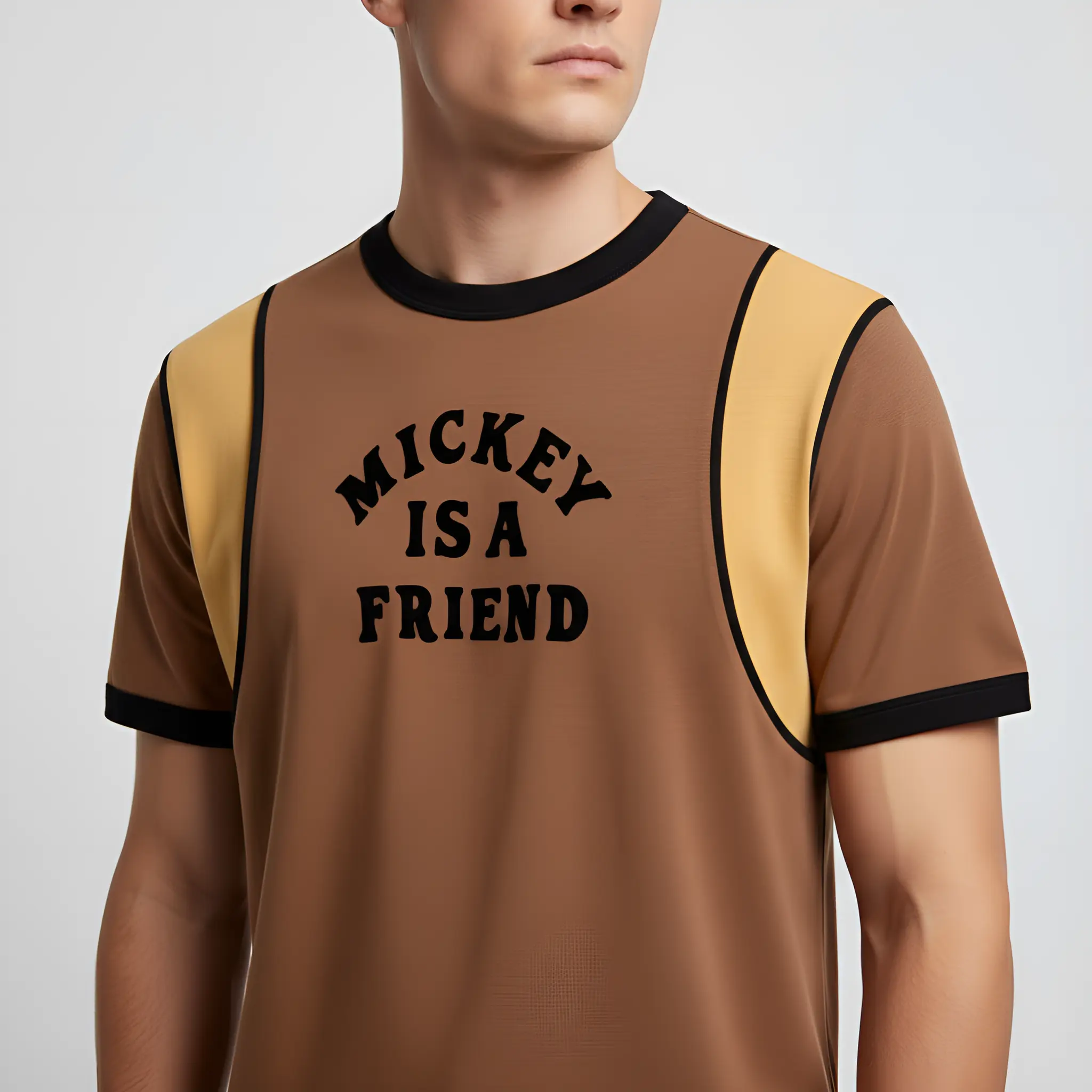
Shopify stores convert better when product photos are consistent: same framing, clean backgrounds, and a few lifestyle images to show context.
The Shopify image stack you need
- A clean hero image (studio look)
- 2–4 alternate angles or variations
- 1–2 lifestyle scenes
- A clean cutout for ads and design
Prompts that work for Shopify
- “White seamless studio background, soft diffused lighting, natural shadow, premium ecommerce photo”
- “Minimal lifestyle scene, daylight, clean composition, product centered, realistic shadow”
For apparel, a catalog-first approach often wins: create a consistent studio look for the whole collection, then add 1–2 lifestyle scenes per hero product.
Ready to generate product photos?
Upload your product and create multiple store-ready variations in minutes.
More articles

AI Product Photography: A Practical Guide for Ecommerce
A simple, store-first guide to generating studio and lifestyle product images with AI—without a photoshoot.
Amazon Listing Images: Requirements + AI Workflow
A practical checklist for Amazon images plus a workflow to generate compliant main images and extra gallery shots.
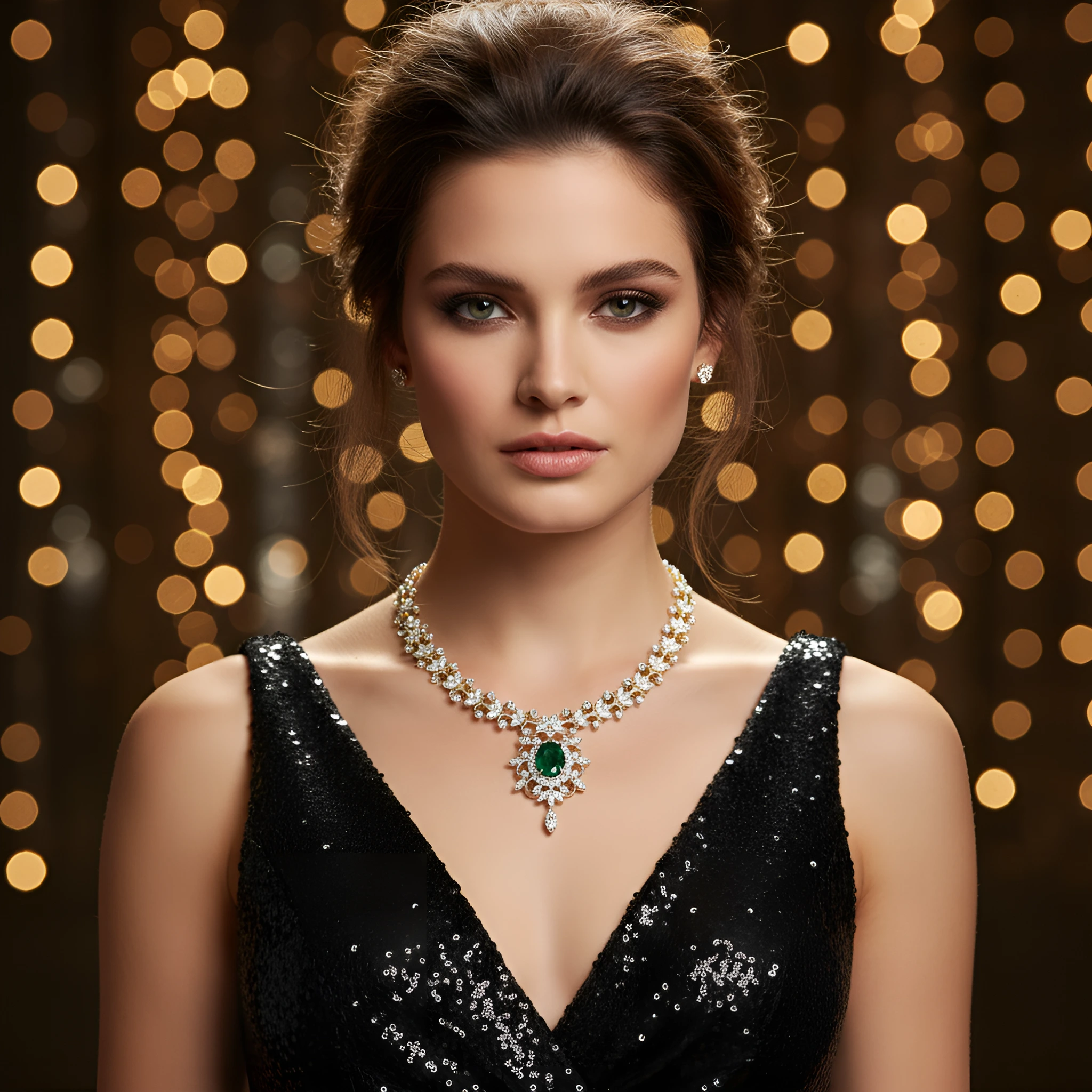
Jewelry Product Photography Ideas (With Prompts)
Luxury jewelry photos need clean highlights and controlled reflections. Here are practical prompts that work.