
Blog / AI Product Photography: A Practical Guide for Ecommerce
AI Product Photography: A Practical Guide for Ecommerce
A simple, store-first guide to generating studio and lifestyle product images with AI—without a photoshoot.

AI product photography helps ecommerce teams create more listing and ad images from a simple product photo. The best results come from good inputs, clear prompts, and consistent framing.
What “AI product photography” actually means
In practice, you start with a clean product image, then use AI to generate variations: different backgrounds, lighting styles, props, and lifestyle scenes—while keeping the product as the hero.
A repeatable workflow (that doesn’t look “AI”)
- Start with a sharp product image (good lighting, minimal blur).
- Remove the background if needed for a clean cutout.
- Generate 3–10 scene variations per product.
- Keep 1–2 consistent “brand looks” for the catalog.
- Upscale final selections and export for your store and ads.
Best practices for better outputs
- Describe lighting (soft diffused, daylight, moody rim light).
- Describe materials/surfaces (marble, stone, wood, velvet).
- Ask for a realistic shadow so the product feels grounded.
- Keep compositions simple—less clutter converts better.
If you sell multiple SKUs, consistency matters more than creativity. Build a few reusable prompts that match your brand and stick with them.
Ready to generate product photos?
Upload your product and create multiple store-ready variations in minutes.
More articles
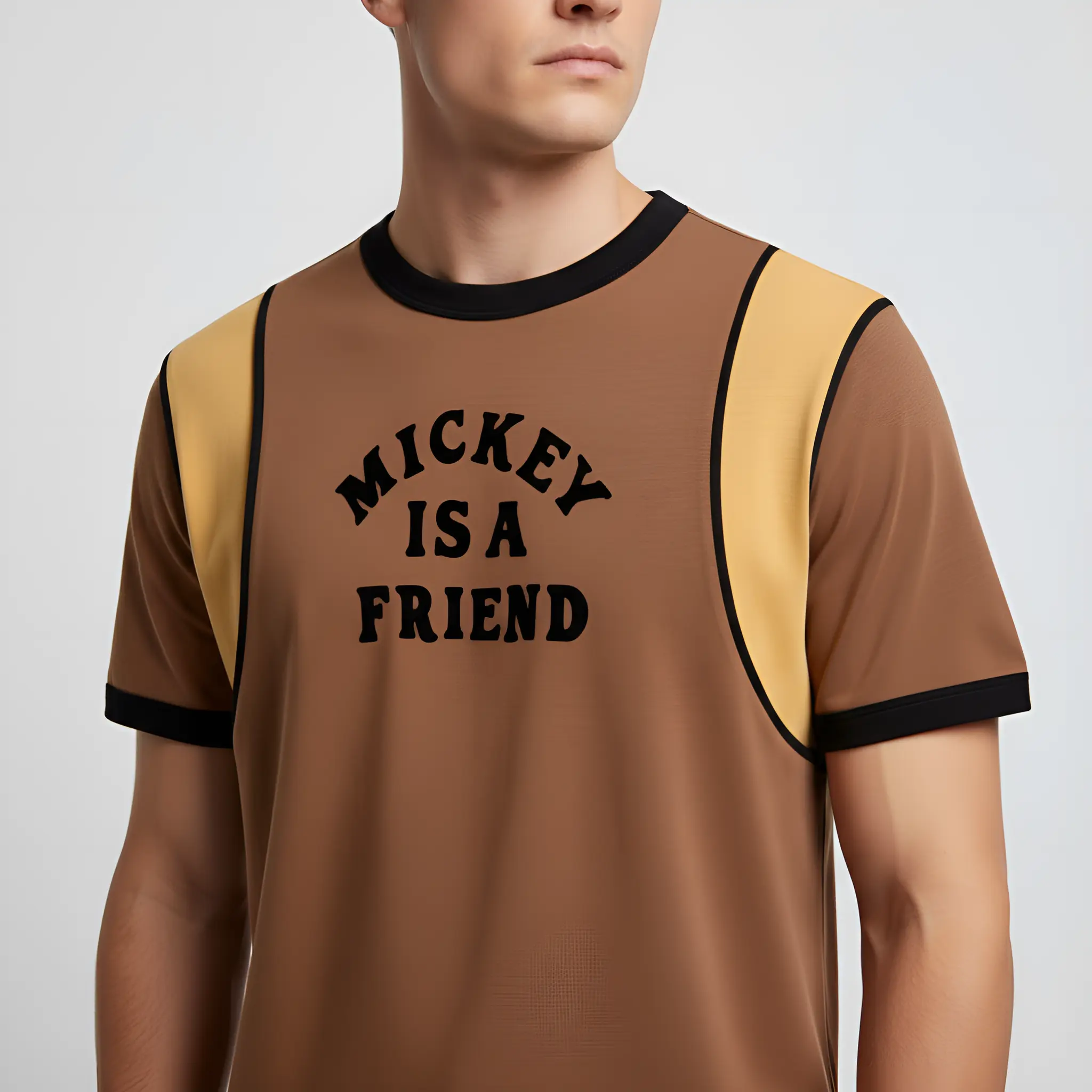
How to Create Shopify Product Photos With AI
A fast way to generate clean, consistent Shopify product images and lifestyle shots—without booking a shoot.
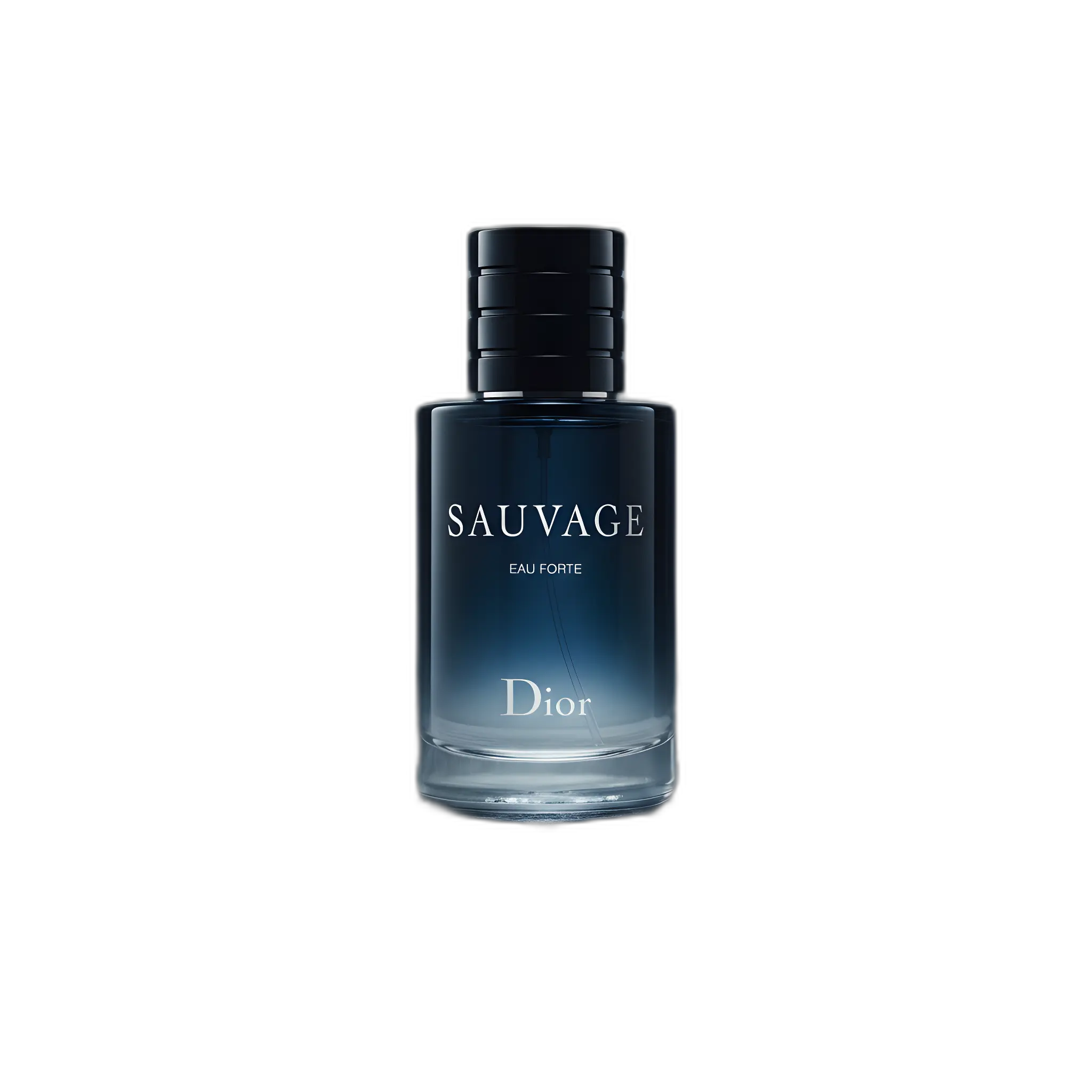
Amazon Listing Images: Requirements + AI Workflow
A practical checklist for Amazon images plus a workflow to generate compliant main images and extra gallery shots.
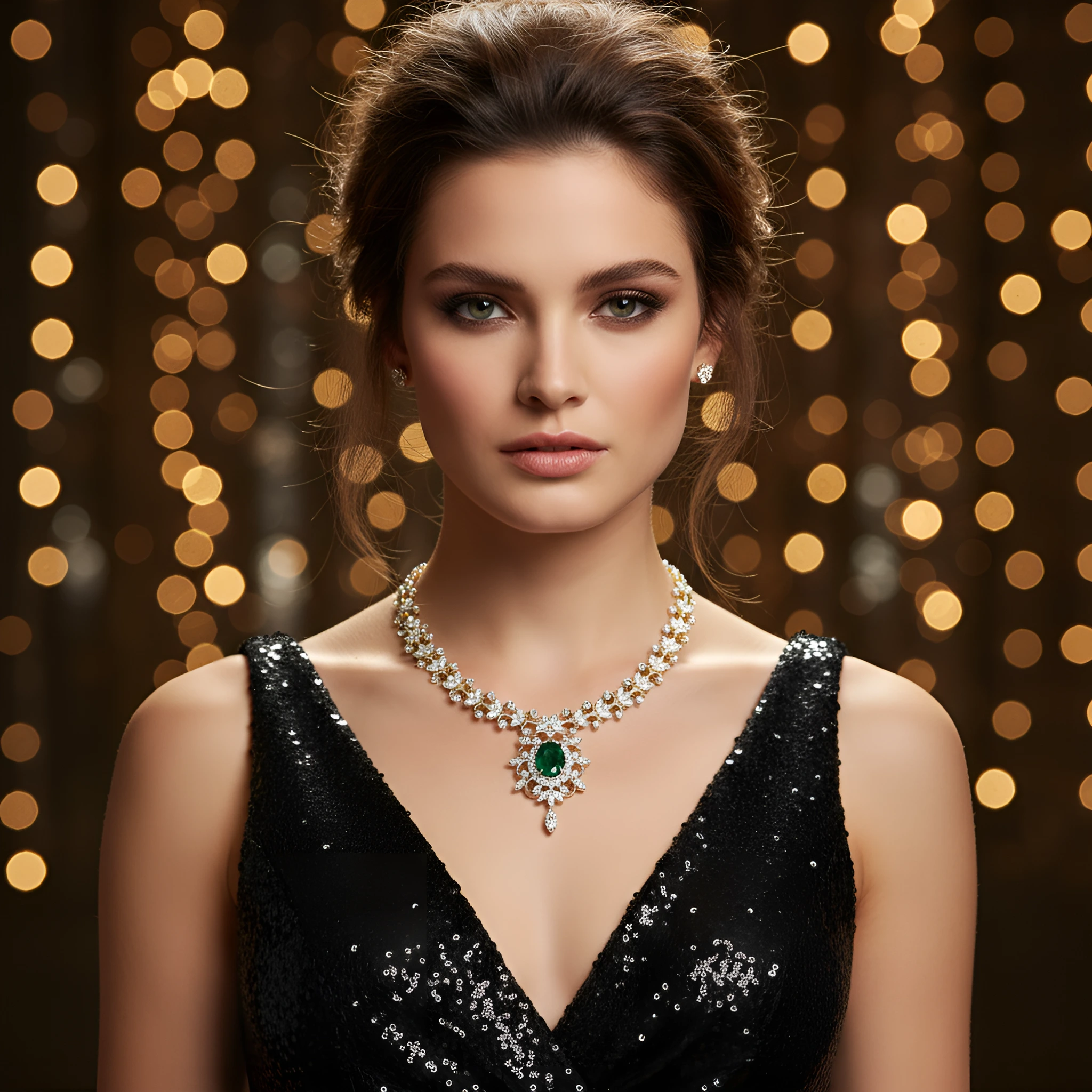
Jewelry Product Photography Ideas (With Prompts)
Luxury jewelry photos need clean highlights and controlled reflections. Here are practical prompts that work.