
AI Product Photography That Sells
Turn a single photo of your product into clean, studio-quality images — no photographer, studio, or expensive gear required.
5 free credits on sign-up • No credit card required
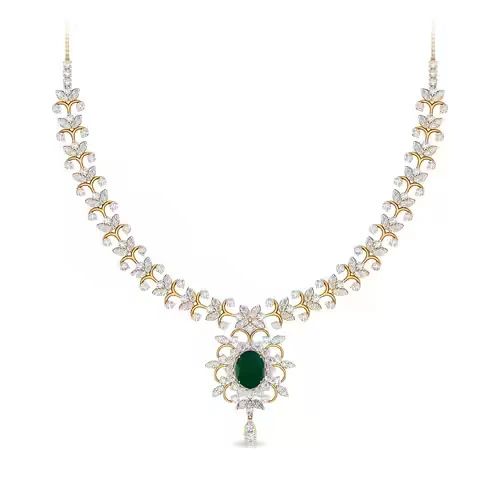
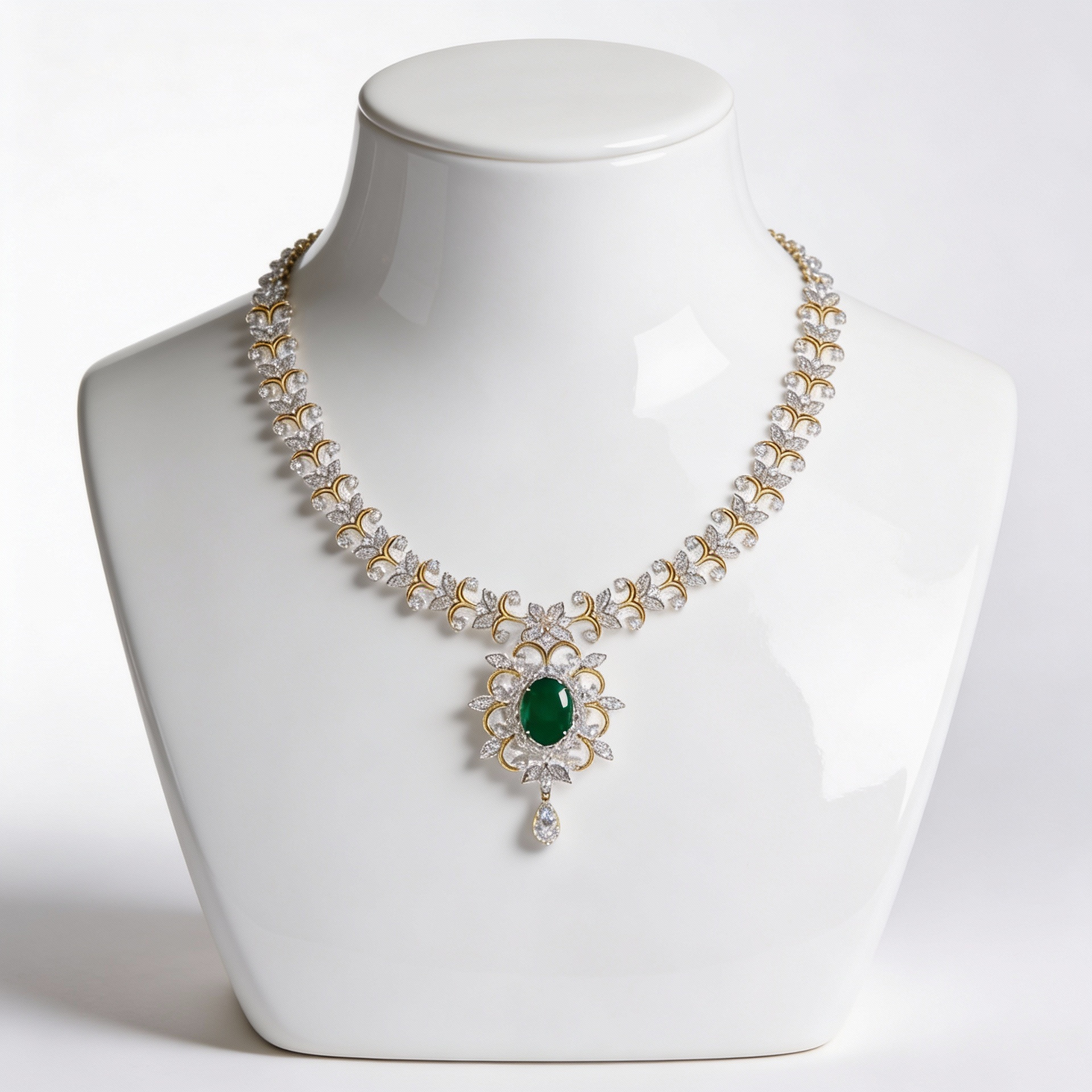
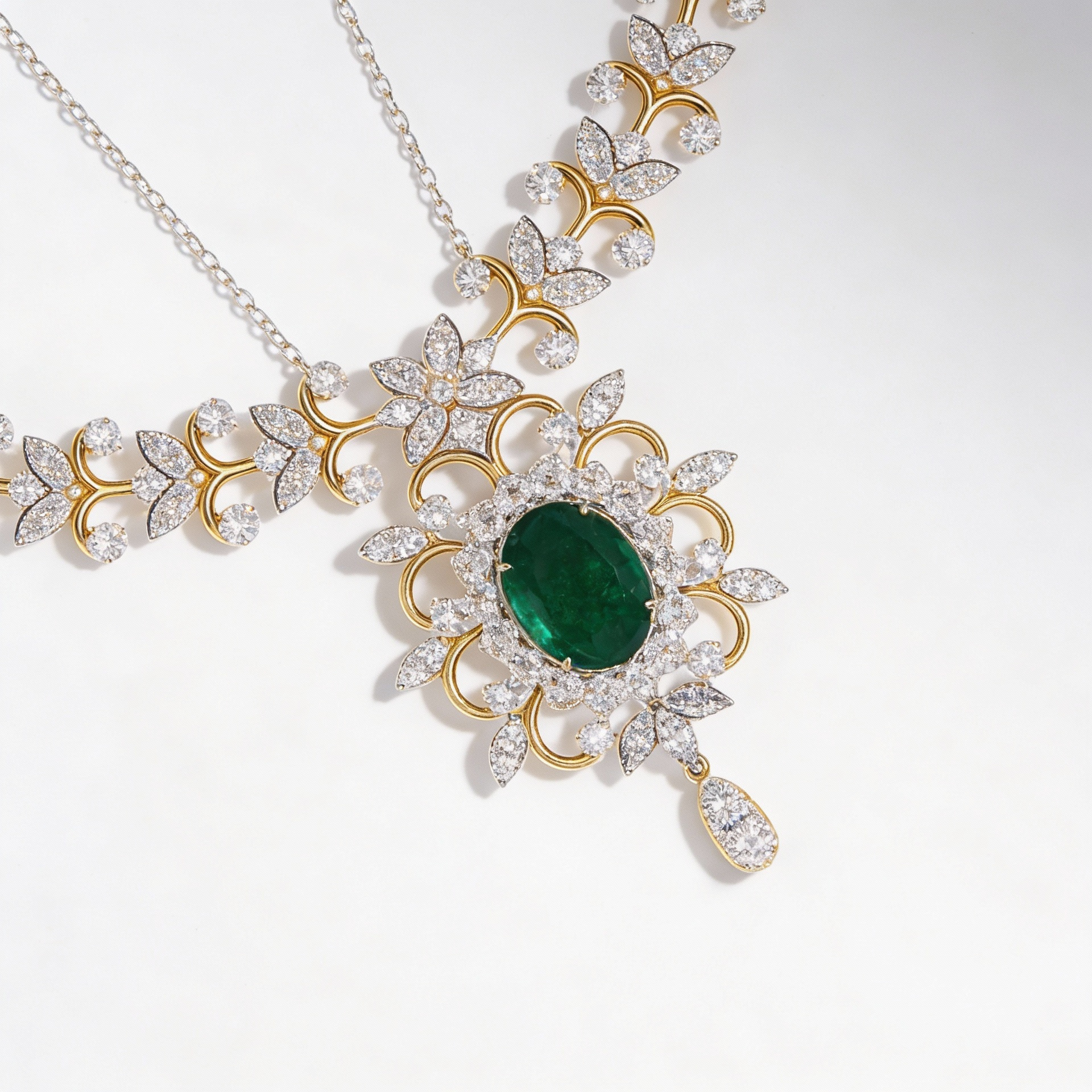

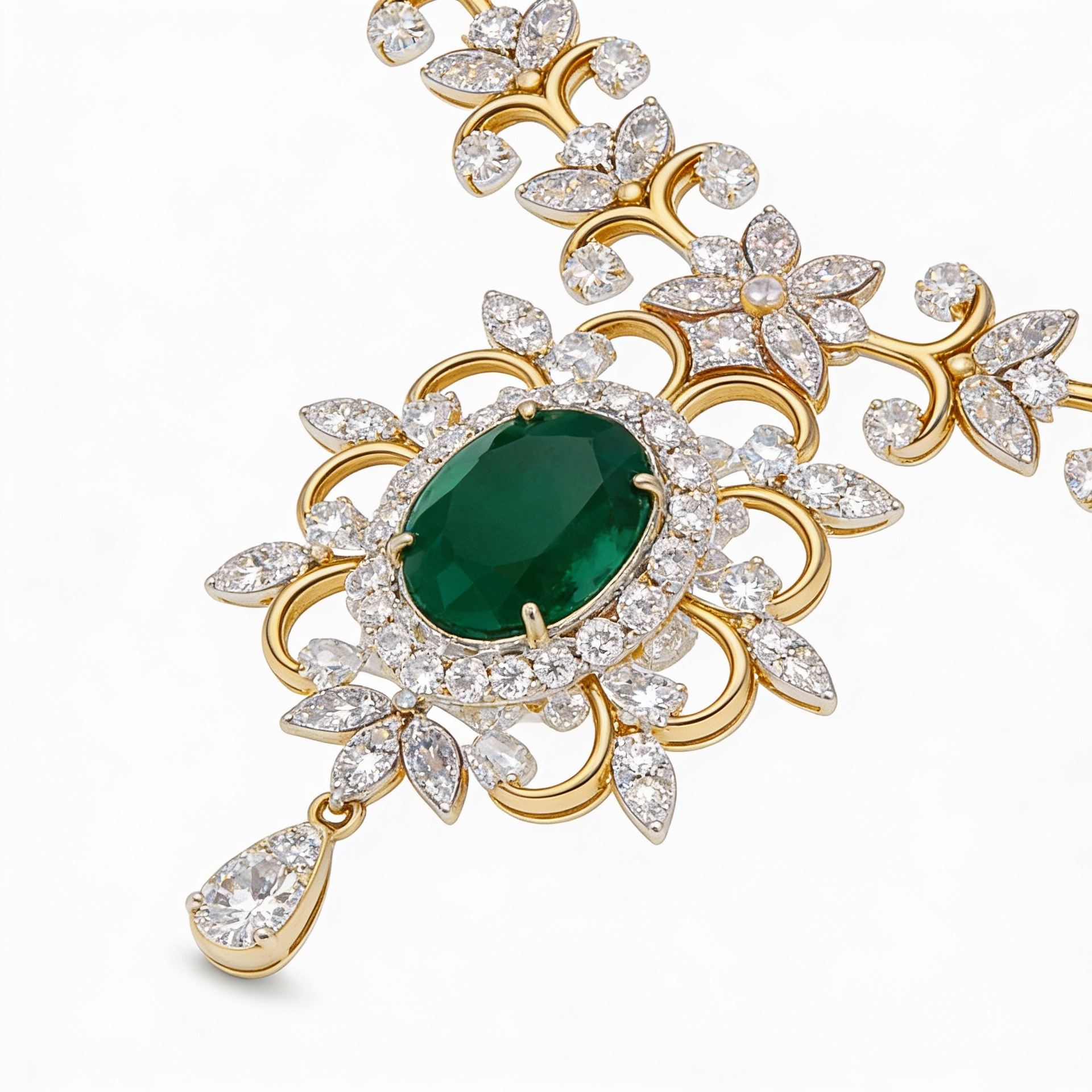
AI product photography replaces the traditional photo shoot with a single upload. Instead of booking a studio, renting equipment, and editing for hours, you upload one photo and AI generates clean, studio-quality product images — proper lighting, professional backgrounds, and true-to-life detail. EcomShot creates catalog-ready shots in seconds at a fraction of the cost, so you can launch products faster and keep a consistent, professional look across your entire store.
How It Works
Generate AI Product Photos in three simple steps.
Upload a Product Photo
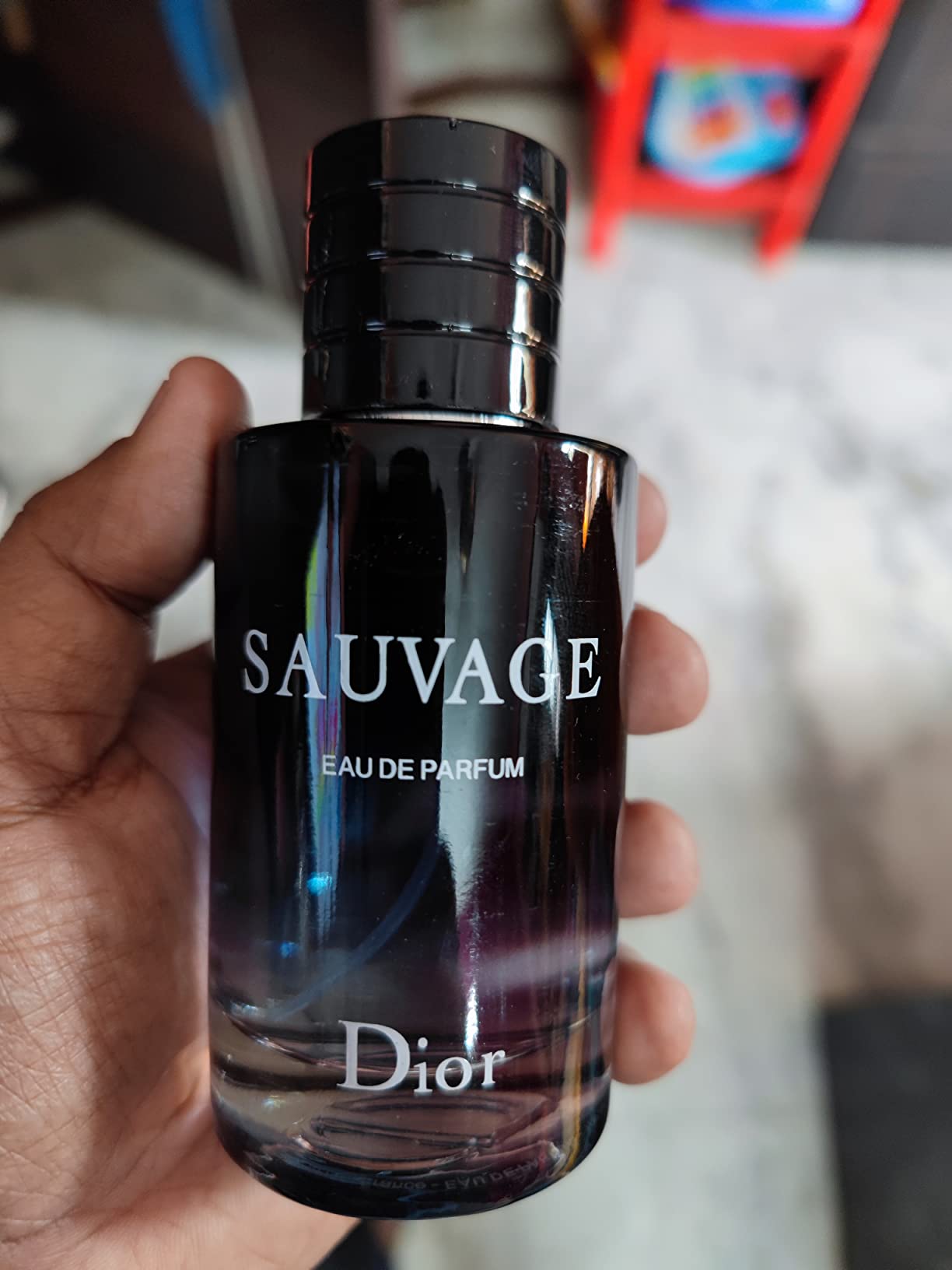
Snap a quick photo of your product — even a plain phone shot on a table works.
AI Creates the Scene
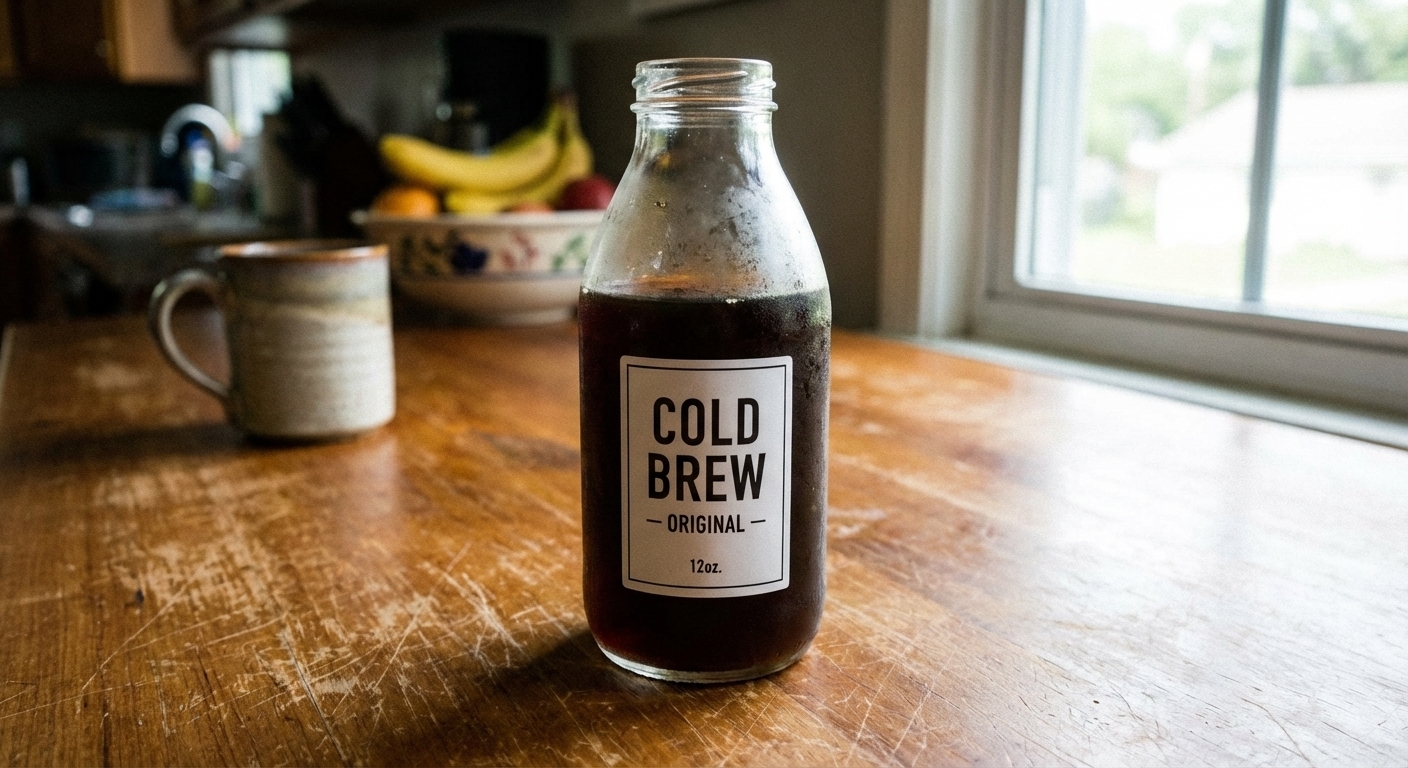
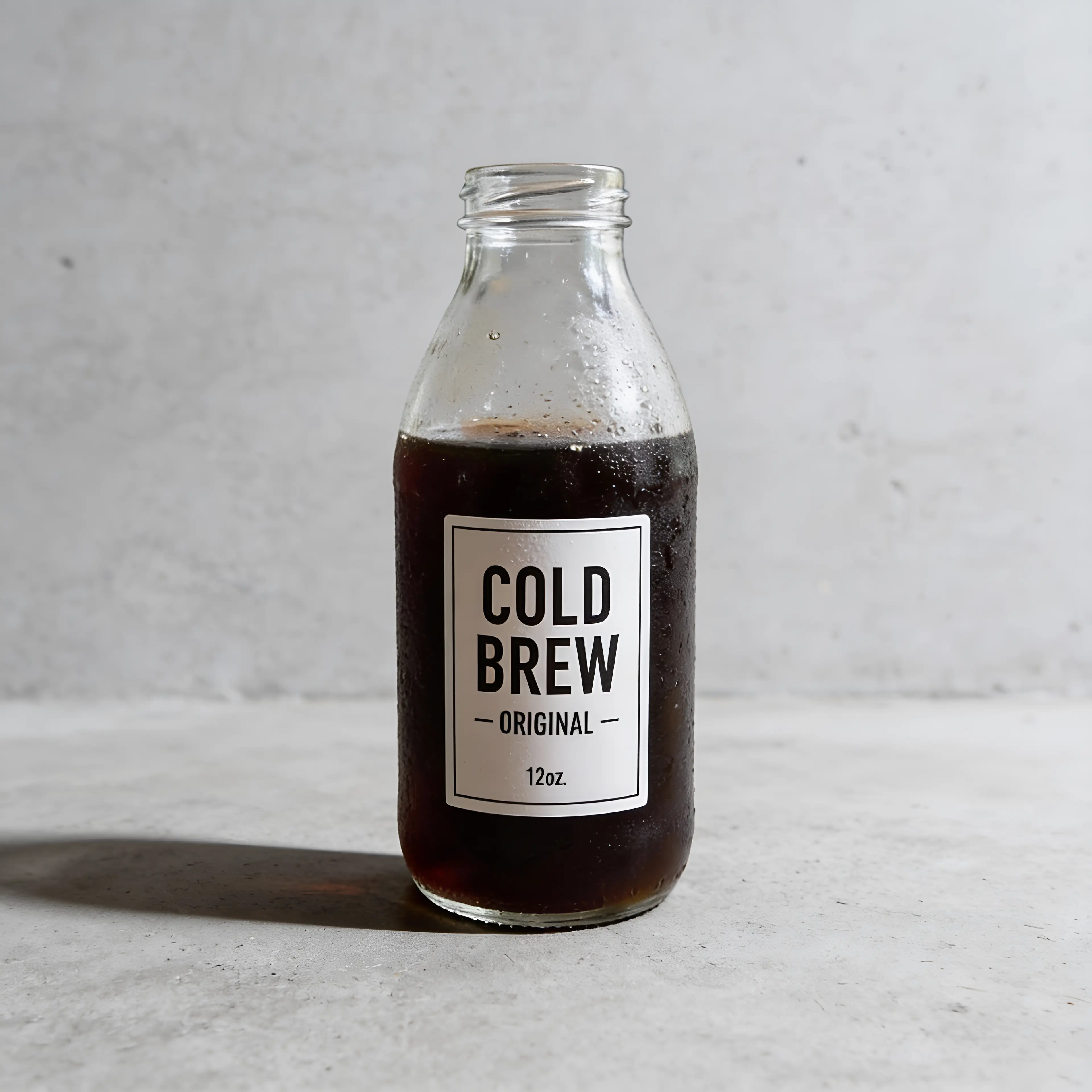
AI removes the background and places your product in clean, professional studio settings.
Download & Publish
Get a set of high-resolution, catalog-ready images to use across your store and marketplaces.
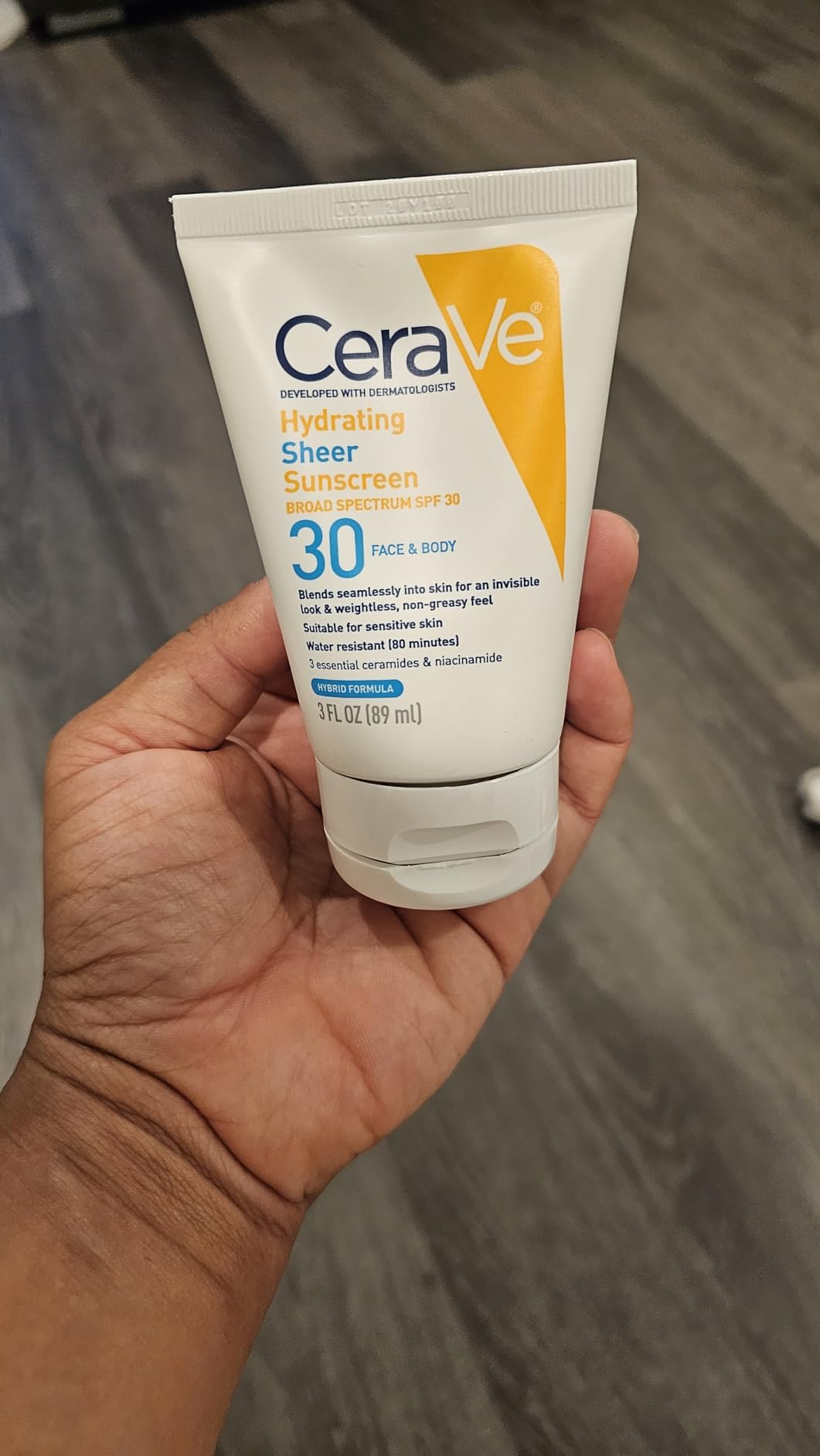
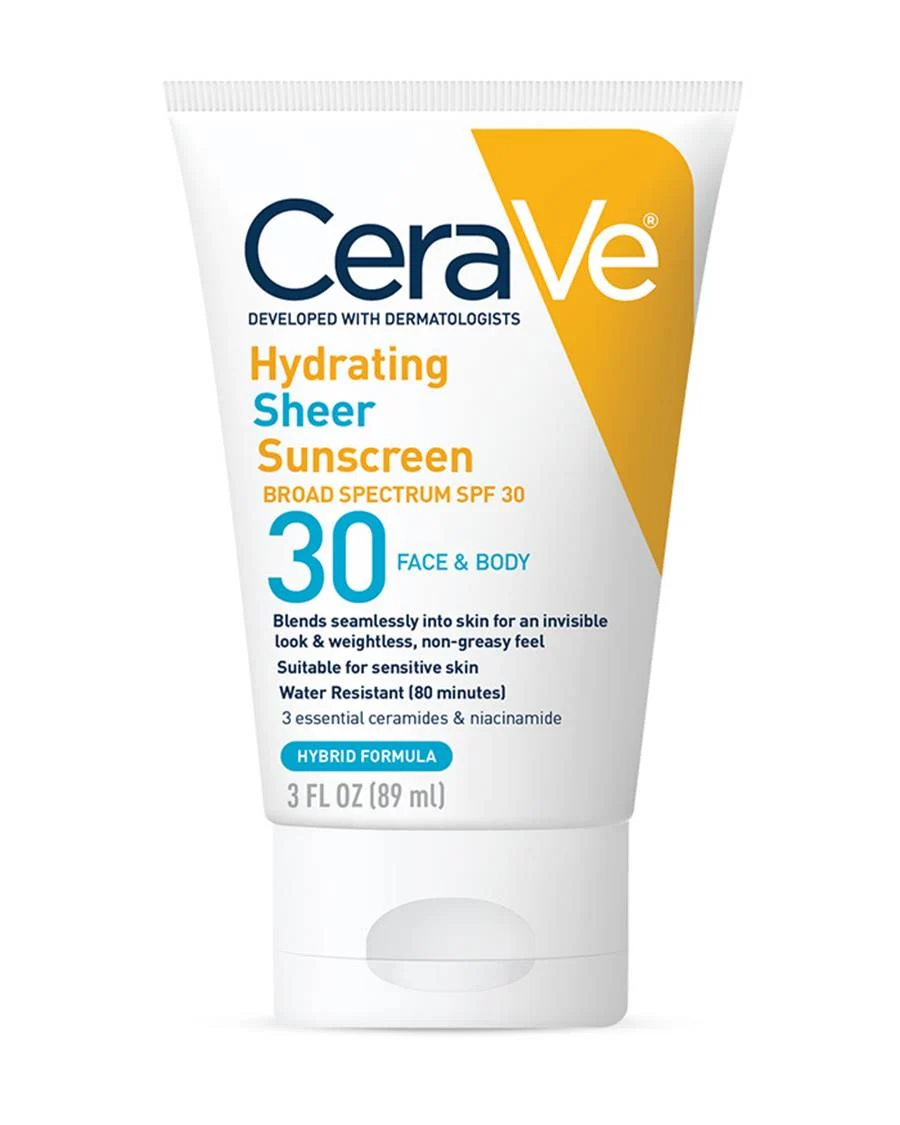
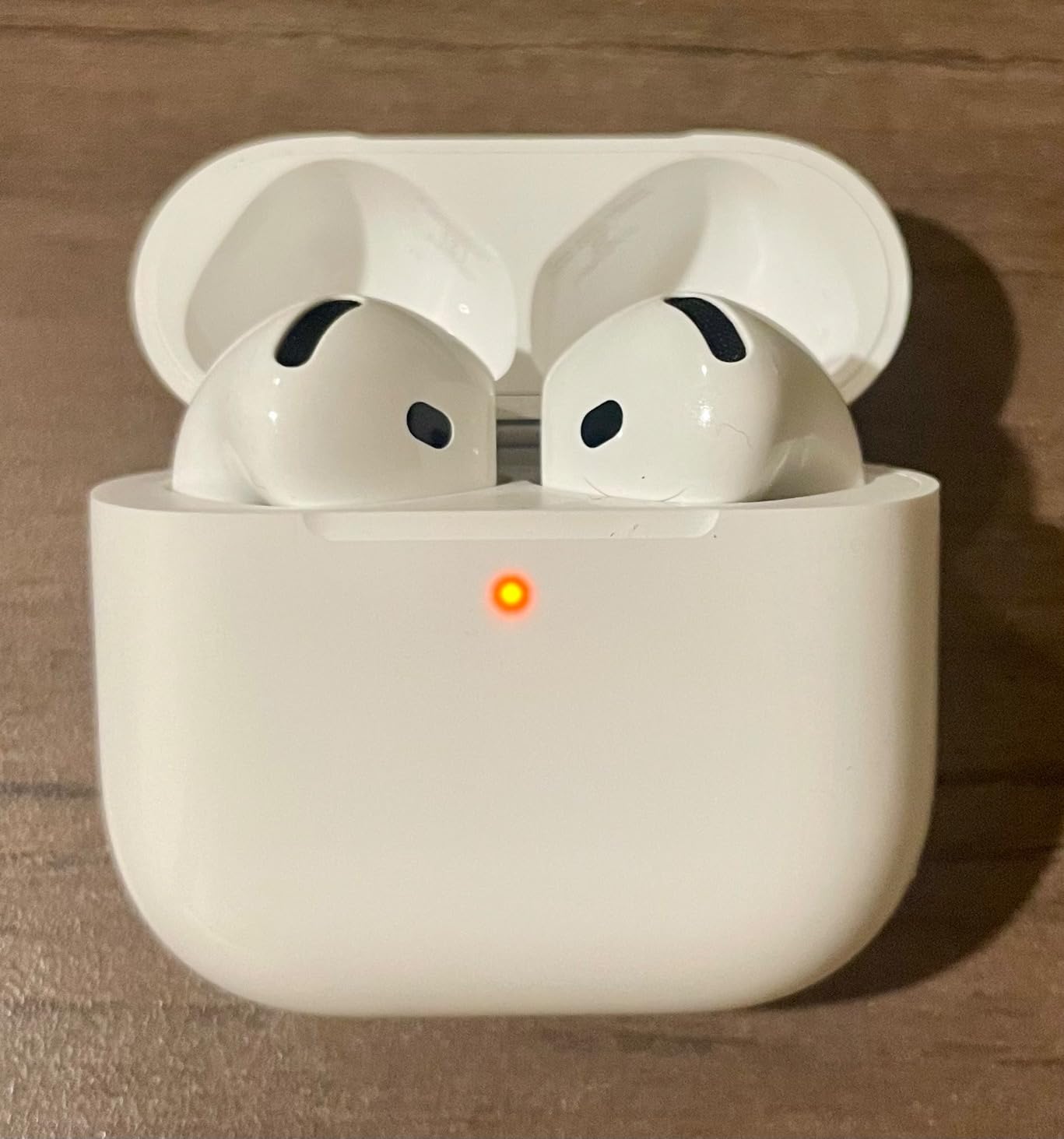
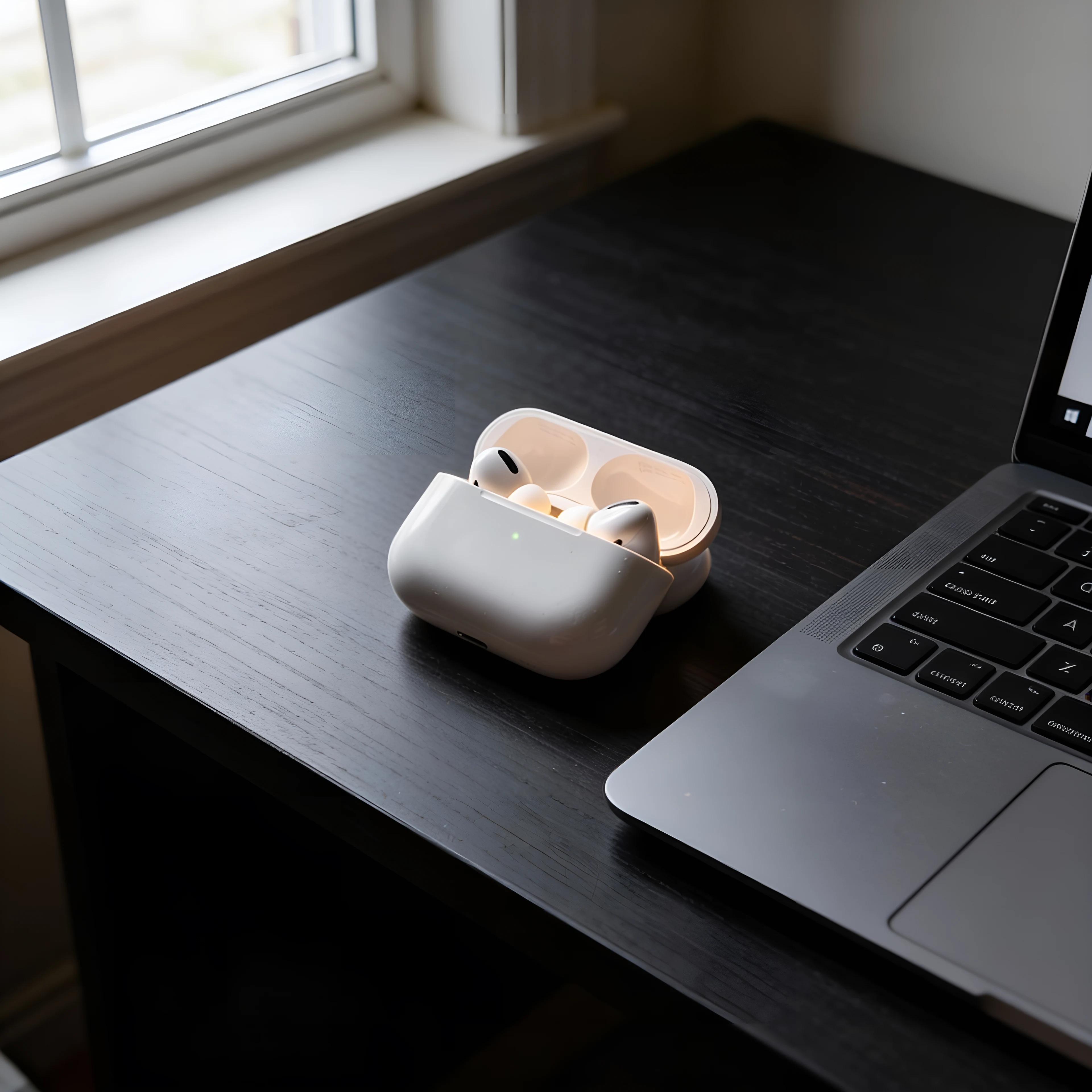
See It In Action
Real examples of what you can achieve with AI Product Photography.

Who Uses AI Product Photography?
From solo sellers to enterprise teams — here's how people use this tool.
Shopify Stores
Fill your storefront with consistent, professional product shots that boost conversions.
Learn moreAmazon Listings
Meet marketplace image standards with clean white-background product photos.
Learn moreEtsy & Handmade
Showcase handmade goods with styled, scroll-stopping imagery.
Learn moreSocial Commerce
Create thumb-stopping product visuals for Instagram and TikTok shops.
Learn moreKey Features
Everything you need in a professional ai product photography.
Studio-Quality Output
Professional lighting, clean backgrounds, and sharp detail — without a studio.
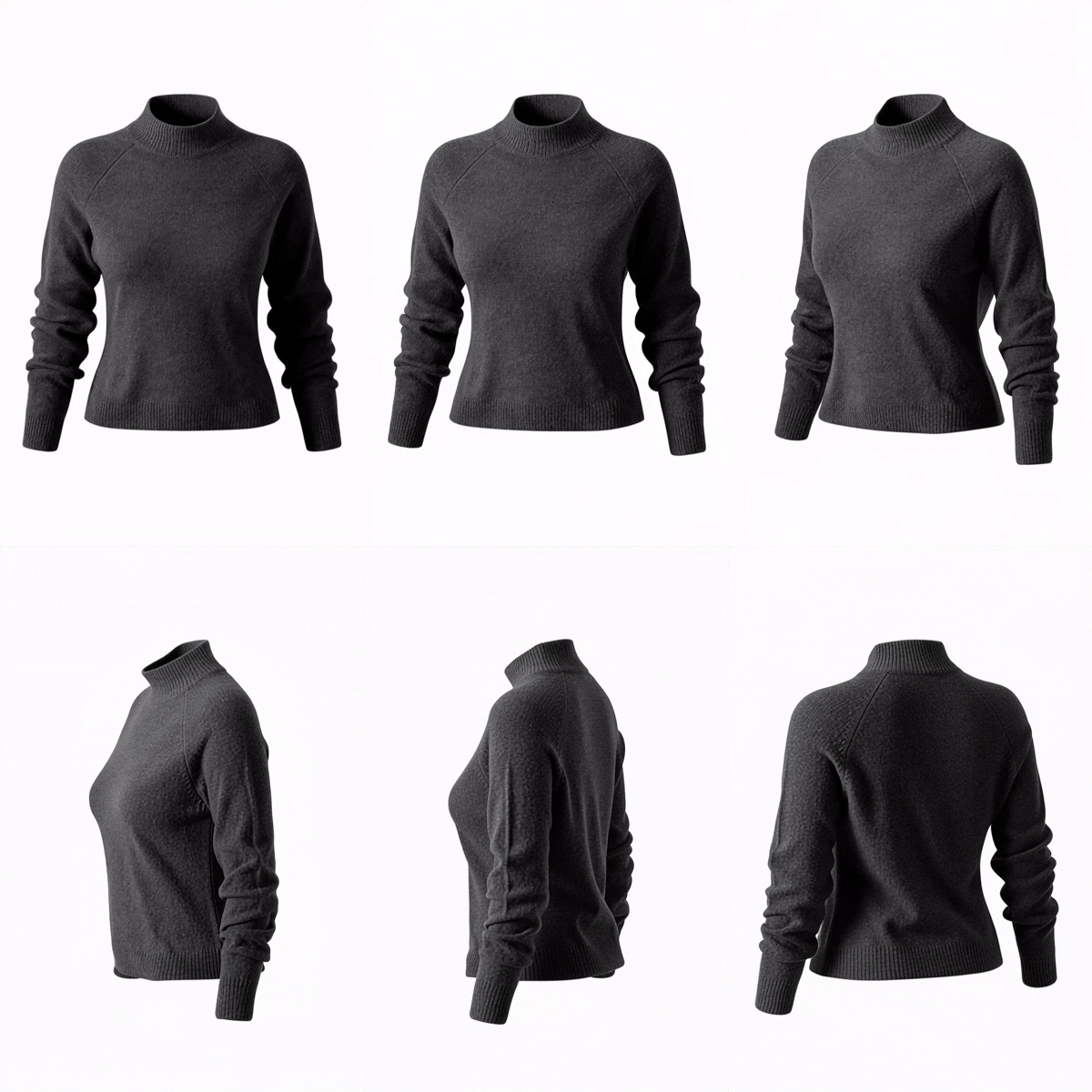
Multiple Angles & Scenes
Generate a varied set of shots from a single upload in one click.
Color-Accurate Products
Your product's real colors, materials, and details are preserved.
High-Resolution Downloads
Export crisp images sized for any store or marketplace.
Pro Tips for Best Results
- Use a well-lit photo of your product with minimal clutter for the cleanest results.
- Shoot the product straight-on and centered so AI has a clear reference.
- Avoid heavy shadows or reflections in the source photo.
- Generate a few variations and pick the strongest for your hero image.
Frequently Asked Questions
Everything you need to know about AI Product Photography.
Do I need any photography equipment?
No. A single photo from your phone is enough — AI handles the lighting, background, and styling.
Will my product look exactly the same?
Yes. AI preserves your product's shape, color, materials, and details while improving the scene and lighting.
What resolution are the images?
Images are high-resolution and ready for Shopify, Amazon, Etsy, and social platforms. Paid plans include upscaling.
Is AI Product Photography free to try?
Yes. New accounts get free credits on sign-up so you can test it on your own products first.
More Tools You'll Love
Complete your workflow with these related tools.
AI Model Photography
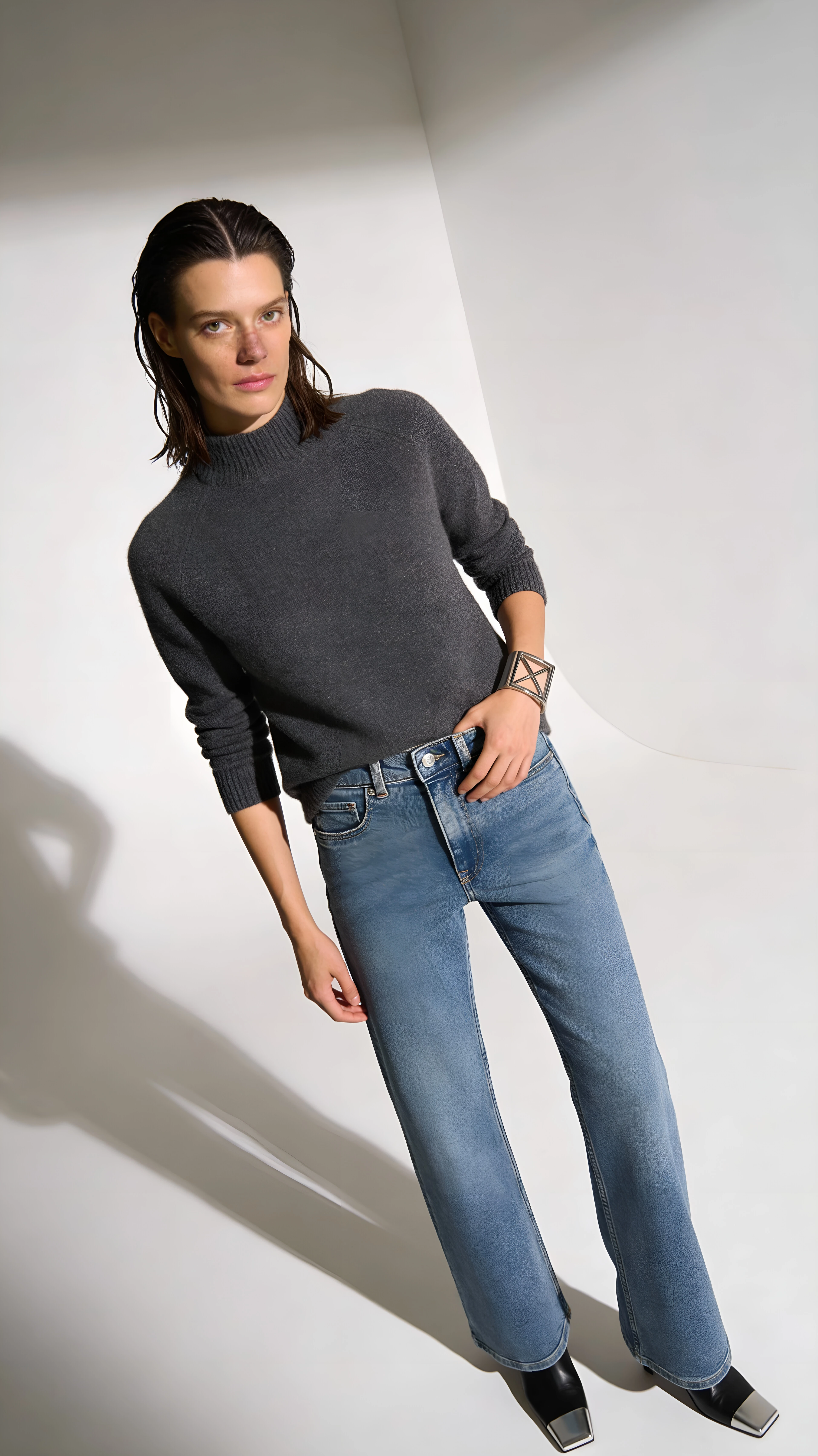
Show your apparel and accessories on realistic AI models — pick a model or use y...
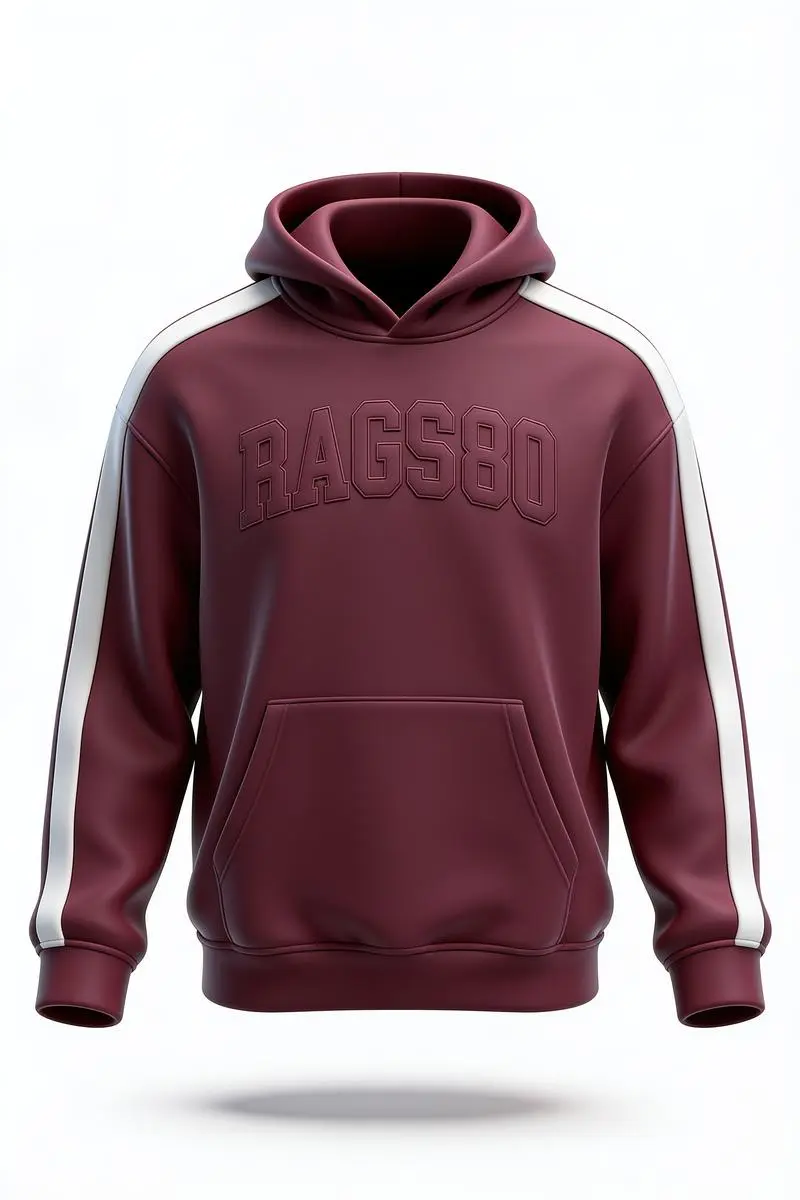
AI Product Video
Transform a single product photo into a smooth, cinematic video — perfect for so...
Ghost Mannequin Photography
Turn mannequin, hanger, or on-model photos into invisible-mannequin product shot...
Ready to Try AI Product Photography?
Join thousands of sellers using EcomShot to create professional product photos. Start free — no credit card required.
5 free credits • No credit card required • Cancel anytime