
Etsy Product Photos With AI
Create Etsy-ready product photos with a mix of clean studio images and lifestyle scenes that tell your brand story.
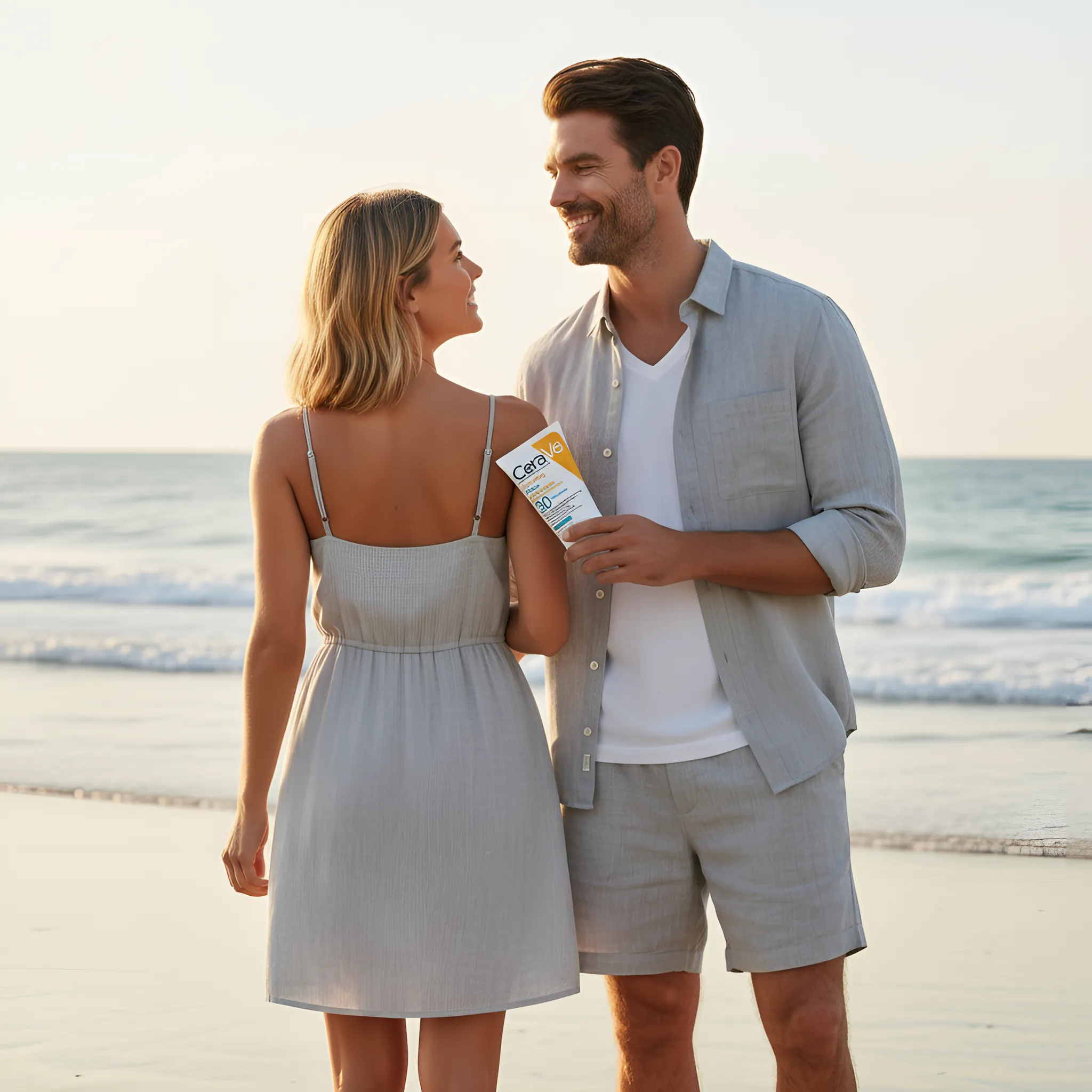
Etsy shoppers often care about story, style, and context. The best Etsy listings combine clarity (clean product shots) with lifestyle images that show how the item looks in real life.
A strong Etsy image set
- Clean hero image: clear, centered, distraction-free
- Detail images: materials, texture, craftsmanship
- Lifestyle scenes: in-use or styled context
- Scale context: size reference when helpful
- Variants: colors or options (as needed)
Workflow for Etsy sellers
- Start with a clear product photo as your base image.
- Generate a consistent studio look for the hero image.
- Create 2–3 lifestyle scenes that match your brand aesthetic.
- Use background removal when you need clean cutouts for banners or designs.
- Upscale final exports for crisp texture and details.
Consistency tips
- Reuse prompt styles to keep your shop cohesive.
- Keep colors accurate—avoid over-stylized edits for hero shots.
- Use simple props so the product stays the hero.
Recommended pages
Jewelry product photography
Examples and prompt ideas for jewelry listings.
Learn more →
Skincare product photography
Clean, premium scenes for beauty products.
Learn more →
Background changer guide
Lifestyle scenes that fit your Etsy brand.
Learn more →
Gallery
See real examples generated with EcomShot.
Learn more →
Pricing
Start free and scale as your shop grows.
Learn more →
FAQ
Commercial use, credits, and quality questions.
Learn more →
FAQ
Do I need lifestyle photos for Etsy?
They often help. Lifestyle images show context and can increase perceived value—especially for handmade, giftable, or decorative items.
How do I keep my shop images cohesive?
Pick a few consistent “brand looks” (lighting + surfaces + composition) and reuse them across listings.
Create Etsy-ready product photos faster
Mix clean hero images with lifestyle scenes that match your brand.