
Amazon Listing Images (Main Image + Gallery) With AI
Generate Amazon-ready listing images: clean main images on white background and gallery variations for higher conversion.
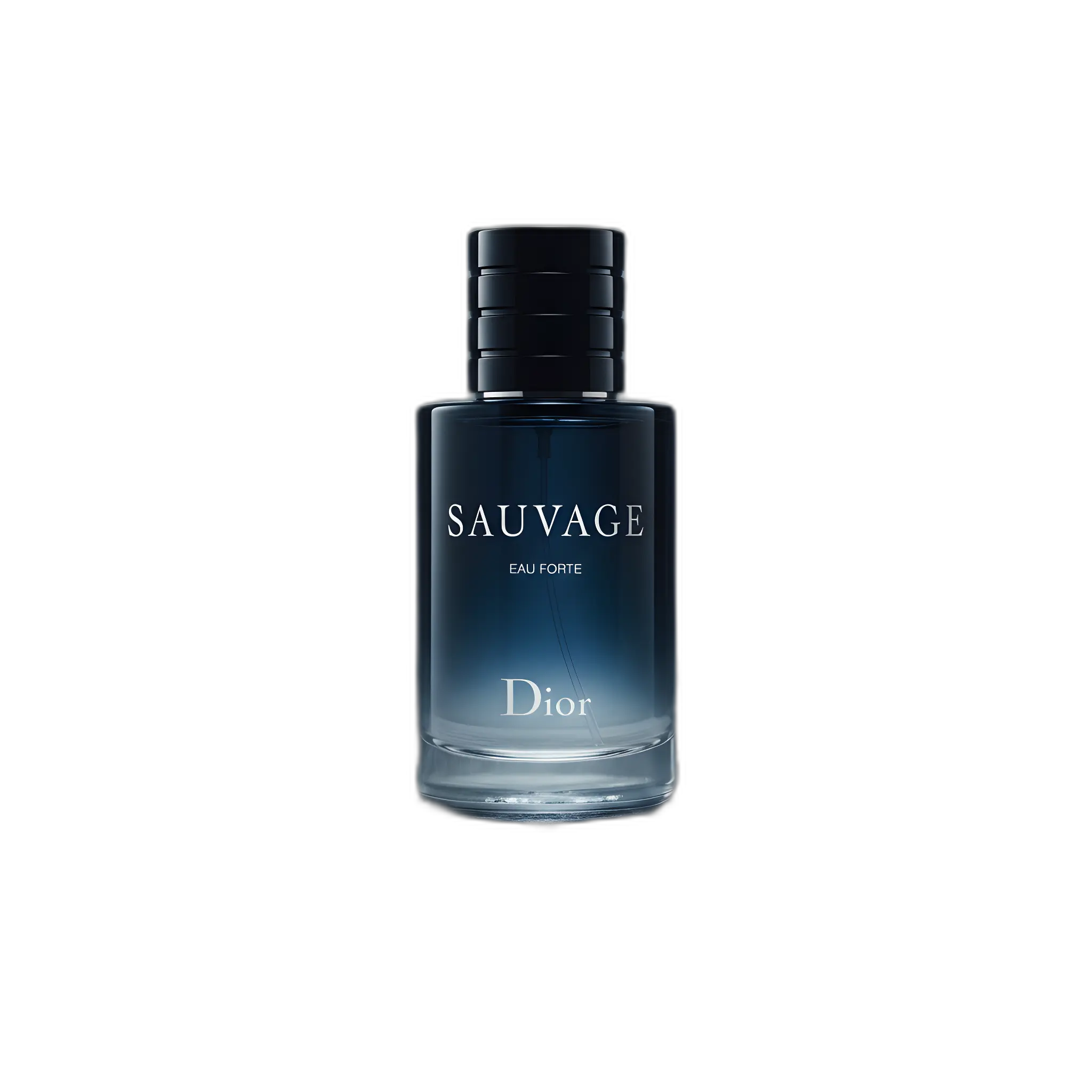
Amazon images need clarity and compliance. Start with a clean main image, then use gallery images to build trust (details, context, and benefits). Always verify current Amazon requirements for your category—rules can change.
Main image workflow
- Use a sharp product photo as the base input.
- Remove the background to create a clean cutout.
- Place the product on a plain white background (where required).
- Upscale the final export so details stay crisp for zoom.
Gallery images that convert
- Lifestyle: product in context
- Details: texture, materials, closeups
- Bundle: what’s included
- Variants: colors/styles (where allowed)
- Scale: size context (where allowed)
Quality checklist
- Product is sharp and well-lit
- Background is clean and not distracting
- Colors look accurate
- Text/labels remain readable
- Consistent framing across the listing set
Recommended pages
Background remover guide
Clean cutouts for compliant main images.
Learn more →
Image upscaler guide
Sharper exports for zoom and detail.
Learn more →
Amazon requirements (blog)
Checklist + workflow to generate compliant images.
Learn more →
Transparent background maker
Reusable cutouts for ads and creative production.
Learn more →
Pricing
Start free and scale credits as you grow.
Learn more →
FAQ
Credits, quality, and commercial use questions.
Learn more →
FAQ
Can AI help with Amazon main image creation?
Yes—start with a clean cutout and place it on a plain background where required. Always verify current Amazon rules for your category.
Do I need a transparent background for Amazon?
Not necessarily, but a transparent PNG cutout is useful for creating clean main images and for reusing the product across ad creatives.
How do I keep images consistent across variants?
Use the same framing and lighting style, and reuse prompt patterns for any lifestyle scenes.
Build an Amazon-ready image set
Create a clean main image and conversion-focused gallery variations.