
AI Image Upscaler for Product Photos
Upscale product images for sharper detail, better zoom, and cleaner creatives—ideal for modern ecommerce stores and ads.
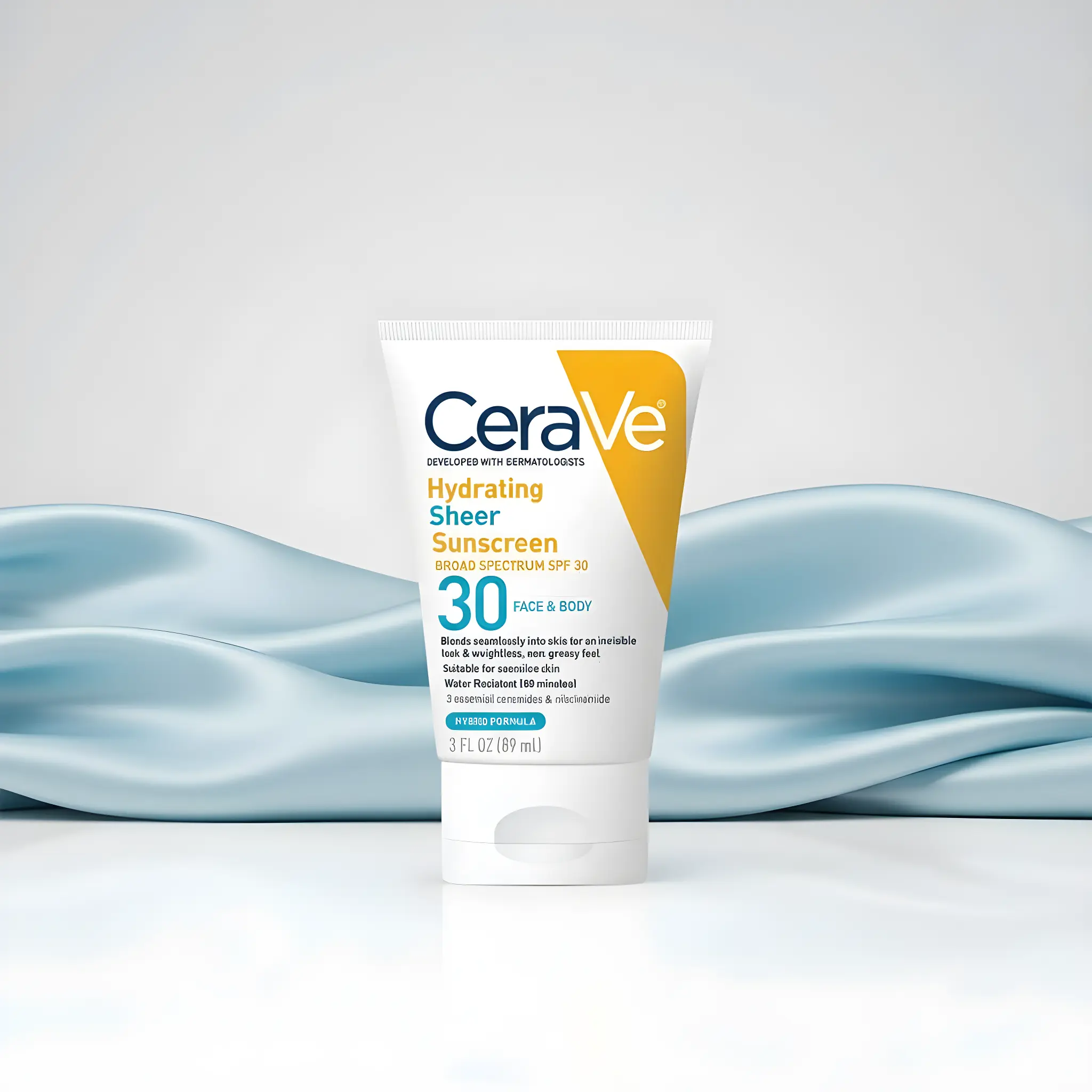
Upscaling increases resolution while preserving (or improving) detail. For ecommerce, it’s most useful when you need sharper product texture, better zoom, and consistent image quality across your catalog.
When to use an image upscaler
- Your original photos are too small for zoom or ads
- You’re standardizing image resolution across a catalog
- You want sharper detail on high-DPI (retina) screens
Best practices
- Upscale final selects (not every draft).
- Upscale after background removal and edits.
- Avoid repeatedly upscaling the same file.
Related pages
FAQ
Will upscaling make my image look fake?
Good upscaling preserves realistic detail, but results depend on the quality of the input. Start with sharp inputs and upscale only your final selections.
Should I upscale before or after editing?
Usually after. Do background removal and cleanup first, then upscale the final file for export.
Make your product images sharper
Upscale final exports for better zoom and cleaner creatives.