
Image upscaling
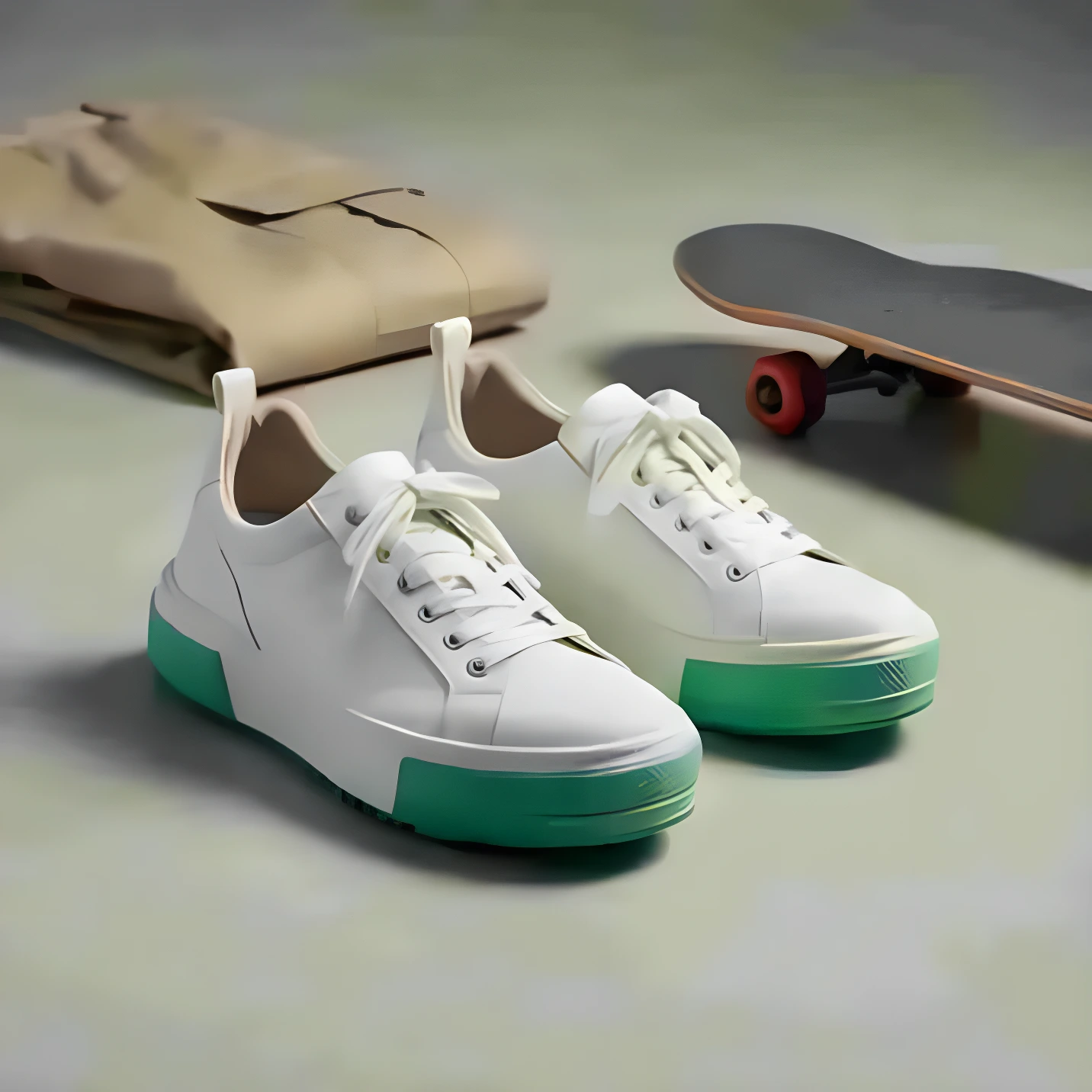
Definition: Increasing resolution (pixel dimensions) while preserving or improving detail using AI.
Why it matters
Helps product photos stay sharp on modern screens and in ads.
Image upscaling is the process of increasing an image's resolution—making it larger in pixel dimensions—while maintaining or even improving visual quality. AI-powered upscaling has revolutionized this process, producing results far superior to traditional scaling methods.
How AI upscaling works
Traditional upscaling simply interpolates between existing pixels, resulting in blur. AI upscaling uses machine learning models trained on millions of images to intelligently add detail and texture when increasing resolution.
When to use upscaling
- Older product photos that are too small for modern displays
- Images cropped heavily that need to be larger
- Print production requiring higher resolution than the original
- Zoom functionality on product pages
- Large format advertising and signage
Best practices
- Start with the best quality source you have
- Upscale final images, not intermediate drafts
- Don't repeatedly upscale the same image
- Check results at 100% zoom for artifacts
- Consider 2x or 4x scaling factors for best results
Limitations
While AI upscaling is impressive, it can't add information that doesn't exist. Extremely low-quality sources will still look subpar. For best results, start with the highest quality image available and upscale as a final step in your workflow.
AI Product Photography
Learn how to use AI for product photos
Product Photography
Browse by product category
Background Remover
Free tool to remove backgrounds
Related Terms
Put this knowledge to work
Create professional product photos with AI—no experience needed.
More in Image Editing
View all terms →
Background removal
Separating the product from its background so it can be placed on a clean or transparent backdrop.
Product shadow
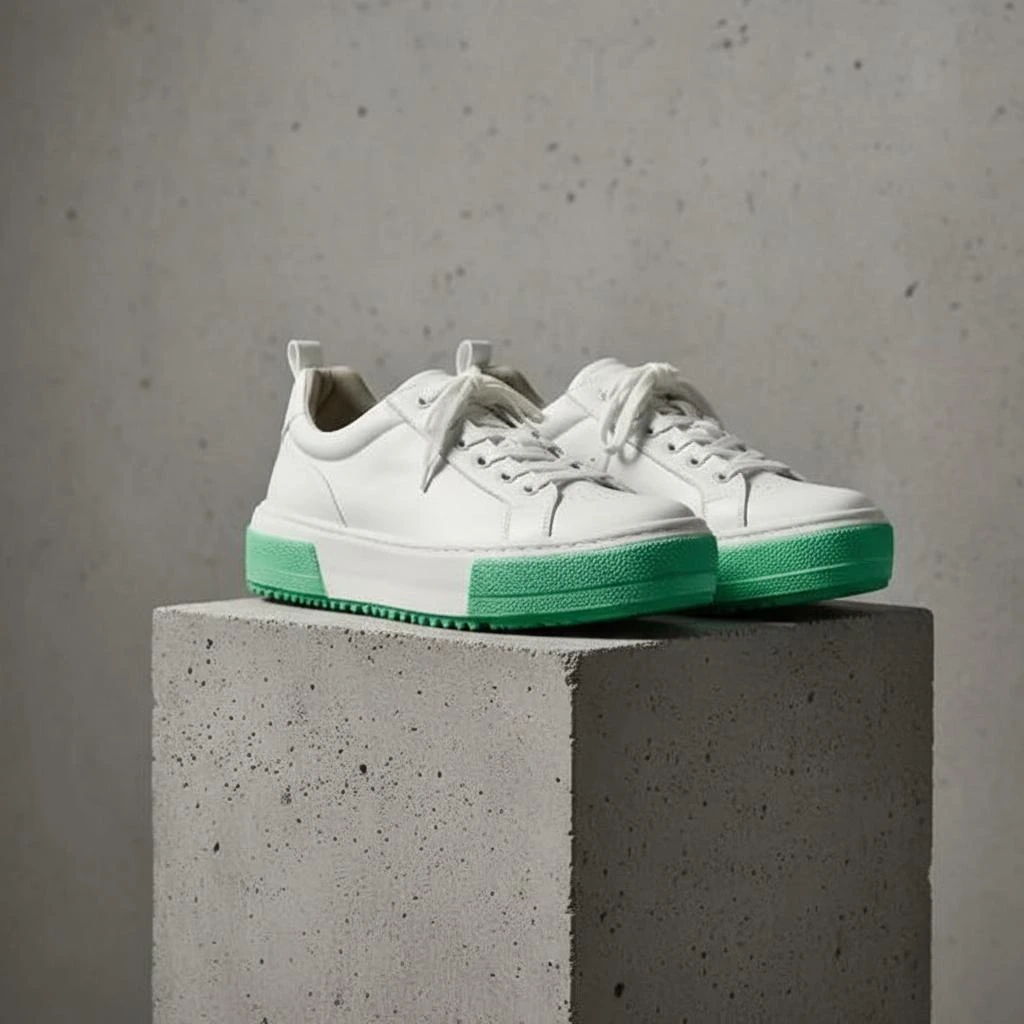
A realistic shadow that grounds the product so it doesn't look like it's floating.

Retouching
Editing a photo to remove imperfections, adjust colors, and enhance details.
Color correction
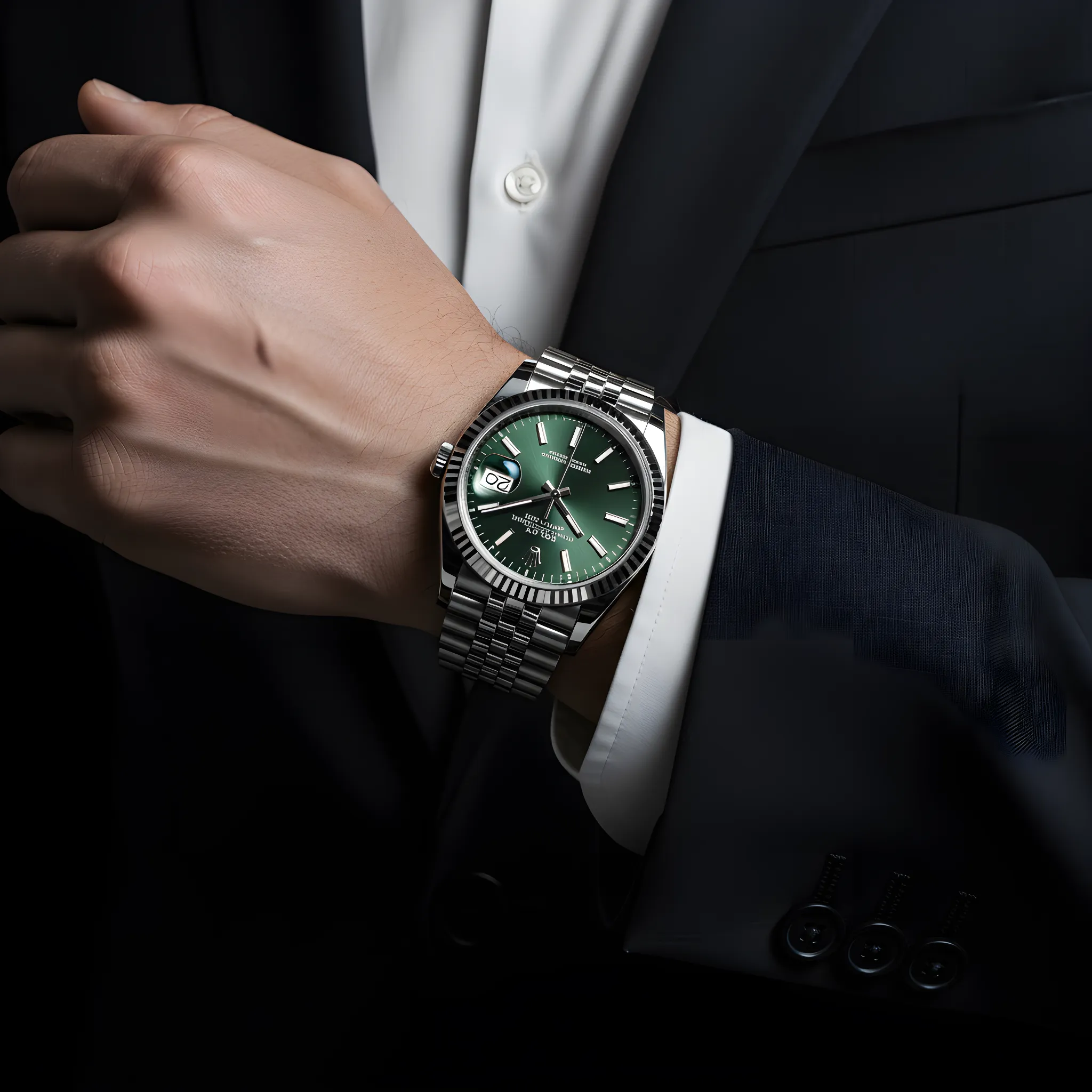
Adjusting colors so the product looks accurate and consistent across images.