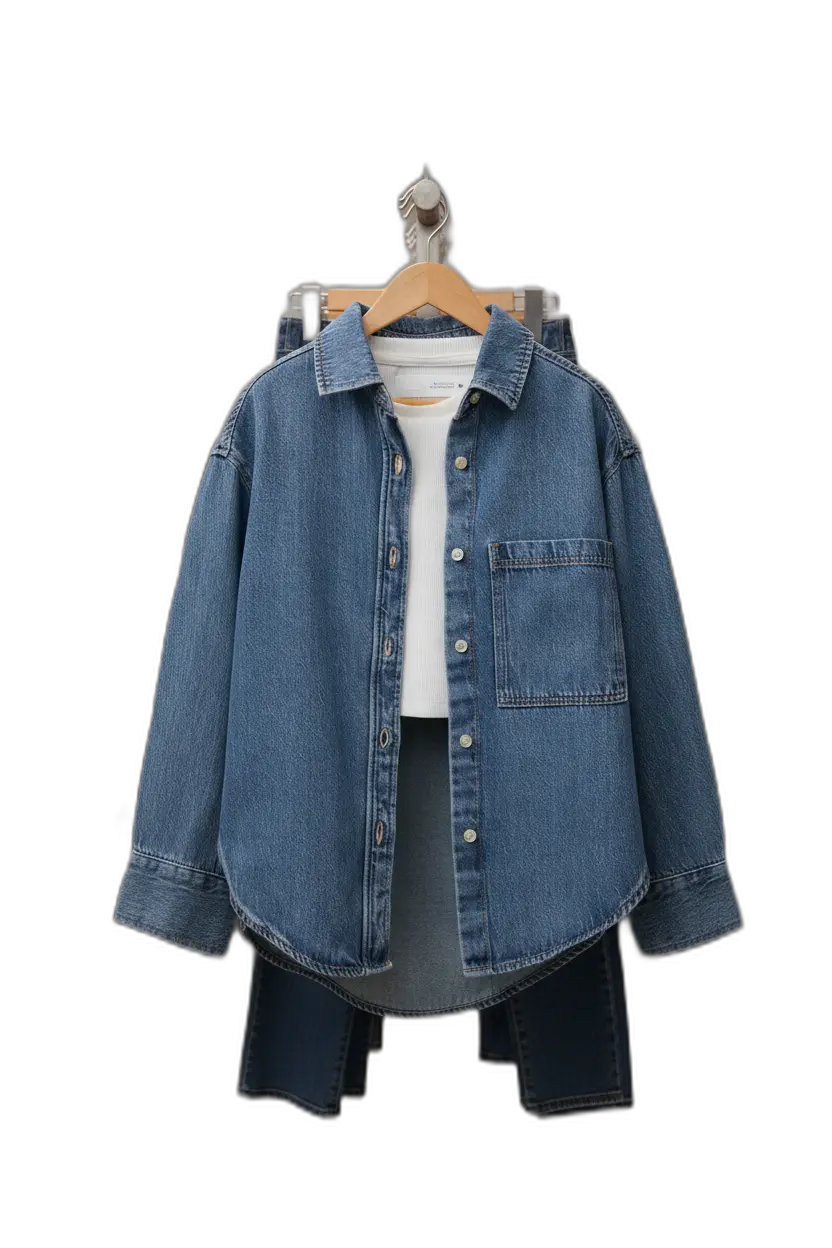
Image resolution
Definition: The pixel dimensions of an image (e.g., 2000×2000) that determine how sharp it looks on screen.

Why it matters
Higher resolution improves perceived quality and ad performance.
Image resolution refers to the number of pixels that make up an image, typically expressed as width × height (e.g., 2000 × 2000 pixels). Higher resolution means more pixels, which generally translates to sharper, more detailed images—especially important when viewers zoom in on product details.
Resolution requirements by platform
- Amazon: Minimum 1000px on longest side, 2000px+ recommended
- Shopify: 2048 × 2048px recommended for zoom
- Instagram: 1080 × 1080px minimum for quality
- Print: 300 DPI at final print size
Resolution vs file size
Higher resolution means larger file sizes. For web use, you need to balance quality with loading speed. Most platforms automatically serve different sizes for different devices, but your source images should be high resolution to support all use cases.
Zoom and detail
Product pages often include zoom functionality that lets shoppers examine details. This requires high-resolution source images—if your images are too small, zoom will show pixelation rather than detail, hurting conversion.
Upscaling for resolution
If your source images are too small, AI upscaling can increase resolution while preserving or enhancing detail. However, starting with a high-resolution original is always preferable to upscaling.
AI Product Photography
Learn how to use AI for product photos
Product Photography
Browse by product category
Background Remover
Free tool to remove backgrounds
Related Terms
Put this knowledge to work
Create professional product photos with AI—no experience needed.