PNG vs JPG
Definition: PNG supports transparency and lossless compression; JPG is smaller but lossy and doesn't support transparency.
Why it matters
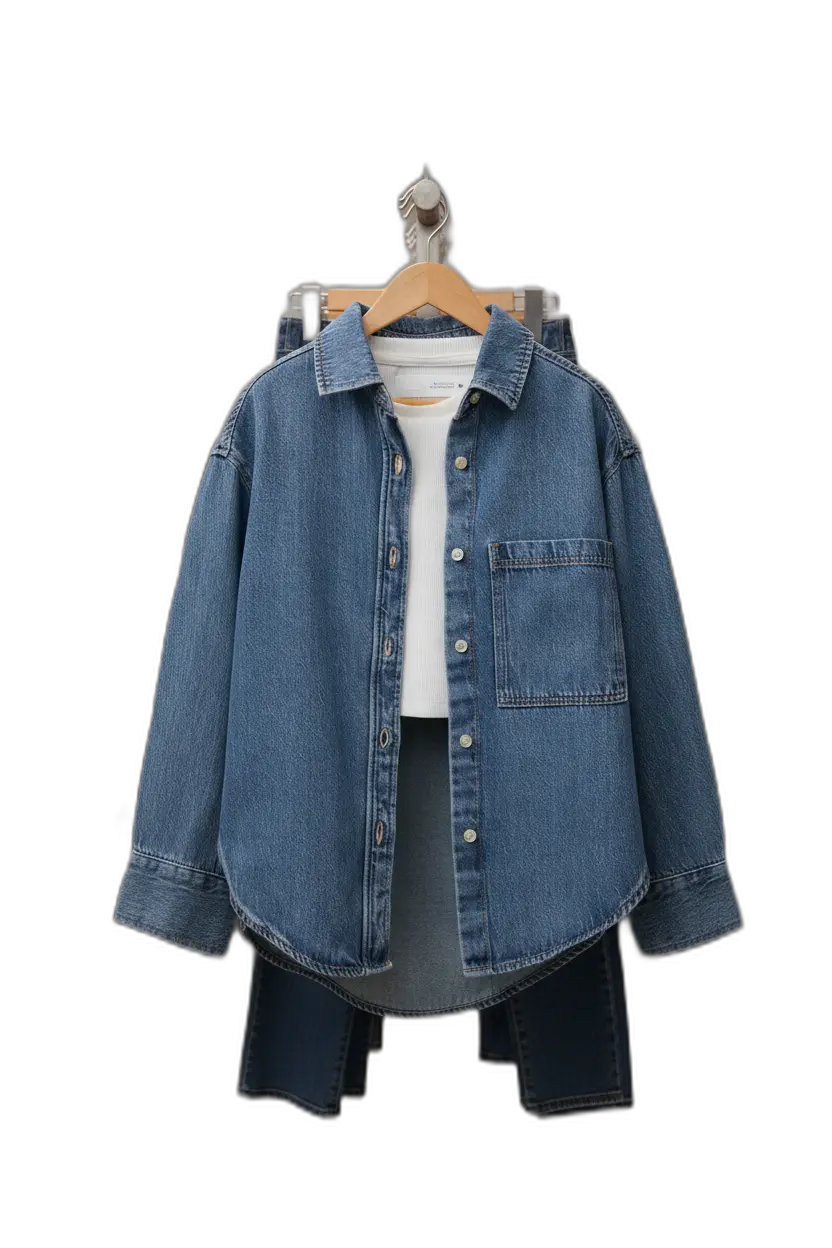
Choose PNG for cutouts and compositing; choose JPG for fast loading when transparency isn't needed.
PNG and JPG (JPEG) are the two most common image formats in ecommerce. Each has distinct characteristics that make it better suited for different purposes. Understanding when to use each format is essential for efficient image workflows.
PNG characteristics
- Supports transparency (alpha channel)
- Lossless compression: No quality loss when saved
- Larger file sizes than JPG
- Best for: Cutouts, graphics, images with text, design assets
JPG characteristics
- No transparency support
- Lossy compression: Some quality loss when saved
- Smaller file sizes than PNG
- Best for: Web photos, large images where transparency isn't needed
When to use each
Use PNG when you need transparency (cutouts for compositing, design assets) or when preserving quality is critical. Use JPG for web delivery when transparency isn't needed and file size matters.
WebP as an alternative
WebP is a newer format that offers better compression than both PNG and JPG while supporting transparency. Most modern browsers and platforms support WebP, making it a good choice for web delivery. Keep PNG masters for archives and design work.
Format workflow
A typical workflow: Keep high-resolution PNG masters with transparency for all your product cutouts. Export JPG or WebP versions for web use. This gives you flexibility while optimizing for performance.
AI Product Photography
Learn how to use AI for product photos
Product Photography
Browse by product category
Background Remover
Free tool to remove backgrounds
Related Terms
Put this knowledge to work
Create professional product photos with AI—no experience needed.