
Background removal
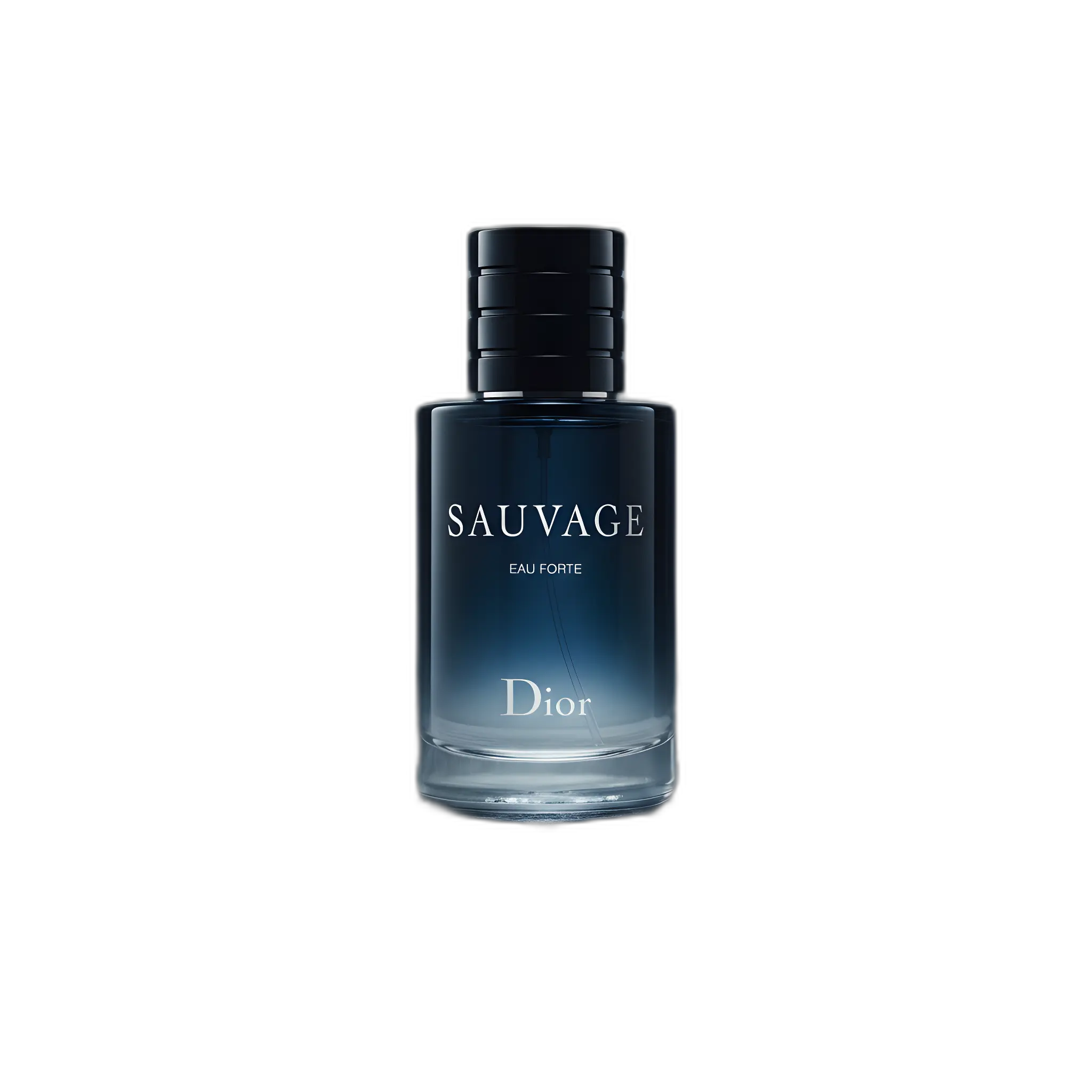
Definition: Separating the product from its background so it can be placed on a clean or transparent backdrop.
Why it matters
Essential for marketplaces, consistent catalogs, and flexible creative production.
Background removal is the process of isolating a product from its original background, creating a 'cutout' that can be placed on any new background. It's one of the most fundamental and frequently used techniques in ecommerce image production.
Why background removal matters
A clean cutout is the foundation for virtually all product image work:
- Marketplace compliance: Amazon requires pure white backgrounds for main images
- Catalog consistency: Same background across all products creates a professional look
- Creative flexibility: Cutouts can be placed on any background for ads and campaigns
- Design assets: Transparent PNGs are essential for graphic design work
Traditional vs AI background removal
Traditional background removal in Photoshop can take 15-30 minutes per image, especially for complex products with fine details. AI-powered tools now accomplish the same task in seconds with comparable quality.
Quality markers to look for
- Clean edges: No halos or artifacts around the product
- Detail preservation: Fine elements like hair, laces, or jewelry chains intact
- Complete extraction: No missing product parts
- Smooth transitions: Natural-looking edges without jagged pixels
For best results, start with a well-lit image where the product contrasts clearly with its background. Busy or cluttered backgrounds make extraction more difficult.
AI Product Photography
Learn how to use AI for product photos
Product Photography
Browse by product category
Background Remover
Free tool to remove backgrounds
Related Terms
Put this knowledge to work
Create professional product photos with AI—no experience needed.
More in Image Editing
View all terms →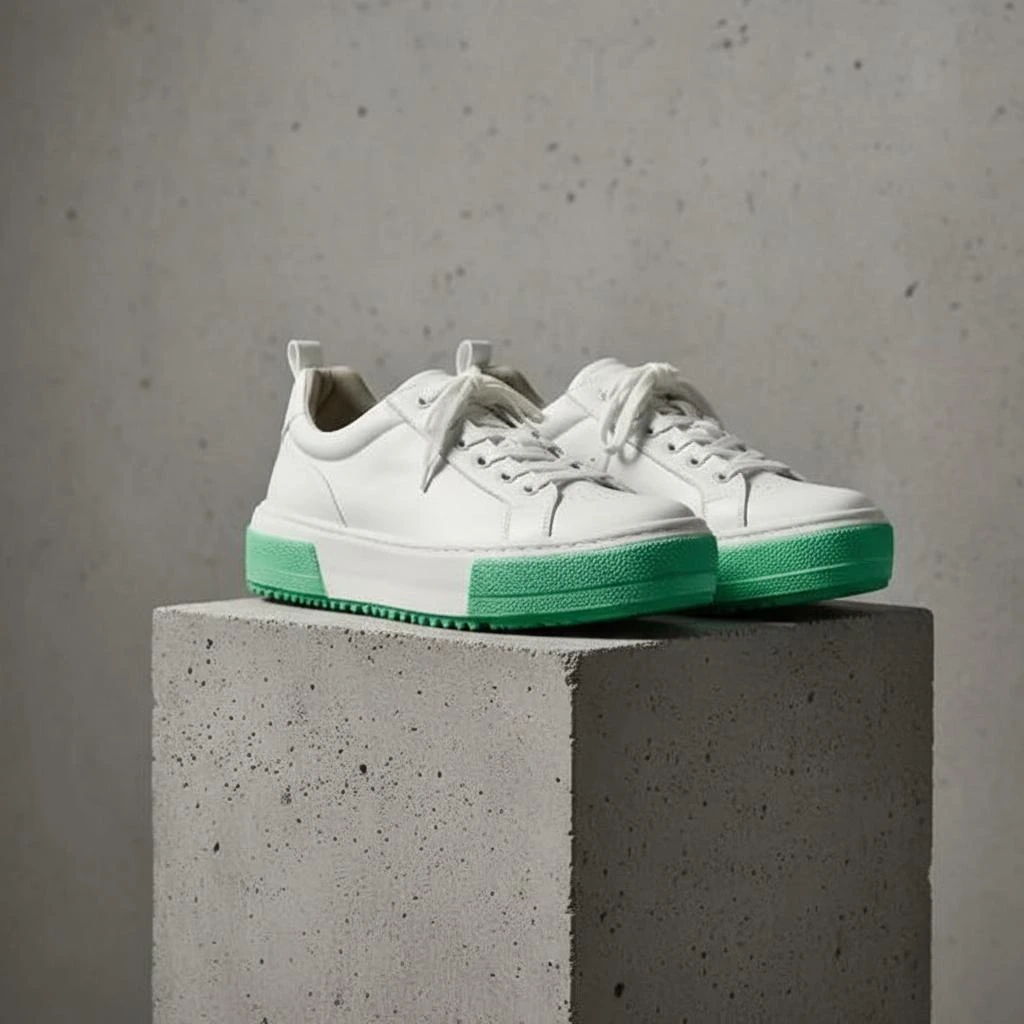
Product shadow
A realistic shadow that grounds the product so it doesn't look like it's floating.
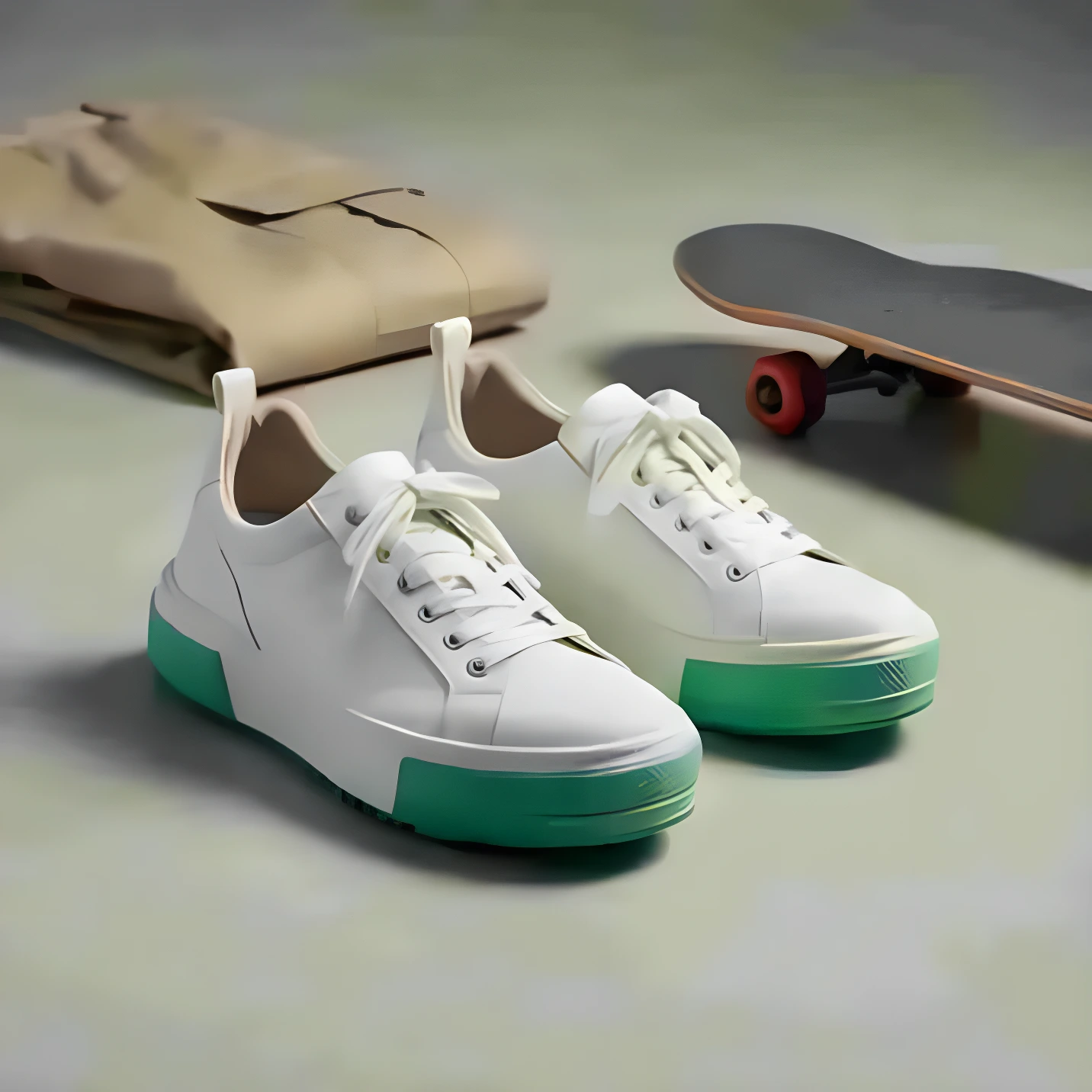
Image upscaling
Increasing resolution (pixel dimensions) while preserving or improving detail using AI.

Retouching
Editing a photo to remove imperfections, adjust colors, and enhance details.
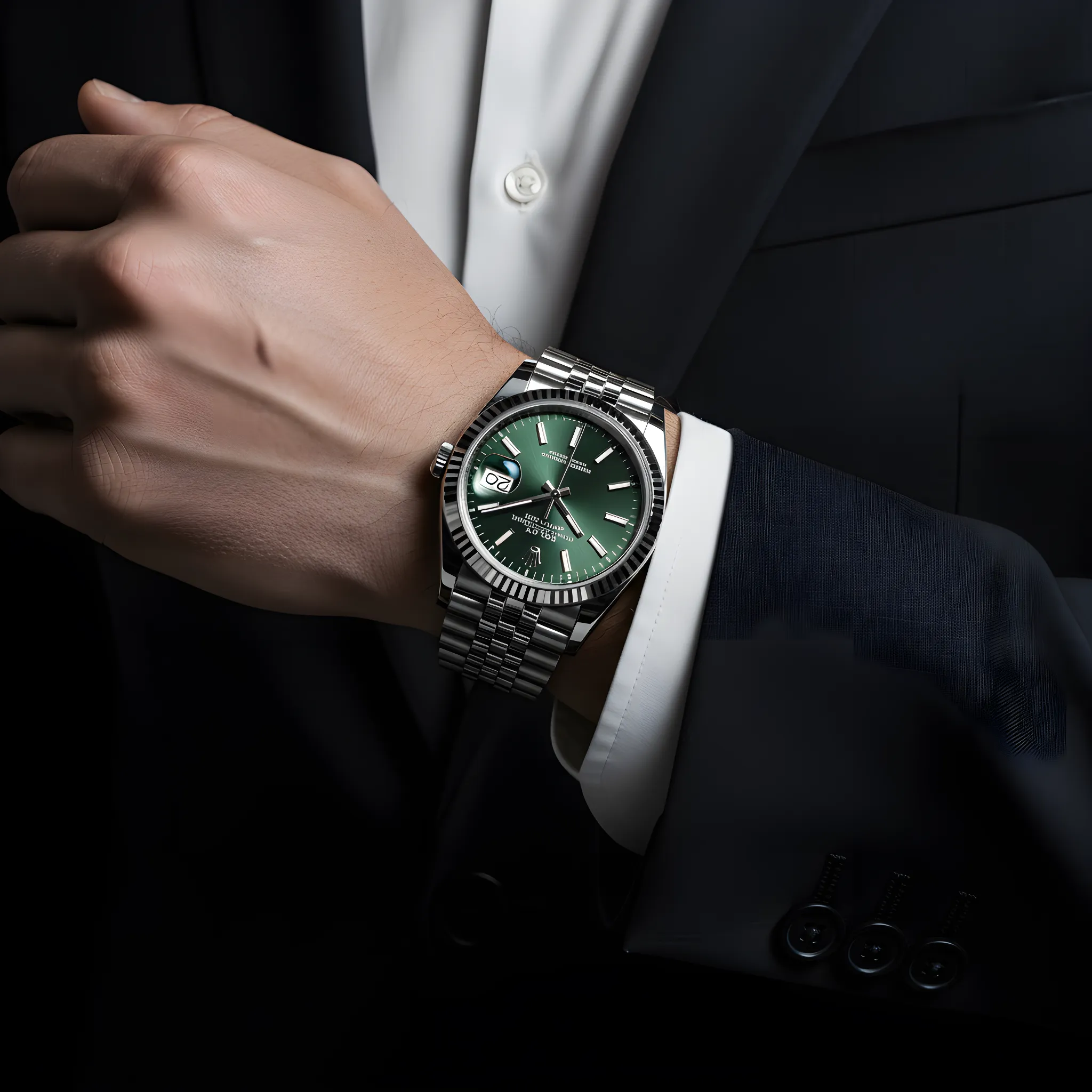
Color correction
Adjusting colors so the product looks accurate and consistent across images.