
Product shadow
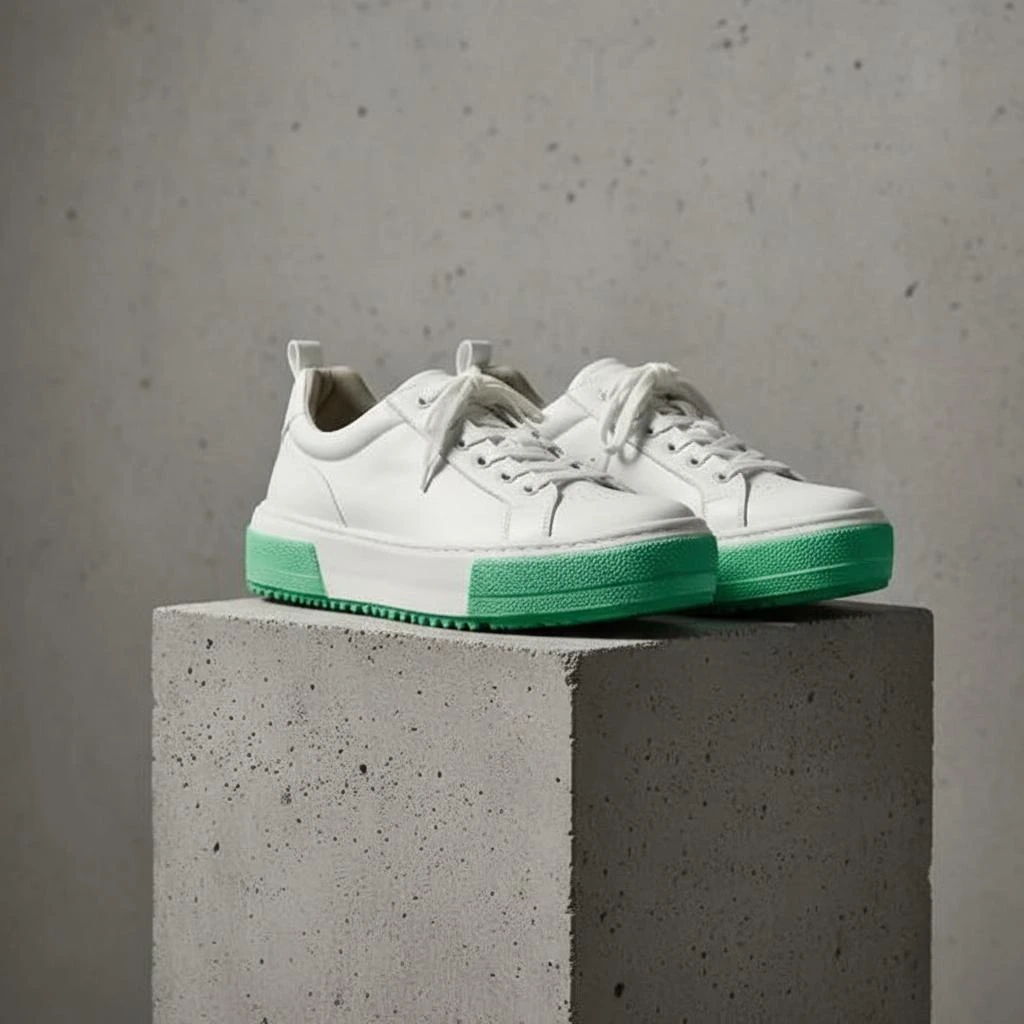
Definition: A realistic shadow that grounds the product so it doesn't look like it's floating.
Why it matters
Shadows add realism and improve perceived quality in product images.
A product shadow is the dark area beneath or behind a product that indicates where light is blocked. In product photography, shadows serve a crucial psychological function: they 'ground' the product and make it appear to exist in physical space rather than floating in a void.
Types of product shadows
- Natural shadow: The actual shadow cast during the photo shoot
- Drop shadow: A simple shadow added in post-production
- Reflection shadow: Mirror-like reflection below the product
- Soft diffused shadow: Subtle gradient that grounds without distraction
Why shadows matter
Products without shadows look unnatural—our brains expect to see shadows based on how we perceive objects in the real world. A well-executed shadow:
- Grounds the product: Makes it feel solid and real
- Adds dimension: Creates depth and visual interest
- Improves trust: Products look more professionally photographed
- Guides focus: Shadows can direct attention to the product
Creating realistic shadows
Whether captured during the shoot or added in post-production, effective shadows should be consistent with the apparent light source. The shadow direction, softness, and intensity should all match the lighting on the product itself.
AI tools can now generate realistic shadows automatically when placing products on new backgrounds, analyzing the product to determine appropriate shadow placement and characteristics.
AI Product Photography
Learn how to use AI for product photos
Product Photography
Browse by product category
Background Remover
Free tool to remove backgrounds
Related Terms
Put this knowledge to work
Create professional product photos with AI—no experience needed.
More in Image Editing
View all terms →
Background removal
Separating the product from its background so it can be placed on a clean or transparent backdrop.
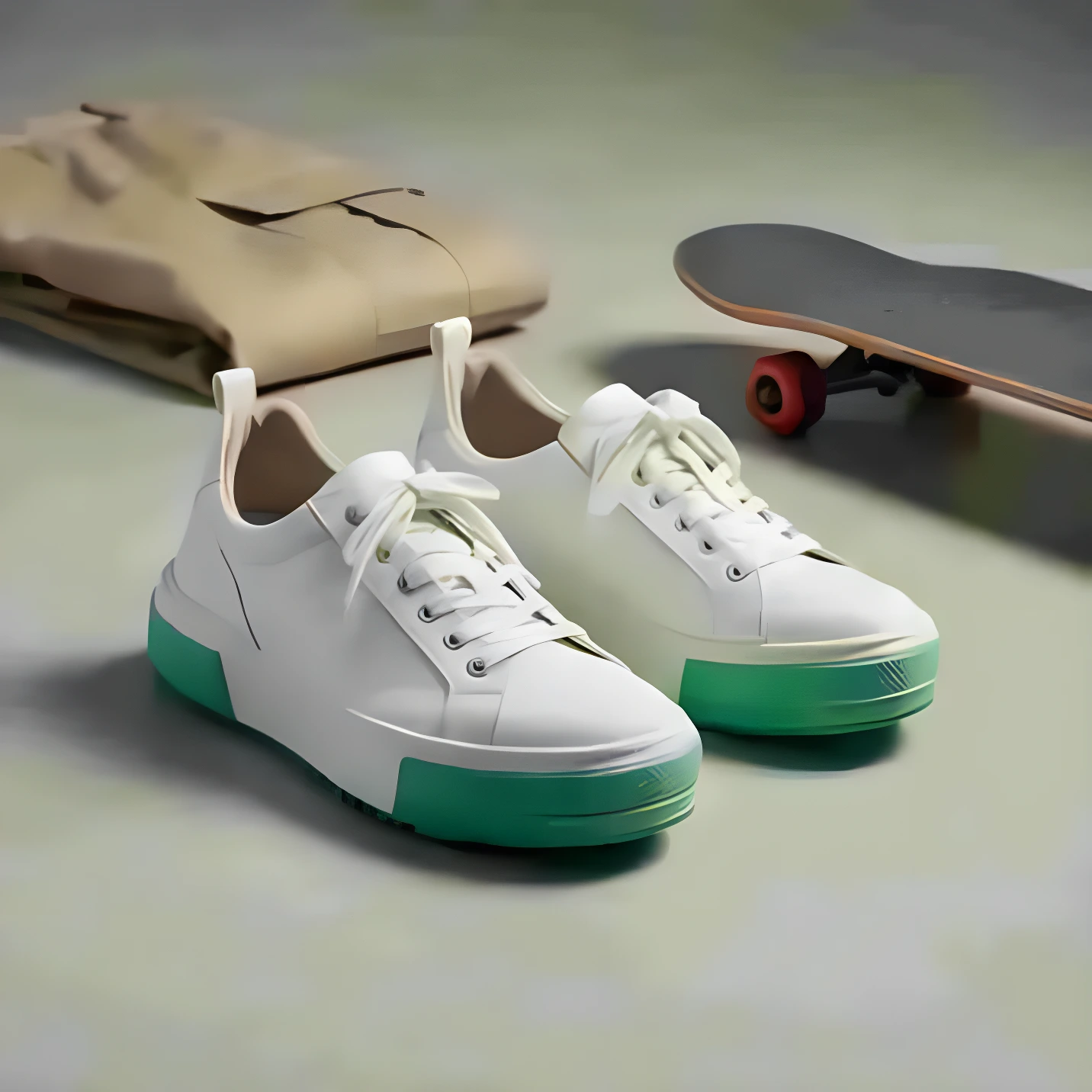
Image upscaling
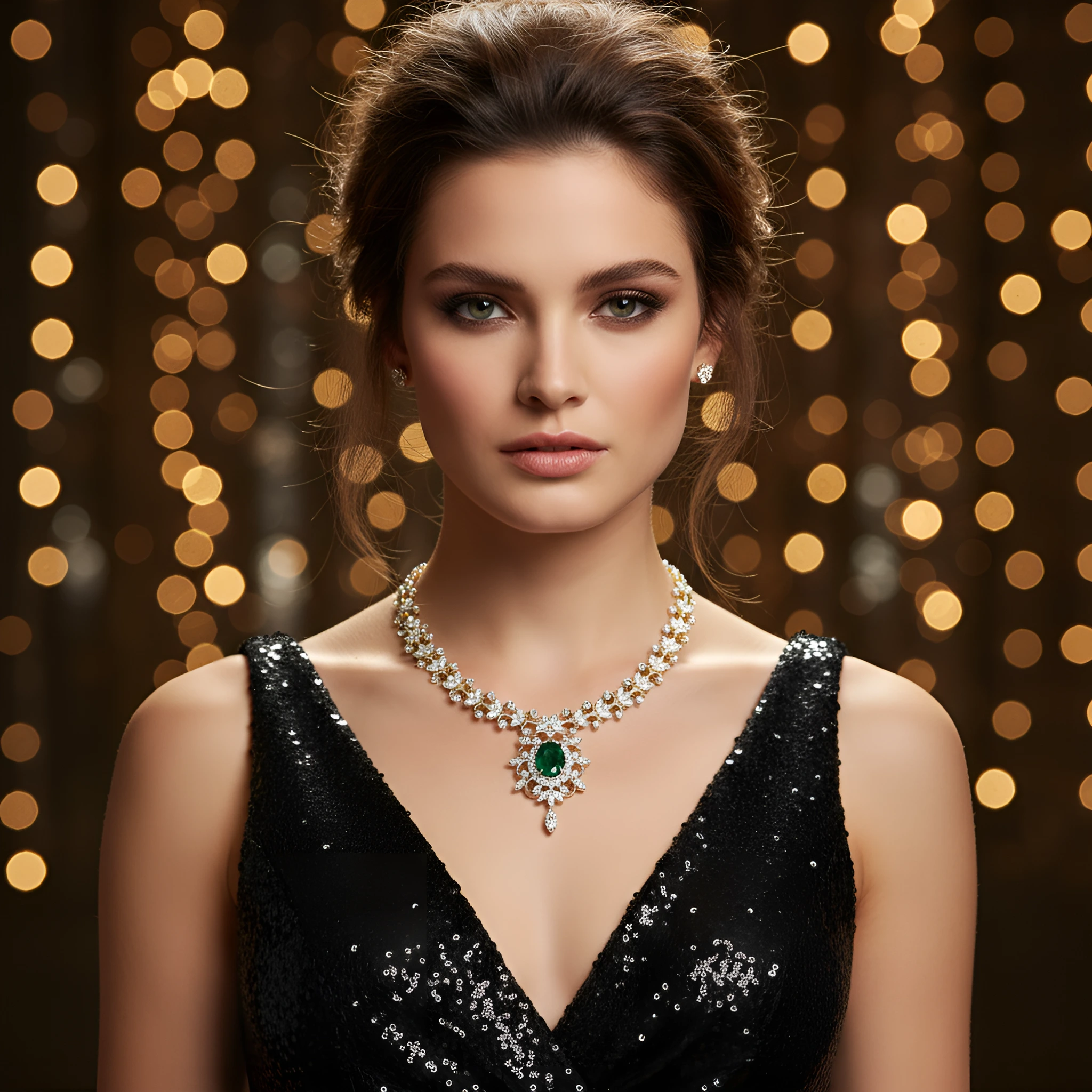
Increasing resolution (pixel dimensions) while preserving or improving detail using AI.
Retouching
Editing a photo to remove imperfections, adjust colors, and enhance details.
Color correction
Adjusting colors so the product looks accurate and consistent across images.