
Retouching
Definition: Editing a photo to remove imperfections, adjust colors, and enhance details.

Why it matters
Clean images boost trust and make products look premium.
Retouching is the process of refining a photograph by removing imperfections, correcting colors, and enhancing details. In product photography, retouching transforms raw images into polished, sales-ready assets.
Common retouching tasks
- Dust and scratch removal: Clean up sensor spots and surface debris
- Color correction: Ensure accurate product colors
- Blemish removal: Remove scratches, fingerprints, or imperfections on products
- Background cleanup: Remove unwanted elements or distractions
- Shadow refinement: Adjust shadows for consistency
- Detail enhancement: Sharpen important features and textures
The balance of authenticity
Product retouching should enhance, not deceive. The goal is to show the product accurately while removing distractions and imperfections that wouldn't be visible in person. Over-retouching can lead to returns and erode trust.
AI-powered retouching
Modern AI tools have automated many retouching tasks that once required manual effort. Object removal, background cleanup, and blemish correction can now be done in seconds rather than minutes.
When to retouch
- Before generating AI backgrounds (clean input = better output)
- After background removal to clean up any artifacts
- As a final step before exporting for use
- When standardizing images from different sources
AI Product Photography
Learn how to use AI for product photos
Product Photography
Browse by product category
Background Remover
Free tool to remove backgrounds
Related Terms
Put this knowledge to work
Create professional product photos with AI—no experience needed.
More in Image Editing
View all terms →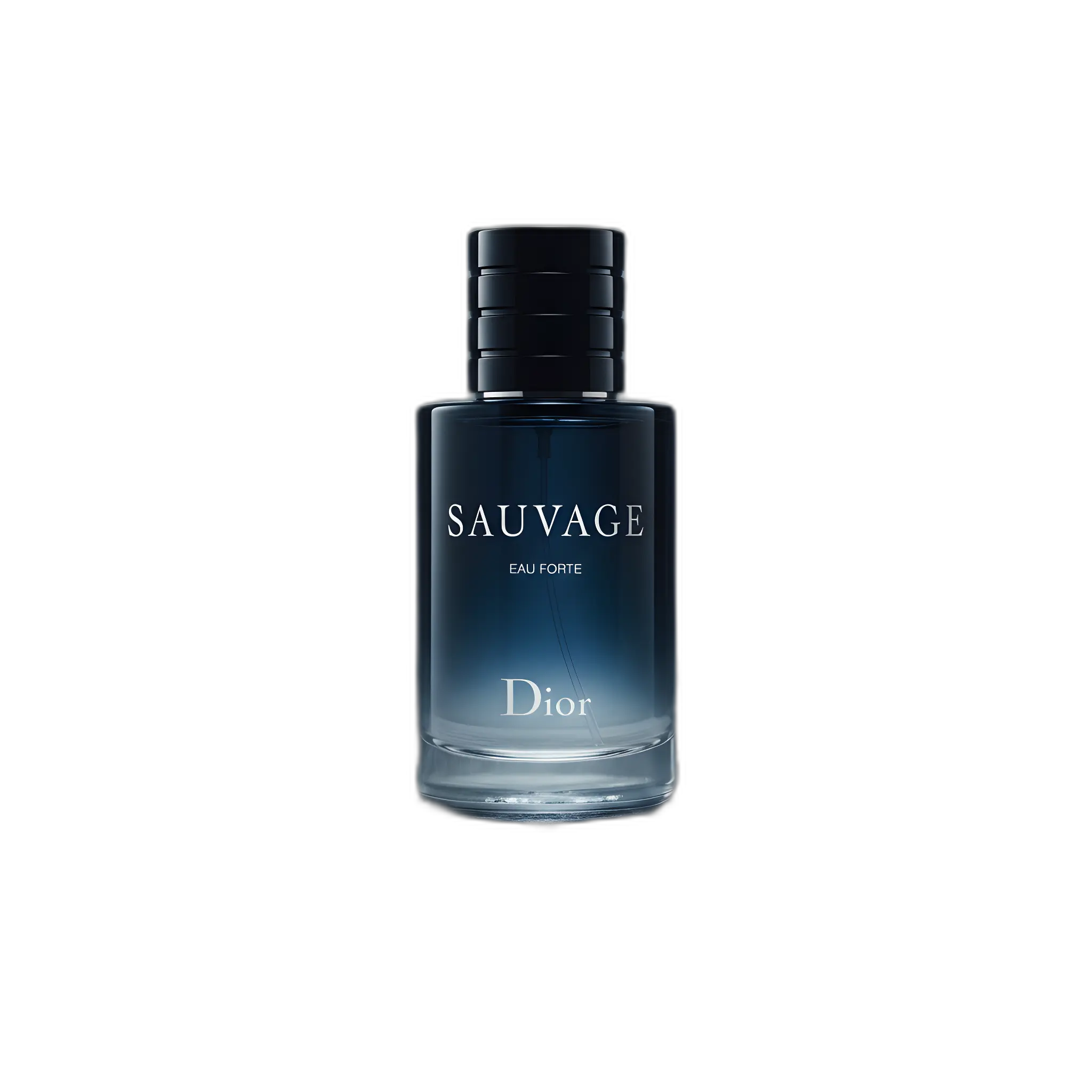
Background removal
Separating the product from its background so it can be placed on a clean or transparent backdrop.
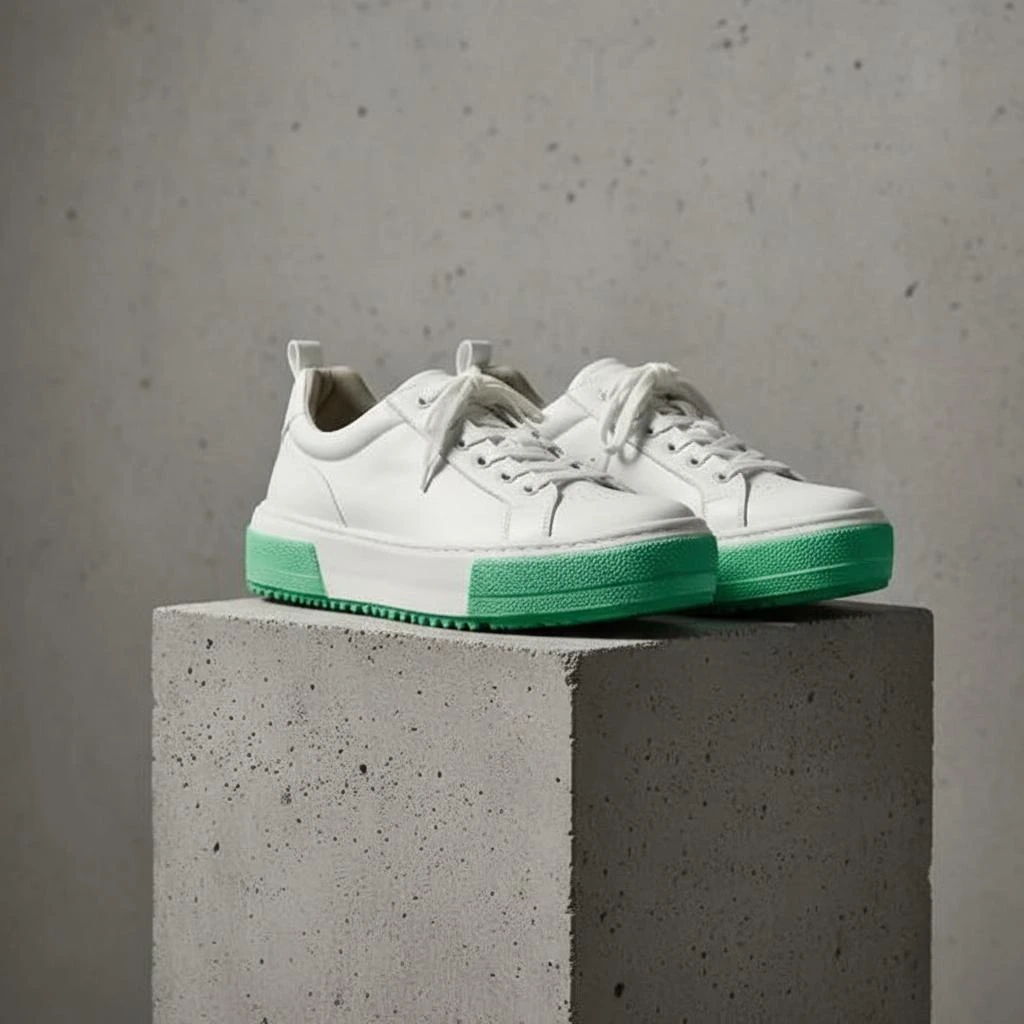
Product shadow
A realistic shadow that grounds the product so it doesn't look like it's floating.
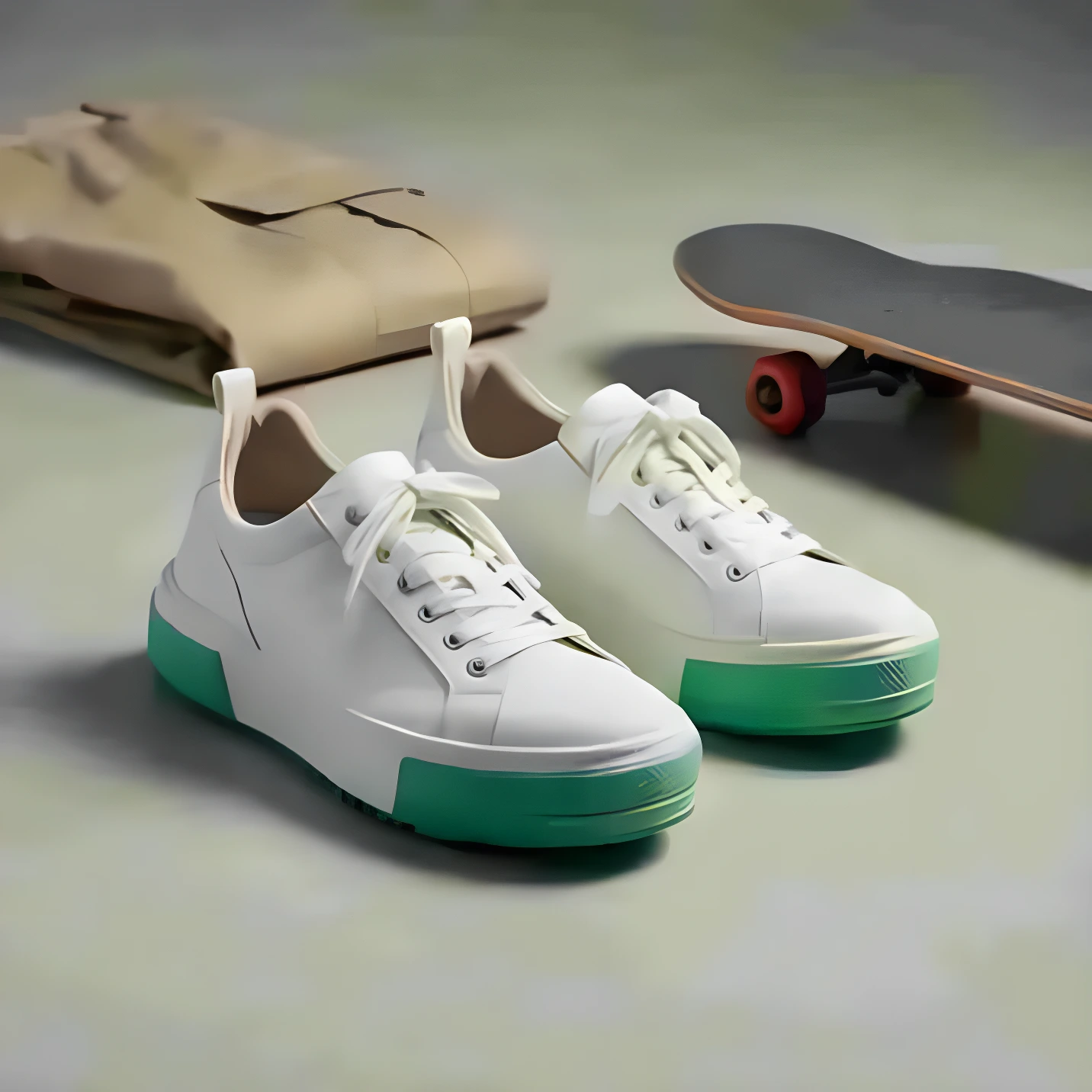
Image upscaling
Increasing resolution (pixel dimensions) while preserving or improving detail using AI.
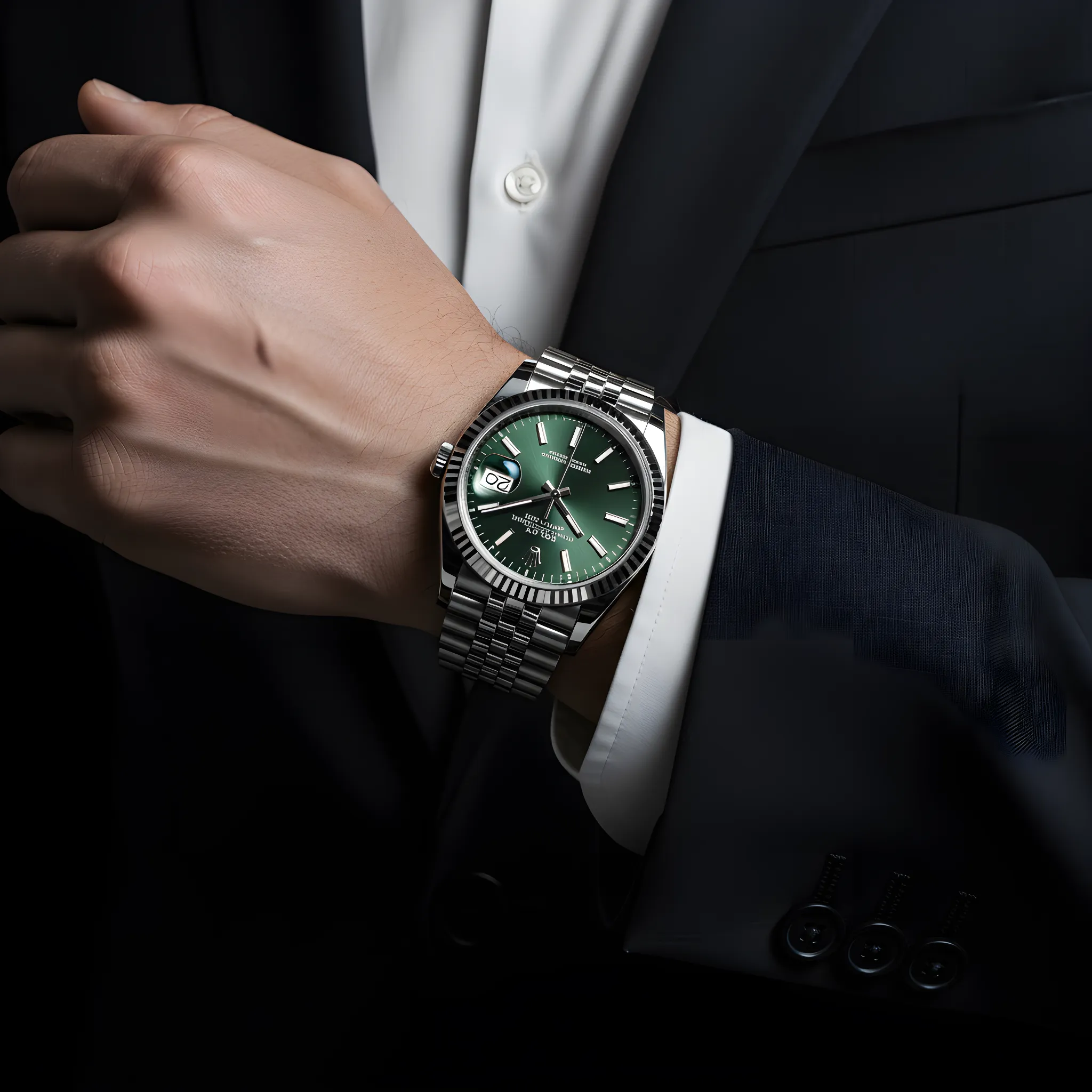
Color correction
Adjusting colors so the product looks accurate and consistent across images.