
Magic eraser
Definition: An AI tool that removes unwanted objects from photos by intelligently filling in the removed area.
Why it matters
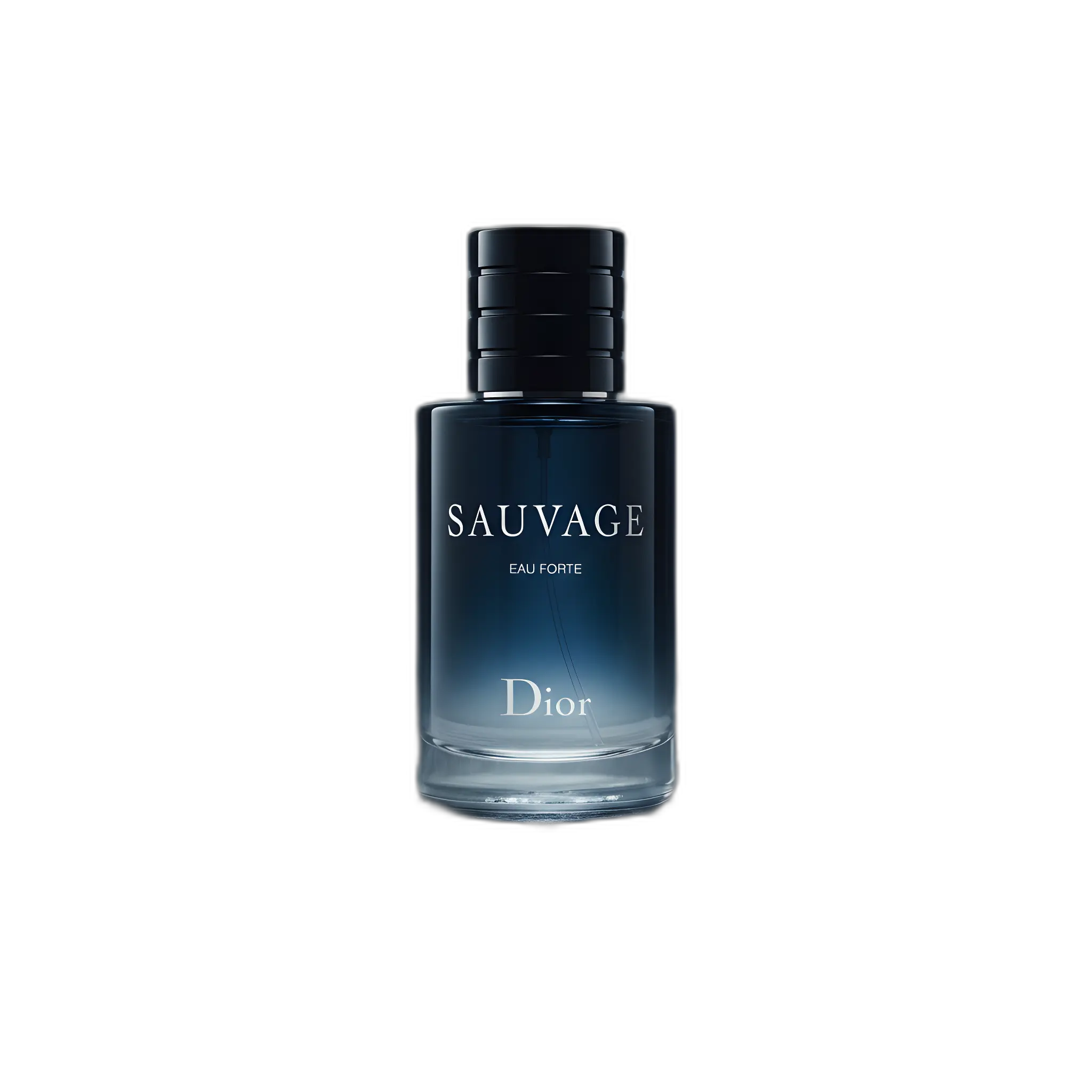
Quickly clean up product images without manual retouching.
Magic eraser (also called object removal or inpainting) is an AI-powered tool that removes unwanted elements from images and intelligently fills in the resulting gap. What used to require careful manual work in Photoshop can now be done in seconds.
How it works
You select an area of the image containing an unwanted element. The AI analyzes the surrounding context and generates new pixels to fill the gap, matching the texture, lighting, and pattern of the surrounding area.
Common use cases
- Remove dust, scratches, or imperfections on products
- Eliminate distracting background elements
- Remove price tags, hangers, or props
- Clean up reflections or unwanted details
- Remove logos or watermarks (with appropriate rights)
Best practices
- Select only the object you want to remove, not surrounding areas
- For complex removals, work in stages
- Check results at 100% zoom for artifacts
- Use on high-quality source images for best results
Limitations
Magic eraser works best on elements surrounded by uniform or repeating textures. Removing objects from complex areas or close to the main subject may produce less convincing results. For critical work, review and touch up as needed.
AI Product Photography
Learn how to use AI for product photos
Product Photography
Browse by product category
Background Remover
Free tool to remove backgrounds
Related Terms
Put this knowledge to work
Create professional product photos with AI—no experience needed.
