
Color correction
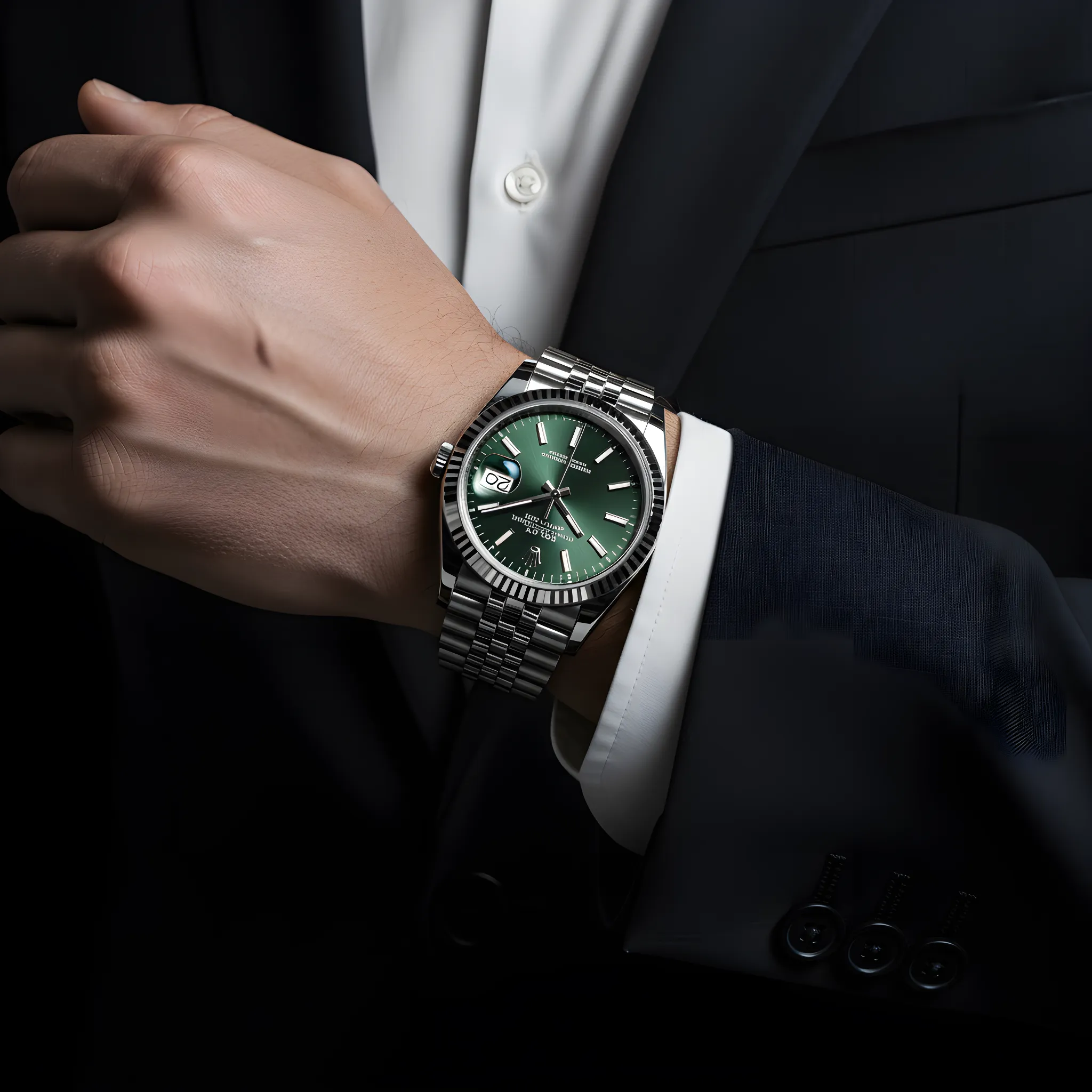
Definition: Adjusting colors so the product looks accurate and consistent across images.
Why it matters
Accurate colors reduce returns and build trust.
Color correction is the process of adjusting the colors in an image to ensure accuracy and consistency. In product photography, this means making sure products appear as they do in real life, and that colors are consistent across all your images.
Why color accuracy matters
- Returns: Inaccurate colors lead to customer disappointment
- Trust: Color consistency builds confidence in your brand
- Catalog cohesion: Products should look like they belong together
- Legal requirements: Some industries require accurate representation
Common color issues
- White balance: Color cast from lighting (too warm or cool)
- Exposure: Colors affected by over or underexposure
- Saturation: Colors that are too vivid or too muted
- Screen variation: Different displays show colors differently
Color correction workflow
- Shoot with proper white balance or use a color checker
- Adjust white balance in post to remove color casts
- Correct exposure to reveal true colors
- Fine-tune saturation and vibrancy
- Check against the physical product
Consistency across batches
When shooting over multiple sessions, color consistency becomes challenging. Using presets, reference images, and color checkers helps maintain consistency. AI tools can also help normalize colors across images from different sources.
AI Product Photography
Learn how to use AI for product photos
Product Photography
Browse by product category
Background Remover
Free tool to remove backgrounds
Related Terms
Put this knowledge to work
Create professional product photos with AI—no experience needed.
More in Image Editing
View all terms →
Background removal
Separating the product from its background so it can be placed on a clean or transparent backdrop.
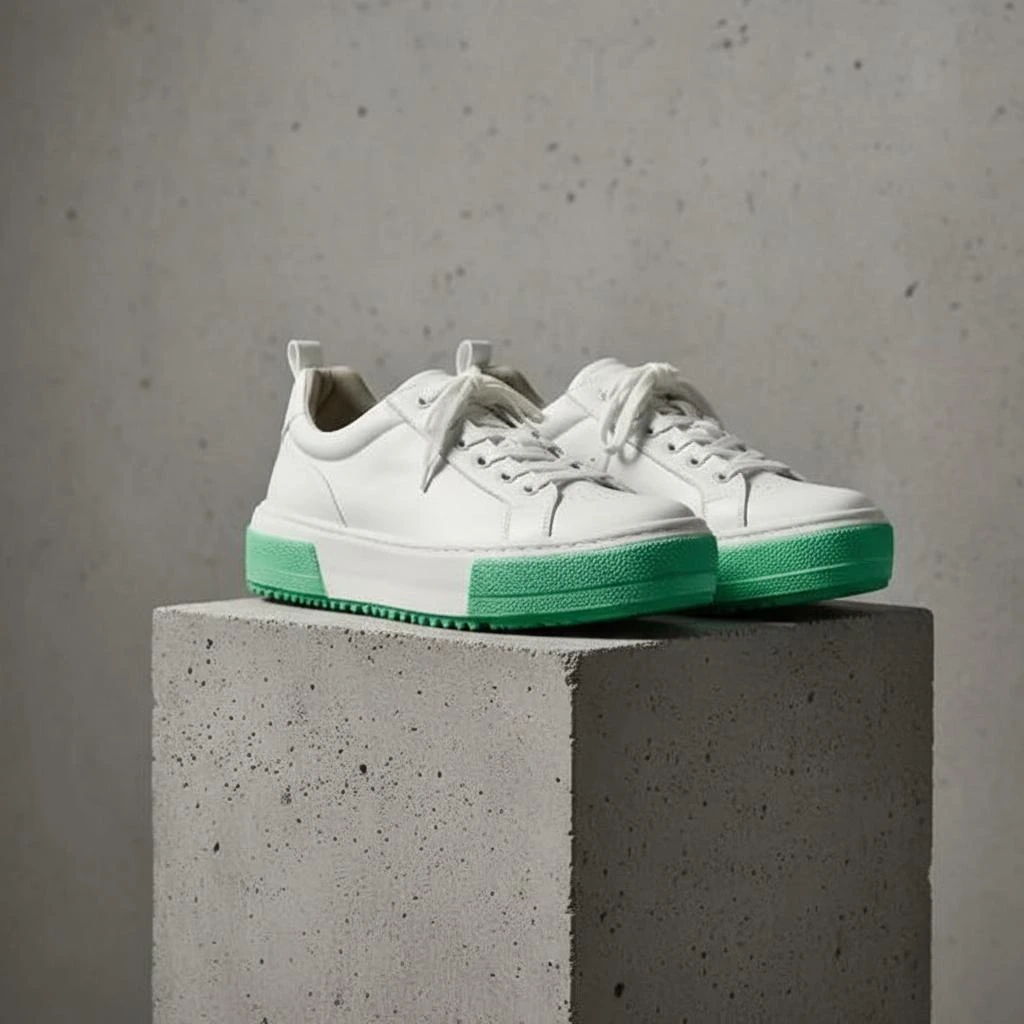
Product shadow
A realistic shadow that grounds the product so it doesn't look like it's floating.
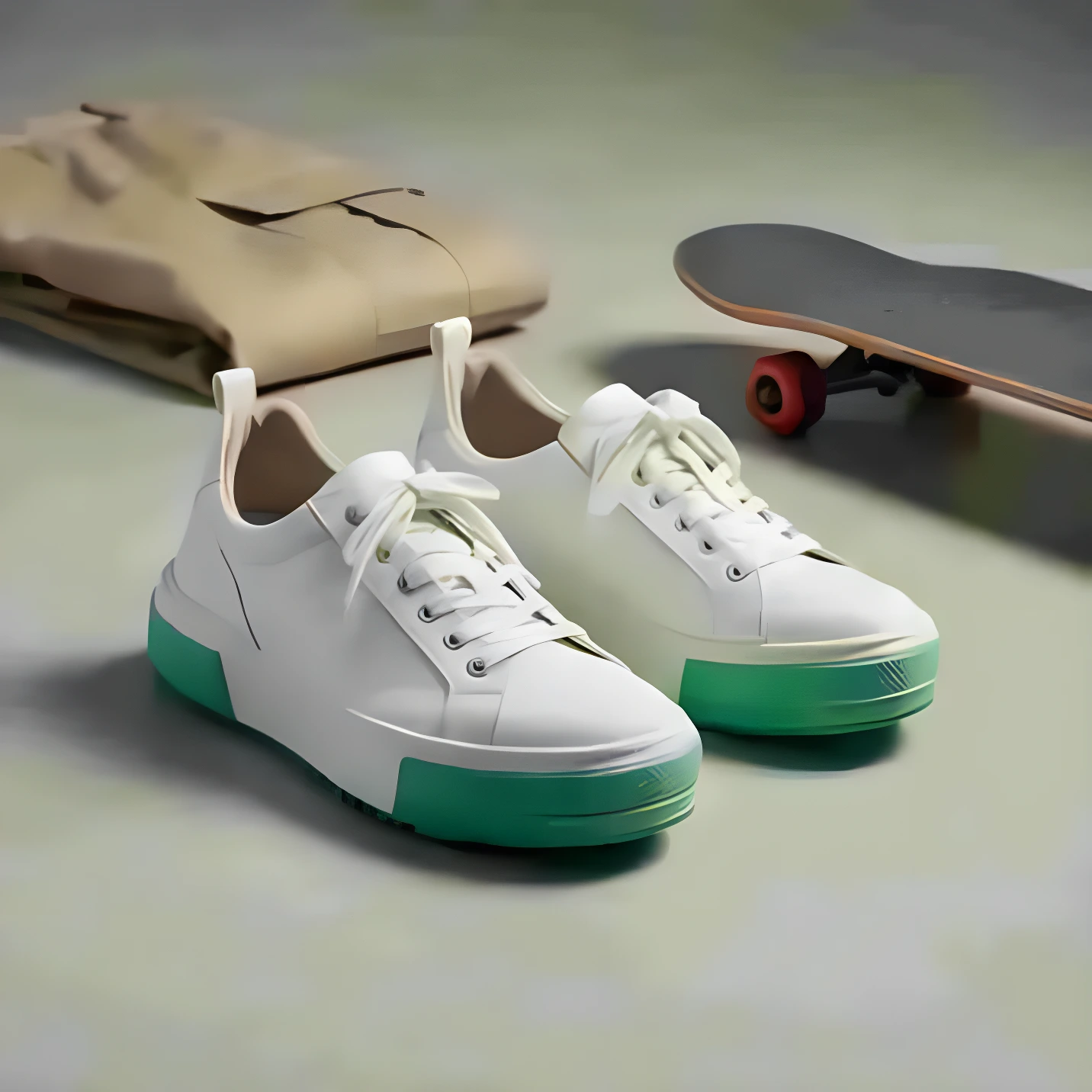
Image upscaling
Increasing resolution (pixel dimensions) while preserving or improving detail using AI.
Retouching
Editing a photo to remove imperfections, adjust colors, and enhance details.