
Blog / How to Upscale Product Images for Modern Web and Ads
How to Upscale Product Images for Modern Web and Ads
Make product images sharper on retina displays and in ads by upscaling the right way.
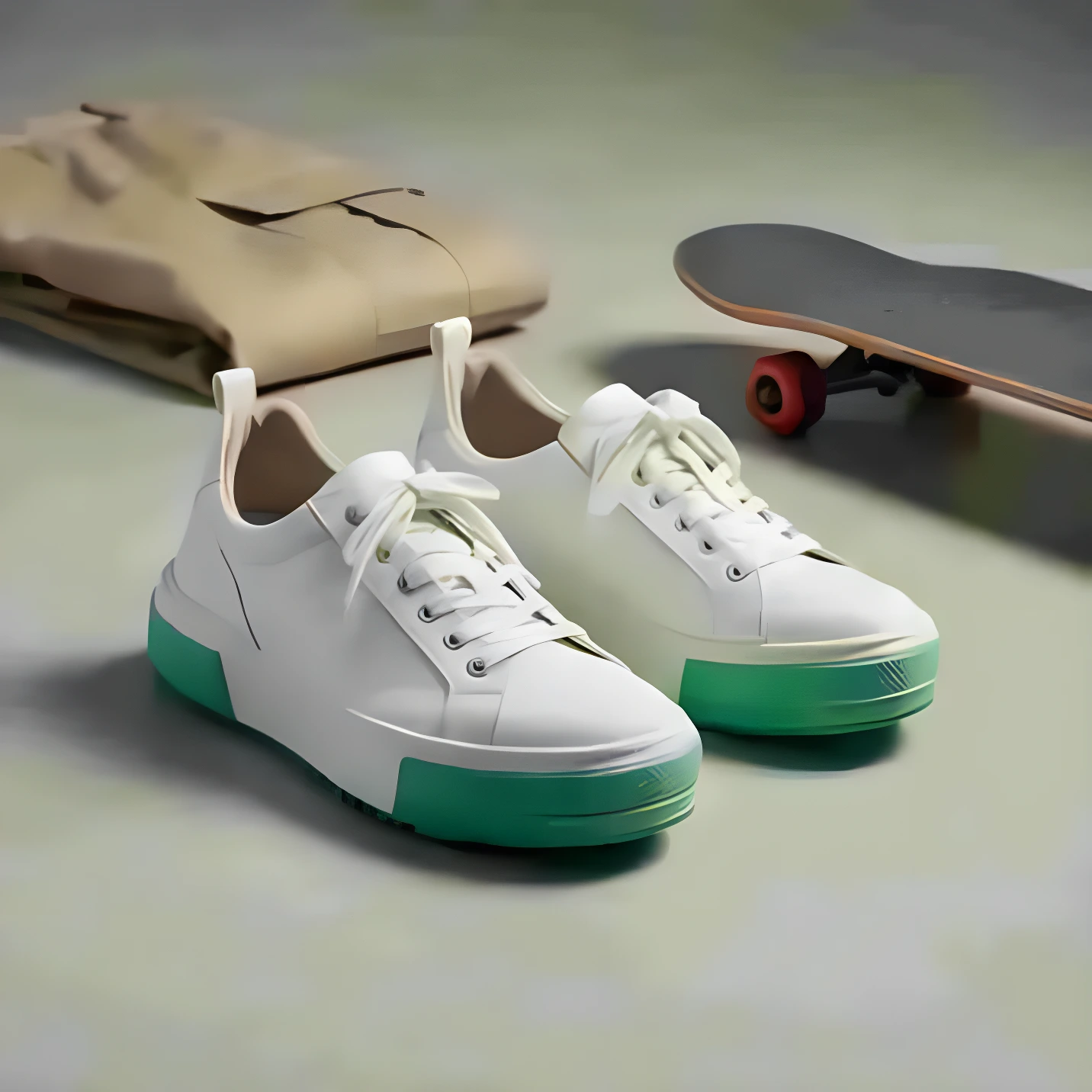
Upscaling helps product photos stay sharp on modern screens. It’s especially useful when the original image is too small for zoom or ads.
What to upscale (and what not to)
- Upscale your final selects (not every draft).
- Upscale after background removal and edits.
- Avoid repeatedly upscaling the same file.
For ecommerce, aim for a consistent resolution across your catalog so product grids look clean and professional.
Ready to generate product photos?
Upload your product and create multiple store-ready variations in minutes.
More articles

AI Product Photography: A Practical Guide for Ecommerce
A simple, store-first guide to generating studio and lifestyle product images with AI—without a photoshoot.
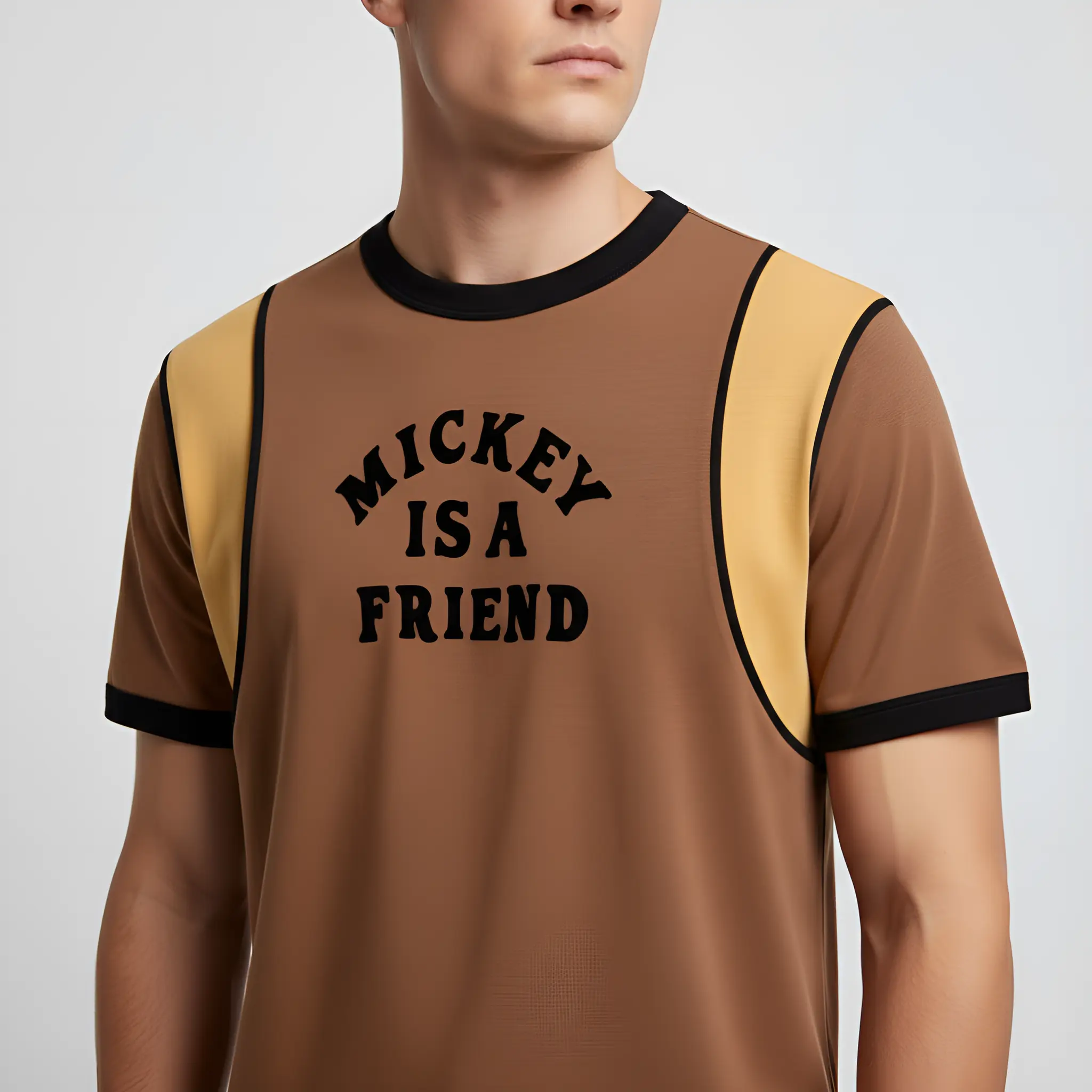
How to Create Shopify Product Photos With AI
A fast way to generate clean, consistent Shopify product images and lifestyle shots—without booking a shoot.
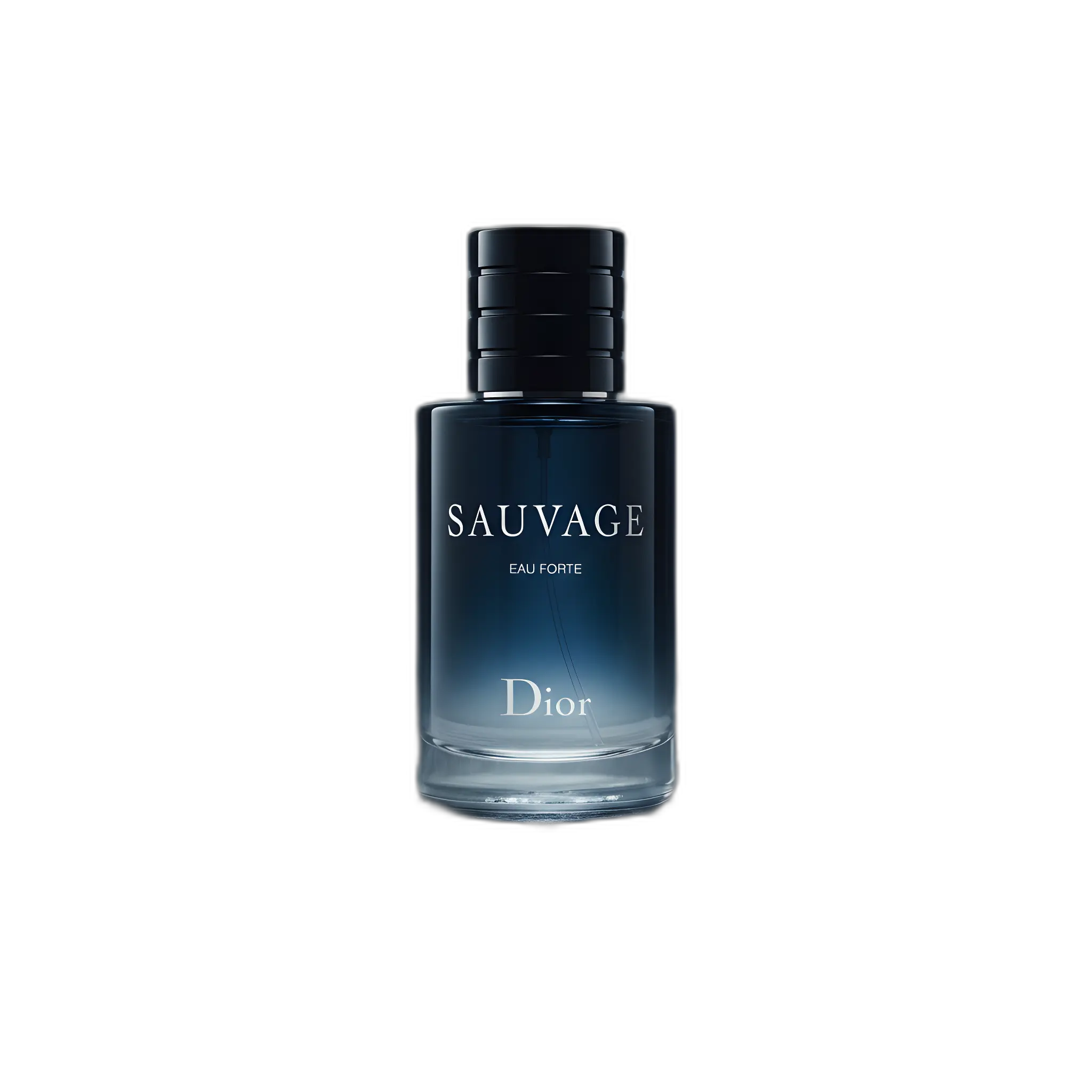
Amazon Listing Images: Requirements + AI Workflow
A practical checklist for Amazon images plus a workflow to generate compliant main images and extra gallery shots.