
Remove Backgrounds From Product Photos
Remove backgrounds from product photos and export clean cutouts (transparent PNG) for Shopify, Amazon, Etsy, and ads.
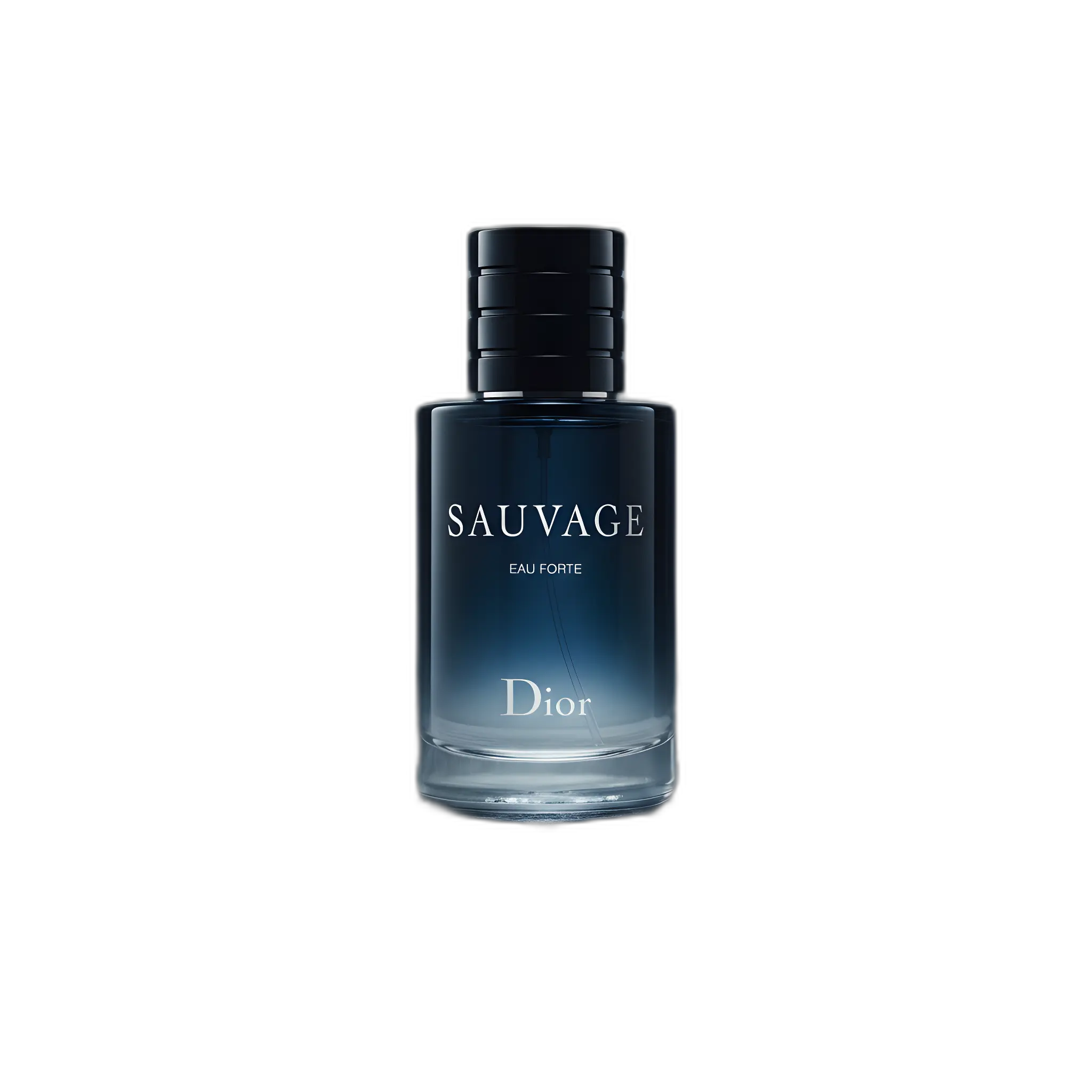
Background removal is one of the highest-ROI improvements you can make to ecommerce images. Clean cutouts make a store look consistent, help products stand out, and unlock reuse across ads and new scenes.
How to remove a background (3 steps)
- Upload a clear product photo (sharp edges and good lighting help).
- Remove the background to create a clean cutout.
- Export as transparent PNG or place it on a clean background for listings.
When you need background removal
- Marketplace main images (clean background requirements)
- Catalog consistency across SKUs and variants
- Ad creatives and design assets (transparent cutouts)
- Quick refresh of old listings without reshooting
Quality checklist
- Edges are clean (no halos or jagged outlines)
- Fine details preserved (laces, chains, hair, transparency)
- No missing product parts
- Natural shadow kept subtle and realistic
Related pages
FAQ
Do I get a transparent background?
Yes—export a clean cutout (transparent PNG) so you can place the product on any color or scene.
What photos work best for background removal?
Sharp, well-lit photos with good contrast between the product and background. Avoid motion blur and heavy shadows crossing the product edges.
Can I use background removal for Amazon images?
Yes. Many sellers use a clean cutout workflow to create compliant main images on a white background. Always verify current Amazon requirements for your category.
Need clean cutouts for your listings?
Remove backgrounds and export store-ready images in minutes.