
Home / Background Remover / White Background
White Background Product Photos
Create clean white background product photos for ecommerce listings. Remove the background, export a clean cutout, and place it on white.
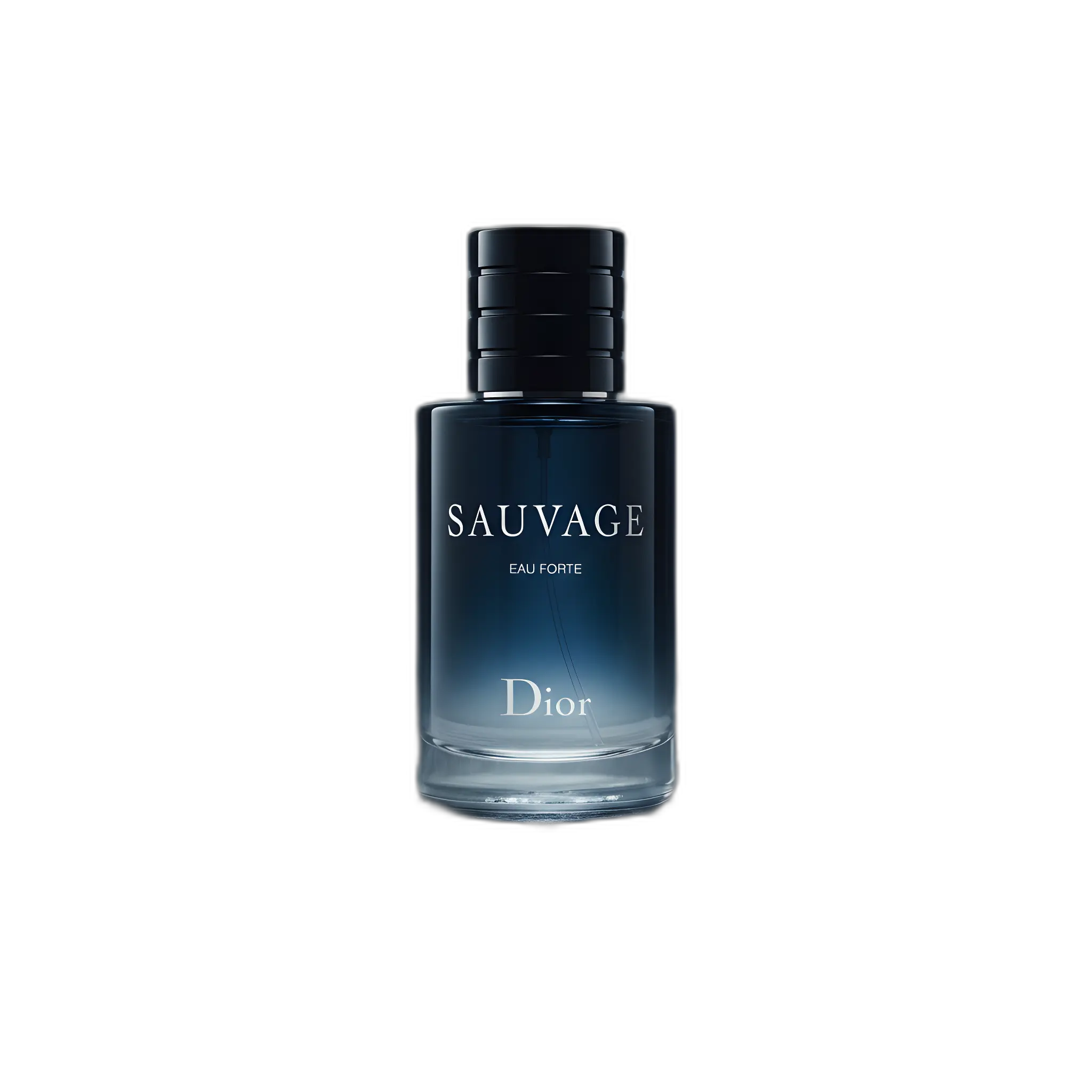
White background images are a staple for ecommerce. They keep listings consistent and help products look clean and professional—especially on marketplaces.
How to make a white background product photo
- Upload a sharp product photo (good lighting, minimal blur).
- Remove the background to create a clean cutout (transparent PNG).
- Place the cutout on a pure white background for your listing image.
- Upscale the final export for crisp detail and better zoom.
Best practices
- Keep edges clean (no halos).
- Avoid harsh shadows crossing product edges in the input.
- Use subtle, realistic grounding shadow if needed (don’t overdo it).
- Standardize framing across SKUs so collection grids look consistent.
Related pages
FAQ
Do I need a transparent background to create a white background image?
A transparent PNG cutout makes it easy: remove the background, then place the product onto pure white in your listing workflow or design tool.
Will this work for marketplaces like Amazon?
Often, yes. Many sellers start with a clean cutout and place it on white for main images. Always verify current requirements for your category.
Create clean white background listing images
Remove backgrounds and export store-ready product photos in minutes.