
Home / Background Remover / Black Background
Black Background Product Photos
Create premium-looking black background product photos. Remove the background and place the product on clean black for ads and PDP hero images.
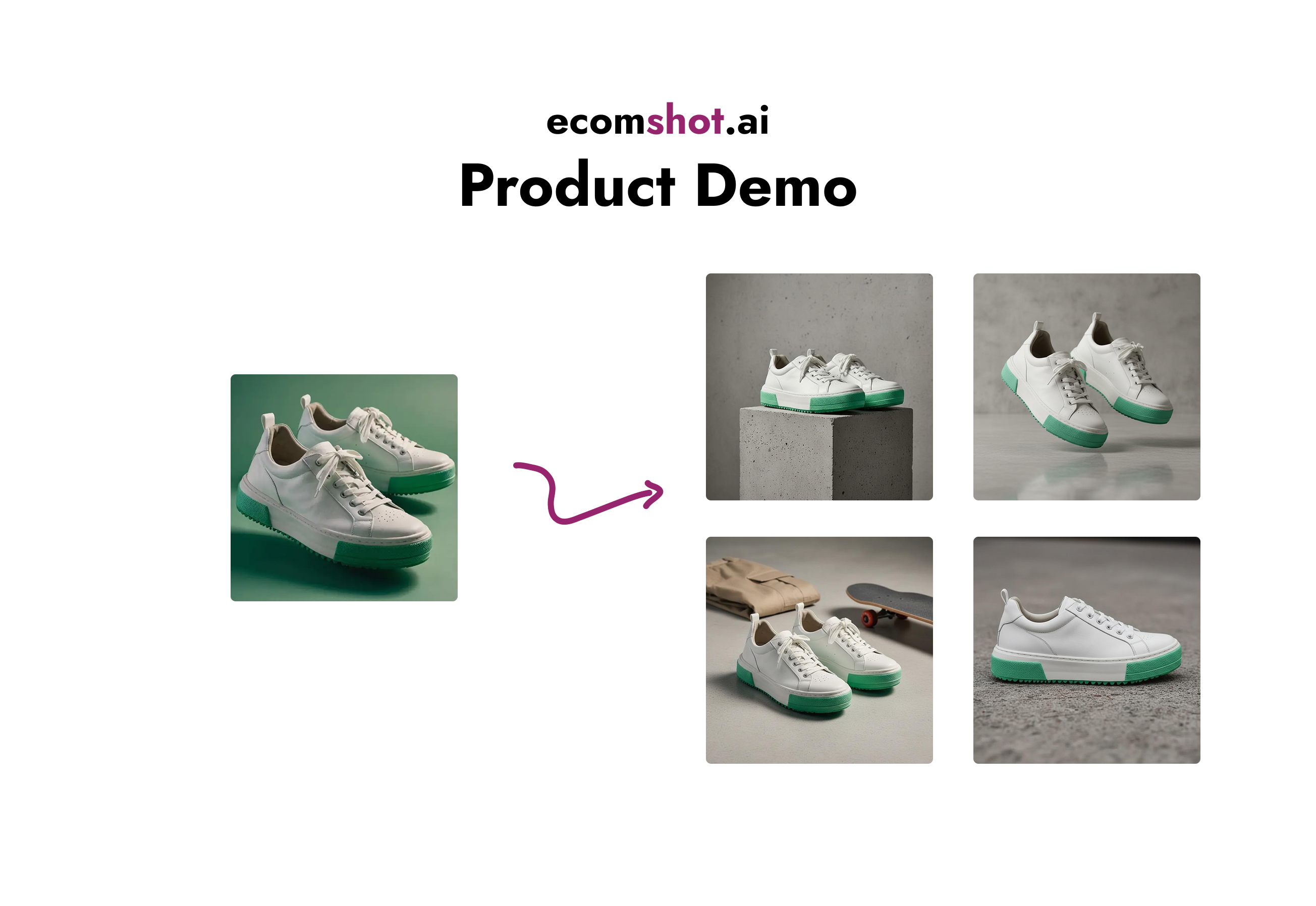
Black backgrounds can make products feel premium—especially for jewelry, watches, and beauty. The key is clean edges and controlled shadows so the product stays the hero.
How to make a black background product photo
- Remove the background to create a clean cutout.
- Place the cutout on a clean black background (solid or subtle gradient).
- Ensure edges are crisp and shadows look realistic (not harsh).
- Upscale final exports for sharp detail.
Related pages
Create premium black background images
Remove backgrounds and export store-ready product photos in minutes.