
Blog / How to Make On-Brand Product Photos (Without Reshoots)
How to Make On-Brand Product Photos (Without Reshoots)
A simple system for consistent style across products: prompts, lighting words, surfaces, and framing rules.

The fastest way to look premium is consistency. Use a small set of reusable “brand looks” across your catalog.
Build 2–3 reusable looks
- A clean studio look (white or neutral)
- A premium surface look (marble/stone/wood)
- A lifestyle look (your signature scene)
A prompt formula
Scene + surface + lighting + composition + realism. Example: “Minimal studio, white seamless, soft diffused light, natural shadow, product centered.”
Ready to generate product photos?
Upload your product and create multiple store-ready variations in minutes.
More articles

AI Product Photography: A Practical Guide for Ecommerce
A simple, store-first guide to generating studio and lifestyle product images with AI—without a photoshoot.
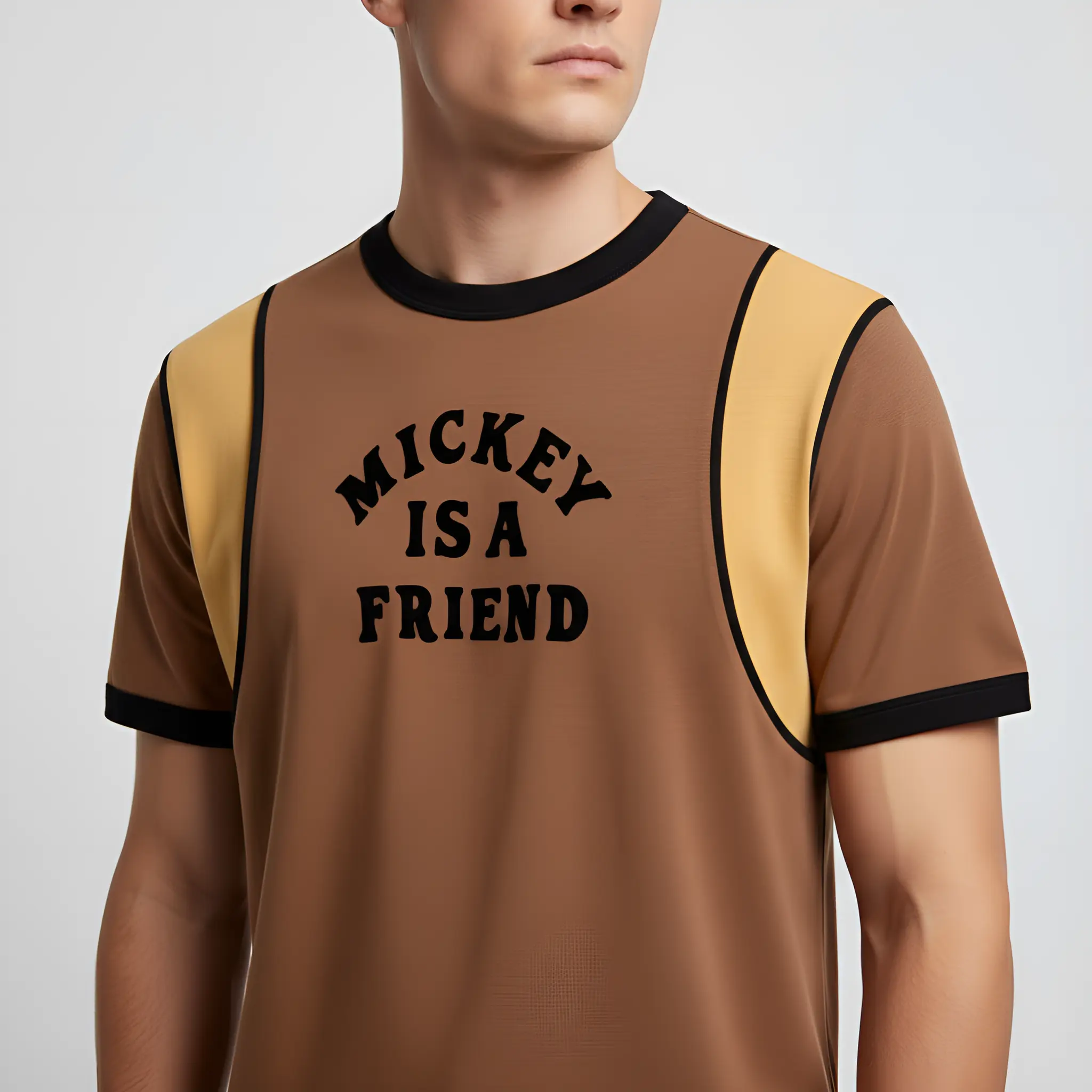
How to Create Shopify Product Photos With AI
A fast way to generate clean, consistent Shopify product images and lifestyle shots—without booking a shoot.
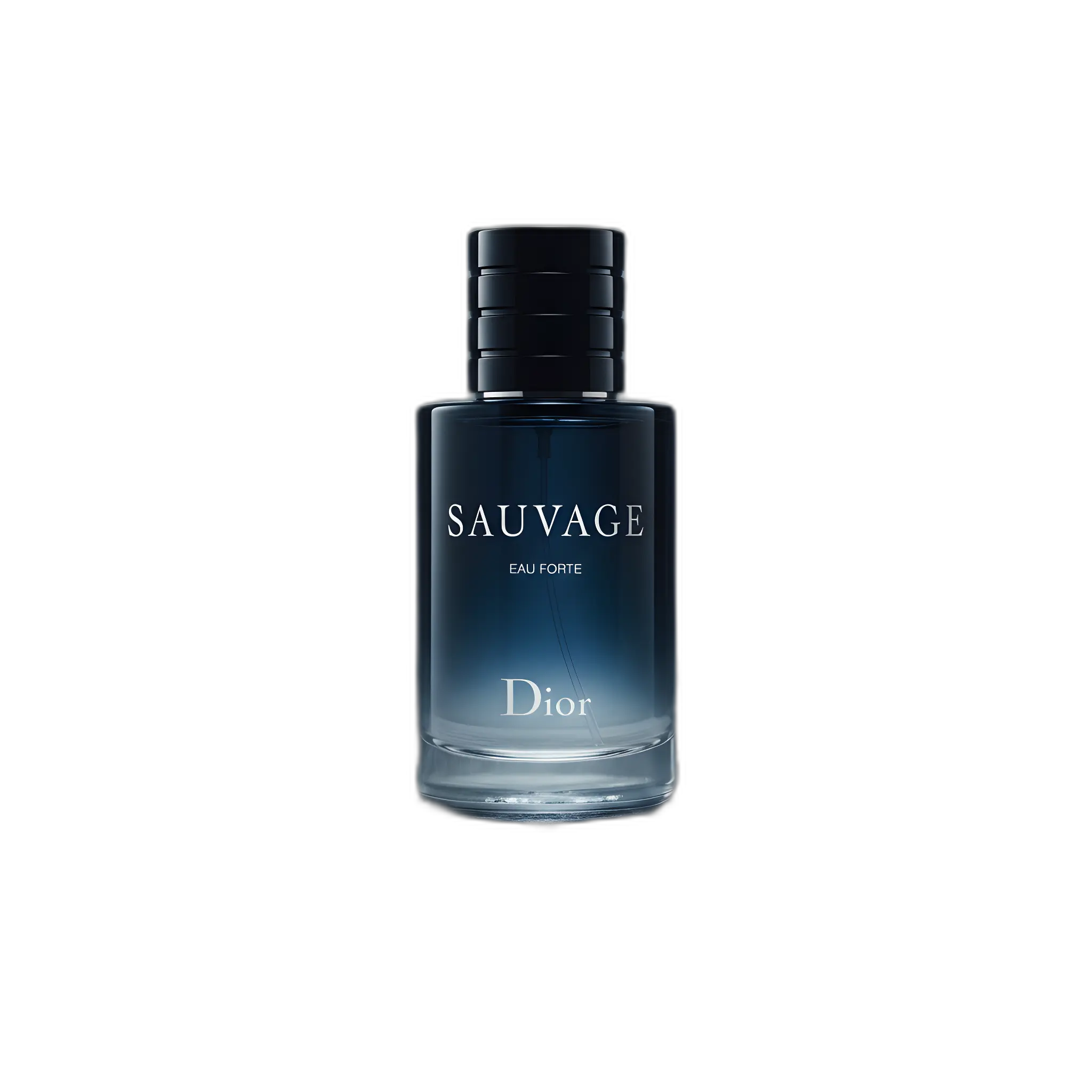
Amazon Listing Images: Requirements + AI Workflow
A practical checklist for Amazon images plus a workflow to generate compliant main images and extra gallery shots.